Skip to content

Editors run on coffee and cookies.

Ours are the stats, ads and better-emails kind. Sorry, no chocolate chips. Privacy policy

Statistics

Google Analytics counts visits and sales.

Advertising

Google may use your visits for ads.

Personalised emails

Our emails follow what you look at here.

Mastering Cinematic Compositions In Video & Film

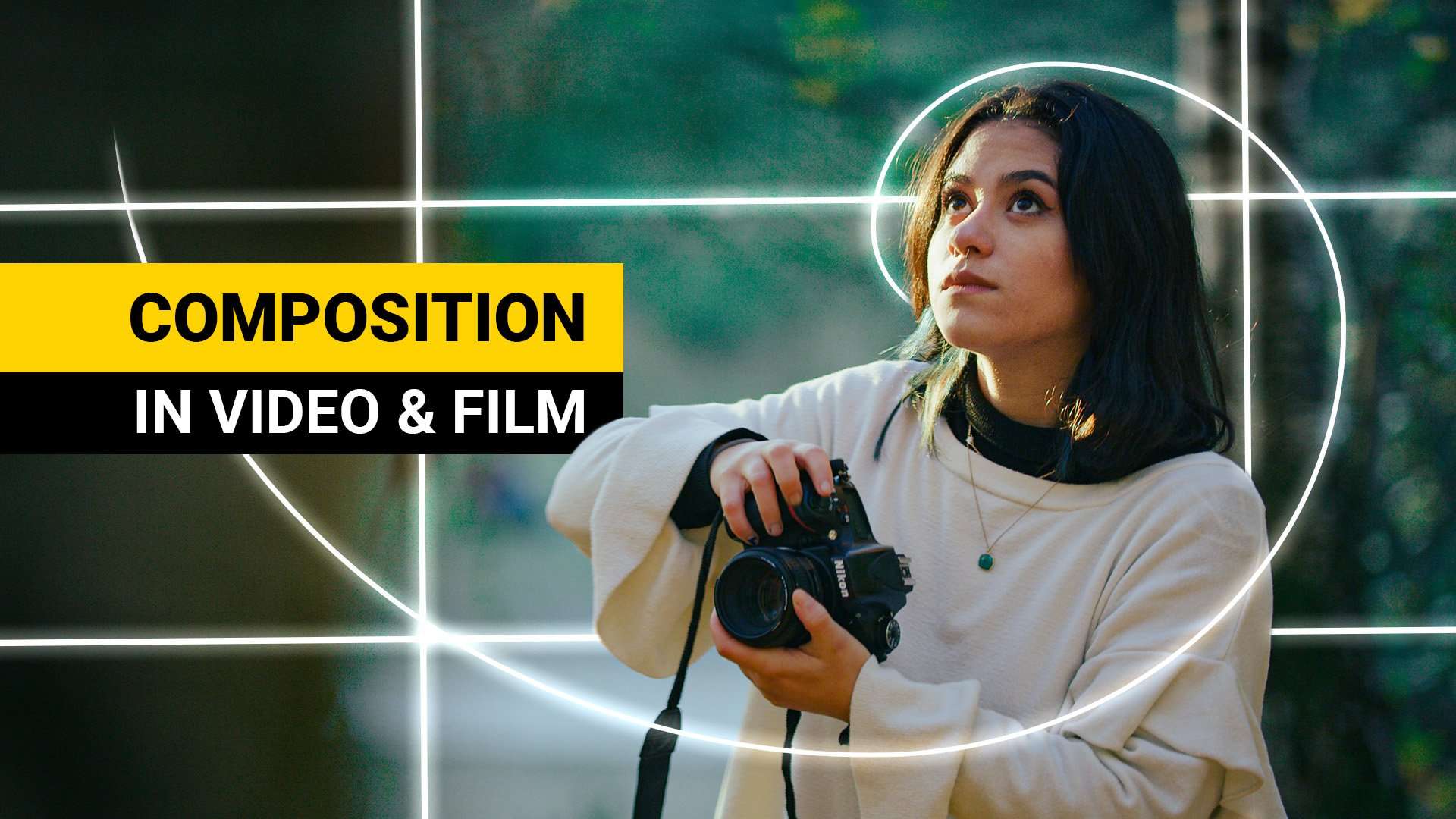
Take your videography skills to the next level and learn how to create cinematic compositions that tell a visual story. Learn how to balance your framing to a composition, create a dynamic flow and add a visual story.
By Jordy Vandeput ★ 4.7 (405 reviews) 13 lessons 40m
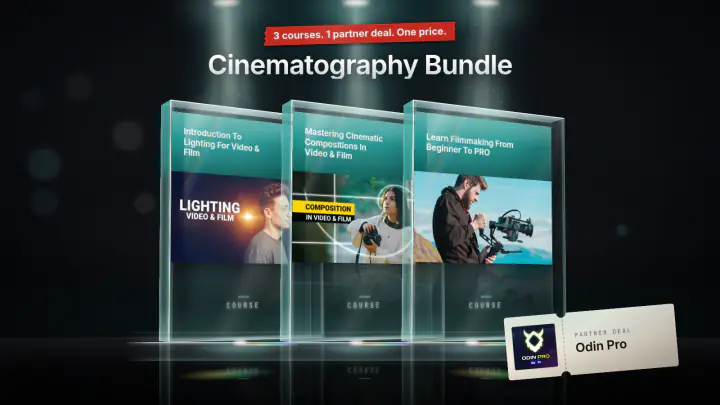
Save 61% Or take the bundle Cinematography Bundle 3 courses · 1 partner deal $149 $391.35 total value See the bundle
Trailer Cinecom
What you'll learn
  • Learn about composition rules
  • Make use of depth of field, colors, exposure, perspective and focal lengths
  • Create dynamic shots with leading lines and point of interest
  • Add flow to your videos through editing techniques and motion
  • Tell a visual story by the kind of composition you make
About this course

This course teaches you how to frame video so the viewer looks where you want and feels what the story needs. You learn the rule of thirds, the golden ratio, center composition, depth of field, color, camera height, focal length, leading lines, point of interest and movement, one short lesson per technique. It is for people who already shoot video and want their framing to look like film.

What you'll learn in this cinematography course

Jordy builds a composition from three ingredients: rules, flow and story. The lessons follow that order.

The rules

  • What a composition is, and how the subject, the number of elements and the camera position change a shot.
  • The rule of thirds: placing a horizon, a mountain or a face on the guide lines, and leaving space in the direction a person looks.
  • The golden ratio and the Fibonacci spiral, how it differs from the rule of thirds, and how to mix the two.
  • Center composition, and when putting the subject in the middle is the right choice.

Depth and separation

  • Depth of field: separating subject, background and foreground, and where an out-of-focus foreground element should sit in the frame.
  • Exposure and color: bright against dark, warm against cold, and how opposite colors make a subject stand out.
  • Camera height (eye height, low and high perspective) and the difference between wide-angle and tele shots.

Flow and story

  • Leading lines, including lines that follow the golden ratio spiral.
  • Point of interest: how to plan where the viewer's eye lands from one cut to the next, and why fast-paced travel edits stay readable.
  • Picture motion: movement of actors and weather such as rain, and how it changes leading lines and the point of interest.
  • Camera movement: changing the framing, pulling focus and revealing new elements during a single shot to change the story.

How the course is built

There are 13 lessons with a total runtime of about 41 minutes. The longest lesson is under five minutes, which is deliberate: Jordy says every lesson is short so you can watch it again while you practice. The examples are shot outdoors with two on-screen helpers, Lucia and Lorenzo, with the guide overlays drawn over the footage. The rule of thirds and golden ratio lessons end with a practice task: shoot your cat, the street or a friend and try the composition, using your phone if you like. Jordy suggests watching one lesson, practicing that one technique, and combining techniques in a complete video once you feel ready. The course lists no project files.

Who this course is for

It is for you if you already own a camera and shoot video, but your shots do not look like the ones professional filmmakers make. Everything in the lessons also applies to photography, as Jordy points out. Jordy keeps the theory short, and the course does not cover lighting, camera settings or editing software.

What you need

No software is required. You need something to shoot with. Jordy says a phone is a good tool for the practice tasks. Smartphones have a rule of thirds grid overlay, and he mentions that apps exist for a golden ratio overlay if your camera has none.

Lessons
13 lessons 40m 2 free previews
Jordy introduces the class: short, practical lessons on the rule of thirds, the golden ratio, different compositions, movement and the story behind a shot, for filmmakers who want better framing.
Defines a composition through its subject and the choices around it, then names the three ingredients of the course: rules, flow and story. Lucia and Lorenzo show how framing and empty space change what a shot says.
Divides the frame into thirds and puts horizons, trees, mountains and faces on the guide lines. Covers viewing direction, two people in one shot, why the middle suits direct address, and a phone practice task.
Explains the golden ratio and the Fibonacci spiral, then lays the spiral over Lucia and Lorenzo to align eyes and background. Compares it with the rule of thirds and suggests a smartphone overlay app for practice.
Uses focus to give a flat image depth: sharp subject, blurred background and foreground. Shows where a blurred rock or shoulder sits against the thirds or the spiral, the over-shoulder shot, and when to keep the background sharp.
Covers brightness and color as ways to separate subject from background: bright clothing against dark, a blue jacket against sand, warm versus cold colors, a red scarf against green, and a spiral that leads the eye through a blue scene.
Compares eye height, low and high camera positions and what each says about a character, then wide-angle against tele framing. Shows how an off-balance composition can support the story and how both choices combine in an edit.
Makes the case for center composition after the thirds and the spiral. Looks at putting the subject and the eyes in the middle, how headspace gives the environment a role, and using it in long shots with color contrast.
Shows leading lines as objects that guide the eye to the subject, such as a branch or a path to a park entrance. Places them on the thirds and the golden ratio spiral so the viewer scans the whole frame.
Explains the point of interest and how to plan it across cuts. Keep it in the same area to link shots, or move it with leading lines, color and focus, as in an over-shoulder exchange, a love scene and fast travel edits.
Looks at movement inside the frame: actors turning, walking in or throwing a rock into a pond, plus rain and mist. Shows how movement creates leading lines, moves the point of interest and changes the framing within a shot.
Shows how moving the camera changes composition and story: a walking talent reframed to the opposite side, a second person entering a centered shot, a focus pull, moving backwards to reveal elements, and a bench as leading lines.
Wraps up with advice to practice: watch one lesson, try that technique, repeat for every lesson, then combine several in a complete video. Jordy notes that the lessons are short so you can rewatch them.
Your instructor
Jordy Vandeput

Jordy Vandeput

Founder of Cinecom · 2.75M+ subscribers on YouTube

Jordy Vandeput is a Belgian filmmaker who has taught practical filmmaking to millions through Cinecom. He breaks professional techniques down into clear, repeatable steps you can use on your very next project.

Watch on YouTube
From the course
What students say
★ 4.7 · 405 reviews

Jordy Vandeput is one of the most excellent teachers I have ever seen, he is the one who makes me love video editing and see it as a creative process and not boring anymore, for example before I took (premiere pro Lumetri: color correct& color grade like a pro ) I thought that I know how to edit the colors but after taking it I realized that I was a joke at editing the colors I wasn't using Lumetri Scopes, I really thankful for Cinecom❤️❤️❤️(as always stay creative )

Kerolos Ashraf Edward Tawfiq

This Skillshare class exceeded my expectations. Jordy explains camera techniques very clearly, making it helpful for both beginners and advanced learners. The B-rolls with examples are extremely useful, allowing me to easily revisit and review techniques through short films. The B-rolls vividly demonstrate how the theory is applied in practice. As a novice instructor on Skillshare, these insights are invaluable for creating my second course. Thank you, Jordy, for this class!

Ben Van Acker

Incrivel! Muito obrigado.

Mateus Batista

Great course! I found this course very helpful and fun to practise. Highly recommend for anyone wanting to improve their videography composition!


Kristian Gabrielsen

Couldn’t load more. Try again.
Questions
No. The lessons teach composition, and Jordy says in the introduction that it is about the person behind the camera, not the camera. For the practice tasks he suggests your phone, and smartphone apps can overlay the golden ratio.
It is aimed at people who already shoot video and want to get to the next level. The lessons are short and practical, but they assume you can already operate a camera and want to work on framing.
You will be able to frame a shot with the rule of thirds, the golden ratio or a center composition, create depth with focus, color and exposure, guide the eye with leading lines, and plan the point of interest from cut to cut.
Both, as they relate to composition. One lesson covers the point of interest across cuts, including fast-paced travel edits. Two more cover movement in the picture and moving the camera. It does not teach editing software.
There are 13 lessons with a total runtime of about 41 minutes. The longest lesson is under five minutes, and each one covers a single technique so you can practice it before moving on.
No, the course lists no project files. The practice tasks use your own footage: shoot a subject, a friend or the street and try each composition technique yourself.
Sign in to your Cinecom account and every lesson streams right away, on any device. You keep access for life, for as long as the course stays in our catalogue.
One time. You pay once and keep lifetime access. There is no recurring subscription.
No. Lessons stream from your account. When a course comes with project files, you download those from the course page in your account.
No. When a course teaches a program, the course page shows which one, and you need your own copy.
Yes, you can sign in on your phone, tablet or computer. Your account is personal, and signing in on several devices at the same time can end your other sessions.
Yes. Paddle, our reseller, runs the checkout, charges any VAT or sales tax and sends you the invoice.
No. Our courses do not come with a certificate.
Watch the free preview lessons and browse the full lesson list before you buy. Every lesson unlocks the moment you enrol, so purchases are final. This never affects your statutory rights if a course is faulty or not as described: email [email protected] and we will help.
Cinecom Complete Bundle

Every course. Every pack. One price.

  • 14 courses
  • 24 video packs
  • 1 partner deal
  • Every future release
$197 Total value: $1,704.70 Save 88%