Introduction To Lighting For Video & Film
Learn how to create depth, cinematic shots and interesting scenes in this introduction to lighting for video class. With basic lighting tools and natural sources we’re showing various examples in our film-studio and at home.
 Save 61%
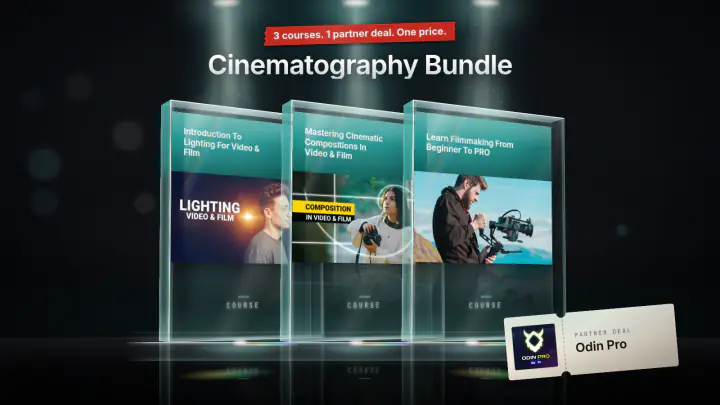
Or take the bundle
Cinematography Bundle
3 courses · 1 partner deal
$149
- Why we use lights and where to place them
- How to work with practical lights
- The difference between colored lights
- Practical Examples
This course teaches you where to put a light, and why, so your video shots gain depth instead of looking flat. You learn it with one light, a window or a lamp from your living room, and build up to a lit interview and a dramatic fiction scene. It is made for beginners in video and film who want to understand lighting before buying gear.
What you'll learn in this lighting course
- What light is for: a light either illuminates the subject or creates depth, and why you never place a light just because it is too dark.
- How every light makes a highlight and a shadow, and how to see where each one falls on your monitor.
- The key light and the fill light, and how a big window can be your key light with the room's walls acting as the fill.
- Layers of light: why highlights push shadows forward, which side of the camera to put the key light on, and how to alternate shadow and highlight layers across the whole shot, including a lit wall or a bright room behind your subject.
- The backlight (a hot spot in the hair) and why it works best on the shadow side of your subject.
- Practical lights: visible lamps and bulbs in your shot that act as a key light, a backlight or a standalone layer.
- Colour in light: filters and gels, analogous and complementary colours, warm orange against cool blue (the teal and orange look), and using colour to tell a story, such as a mysterious hacker.
How the course is built
There are 6 lessons with a total runtime of about 29 minutes. The first five lessons are mostly shot in Jordy's studio (plus an office) with a model, Lorenzo. The final lesson, about 10 minutes long, moves to a living room, where you watch two scenes being lit from scratch: a clean interview shot and a more dramatic fiction shot. In the living room you see how to deal with a window you cannot move, how to turn warm ceiling lights neutral or blue with filters, and how to add candles and a blue light in the background.
Who this course is for
It is for anyone who films interviews, short films, documentaries or corporate videos and does not know where to start with lighting. Jordy says the same principles apply to all of them, and that people with no lighting background gave good feedback on the workshops where he taught them. You do not need to know anything about lighting beforehand.
It is an introduction. Colour theory gets one lesson, and Jordy says it could be a whole class of its own. If you already light scenes confidently, this course will mostly confirm what you know.
What you need to follow along
No professional lighting kit is required. The principles are explained with windows, sunlight and decorative lights, and Jordy says you do not need expensive equipment. To try the colour lessons yourself, you will want some coloured filters or gels. The lessons also use an LED softbox, a Stella Pro light with a fresnel, and a desk light and candles as practicals, but you can apply the same ideas with what you have.

Jordy Vandeput
Founder of Cinecom · 2.75M+ subscribers on YouTube
Jordy Vandeput is a Belgian filmmaker who has taught practical filmmaking to millions through Cinecom. He breaks professional techniques down into clear, repeatable steps you can use on your very next project.
Watch on YouTube★★★★★Amazing explanations and without forgetting your intros so creative l loved them so much especially ur personality
★★★★★Fantastic explanation with no padding - a real treat.
★★★★★If you are a complete beginner in lighting and have only 30 minutes to spare, this course is a game changer. It takes your videos from standard to cinematic, adding emotion and depth with simple yet powerful lighting techniques. If you want to truly understand colors and lighting, this is the perfect starting point. After finishing, you will definitely want to go even deeper into the subject.
★★★★★awsome


Every course. Every pack. One price.
- 14 courses
- 24 video packs
- 1 partner deal
- Every future release