 Adobe After Effects
Create Motion Graphics Templates With Adobe After Effects
Learn how to create Motion Graphics Templates with Adobe After Effects to use in your own workflow or to sell on marketplaces. These templates can be exported to Adobe Premiere Pro for a user-friendly use.
 Save 88%
Or take everything
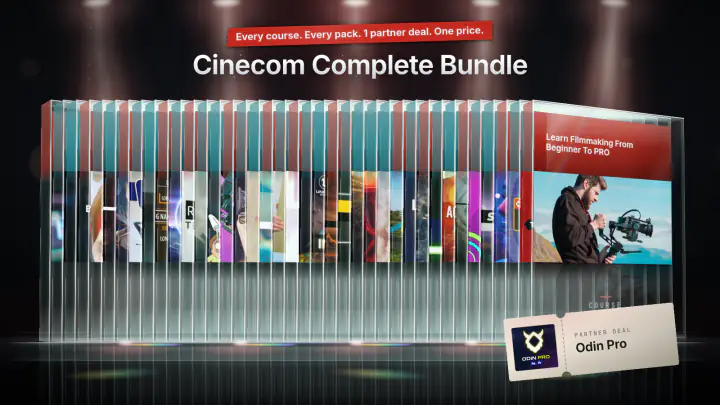
Cinecom Complete Bundle
14 courses · 24 video packs · 1 partner deal
$197
- Set up a template in After Effects and export it to use in Premiere Pro
- Create user-friendly interfaces using dropdown menus and checkboxes
- Write basic expressions to automate actions
- Linking objects and properties for easier use
- Working with animation curves
This course shows you how to build motion graphics templates in Adobe After Effects and use them in Adobe Premiere Pro. You set up and export your own templates, then make them easy for anyone to use with checkboxes, dropdown menus, color controls and text fields that cannot break. It is for After Effects users who know the basics and want templates for their own videos or for sale on marketplaces.
What you'll learn in this After Effects template course
The lessons follow one idea: a template should be simple for the end user and hard to get wrong. You will work through these techniques:
- Template workflow: choose a composition, drag properties into the Essential Graphics panel, label them, set default values, export the Motion Graphics Template, install it in Premiere Pro and change its options from the Edit tab.
- Expressions: write an if else expression, use a Checkbox Control and a Dropdown Menu Control on a null "controller" layer, and link properties with the pick whip.
- Color controllers: type RGB values into an expression (divided by 255 so After Effects reads them), give each person in a dropdown a fixed color and name, and make a darker shade by dividing a color by 2.
- Animation: easy ease, speed curves in the graph editor, masks that reveal text, motion blur, and the amplitude of a bounce expression.
- Template formatting: groups, comment labels and a poster frame that shows as the thumbnail in Premiere Pro.
- Text fields: a text area that wraps long text, leading, and an anchor point expression that keeps one or two lines of text on the same baseline.
- Object linking: parenting a logo to its background, linking one color to another, and sizing a background rectangle to the width of a text layer with sourceRectAtTime.
How the course is built
There are 9 lessons with a total runtime of 1 hour 19 minutes. Each one builds a small template you could use yourself: a username lower third with a glitch effect, a big title with a bounce and a glitch checkbox, a lower third that sits on the left or right, a rolling "Stay creative, safe, cool" text, a lower third with a color and name per person, a text area, and a logo reveal with a background that fits the company name. The last lesson asks you to build a template of your own.
The course comes with a project files download (a 1.6 MB zip). Jordy works in its lessons folder and exports the templates there, and it holds a text file with the vertical-align expression from the text fields lesson.
Who this course is for
The course is rated advanced. It suits you if you already know the basics of After Effects and Premiere Pro, and you want to make templates to speed up your own work or sell them. You do not need to be able to code: Jordy writes the if else expression with you step by step, and some longer snippets (the bounce, the vertical align) are copied and pasted rather than written from scratch.
It is not a first course in After Effects. If you have never used the program, start with the basics first.
What you need
Adobe After Effects. The lessons also install and test every template in Adobe Premiere Pro, so you will want it to follow along. Jordy notes that the Essential Graphics template feature is recent, so keep both programs updated.

Jordy Vandeput
Founder of Cinecom · 2.75M+ subscribers on YouTube
Jordy Vandeput is a Belgian filmmaker who has taught practical filmmaking to millions through Cinecom. He breaks professional techniques down into clear, repeatable steps you can use on your very next project.
Watch on YouTube★★★★★All the courses I've taken so far were exciting and informative. Most importantly they had steps that could be easily followed and replicated making practice very simple.
★★★★★Clear result-oriented classes in a light-hearted style that makes it enjoyable to learn new skills.
★★★★★Jordy is, by far, my favorite editing/motion graphics teacher PERIOD. He's very engaging and informative. I'm still very new to after effects but I felt while watching this lesson that he was giving me a very curated tour of what I need right now to know and showing me some stuff that I definetly want to learn in the future. Reccomended :)
★★★★★I have again learned something new. Especially the if, else expression and the sourceRecAtTime. I am actually about to edit a video for a client and this lesson definitely helped me a bunch because now I will be able to save more time by creating awesome templates in After Effects. Thank you, Jordy!


Every course. Every pack. One price.
- 14 courses
- 24 video packs
- 1 partner deal
- Every future release