Secrets to Growing a Successful YouTube Channel
The YouTube game has changed like never before. Learn how to grow your own channel in 2025 using the same secrets as Mr. Beast, Ryan Trahan, MKBHD, Mark Rober and other successful channels.
 Save 88%
Or take everything
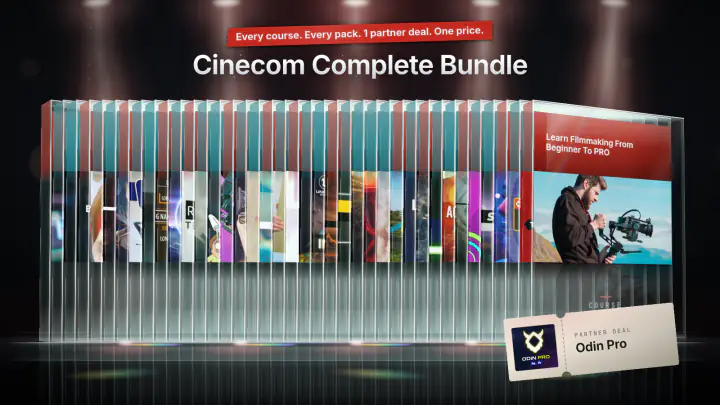
Cinecom Complete Bundle
14 courses · 24 video packs · 1 partner deal
$197
- Create thumbnails and titles that have a high click-through-rate
- Write a scenario for maximum retention
- Record clean video and audio
- Keep the audience hooked with an exciting edit
- Turn viewers into subscribers with the right call-to-action
This course shows you how to plan, make and package a YouTube video so that people click it, keep watching and come back for the next one. You learn how to define your audience with a persona card, build thumbnails and titles, write a video with a story, film and edit it with the gear you already have, and end it with one call to action. It is made for people who want to start a YouTube channel and for creators whose videos do not get the views they hoped for.
What you'll learn in this YouTube course
The lessons follow the order in which you make a video.
- Video ideas: describe your viewer as a persona (name, age, hobbies, struggle, motivation), find that persona in your YouTube Studio analytics, and use the persona card to check every idea before you shoot it.
- Thumbnails and titles: the three stages a viewer goes through (attention, understanding, relevance), how a title complements a thumbnail, and how to package a plain topic such as a strawberry pie recipe into something people want to click.
- Video scenario: a story in four parts (setup, incidents, struggle, resolution), applied to a Viking run and even to a tutorial about installing antivirus software.
- Video making basics: side lighting, backgrounds you stand out against, breathing space in the frame, and why the microphone has to sit right next to your mouth.
- Video editing basics: tight cuts, a zoom that hides a jump cut, b-roll, text animations, sound effects, J and L cuts, and timing jokes with the music.
- Call to action: why a call to action has to be a two-way trade, why you ask for one thing at a time, and how clickable cards in YouTube Studio send viewers to your next video.
- Engagement: turning viewers into core fans through the comment section, community posts, and giving people a real reason to comment.
How the course is built
There are 9 lessons with a total runtime of about 53 minutes. Jordy works through examples from different niches, among them vlogs, beauty channels, Lego building, cooking and tutorials. Two lessons give you a task: write a persona card for your own channel and test an idea with it, and collect five YouTubers whose video and audio quality you like, then recreate their lighting and background and compare the photos side by side.
The course includes one project file, YouTube_Persona_Card.pdf (0.4 MB), the persona template used in the Video Ideas lesson.
Who this course is for
It is for people who want to start a channel and for creators who are already uploading but do not see the views. The course is listed at beginner level. You do not need a particular camera: Jordy says you can follow along with the gear you have, even a phone. You also do not need a particular editing program, because the editing techniques work in any video editor.
It is not a software tutorial. The two video lessons cover basics (lighting, framing, audio, editing techniques). For a deeper look at camera framing or editing, Jordy points to his other courses.
It is also no shortcut. In the final lesson Jordy says you should not expect your channel to take off right after watching, and that growth takes anywhere from a couple of months to a year or two.
What you need
A YouTube channel (or a plan for one), a camera or phone, and any video editing software you are comfortable with. YouTube Studio is used in the lessons to look at audience analytics and to create clickable cards.

Jordy Vandeput
Founder of Cinecom · 2.75M+ subscribers on YouTube
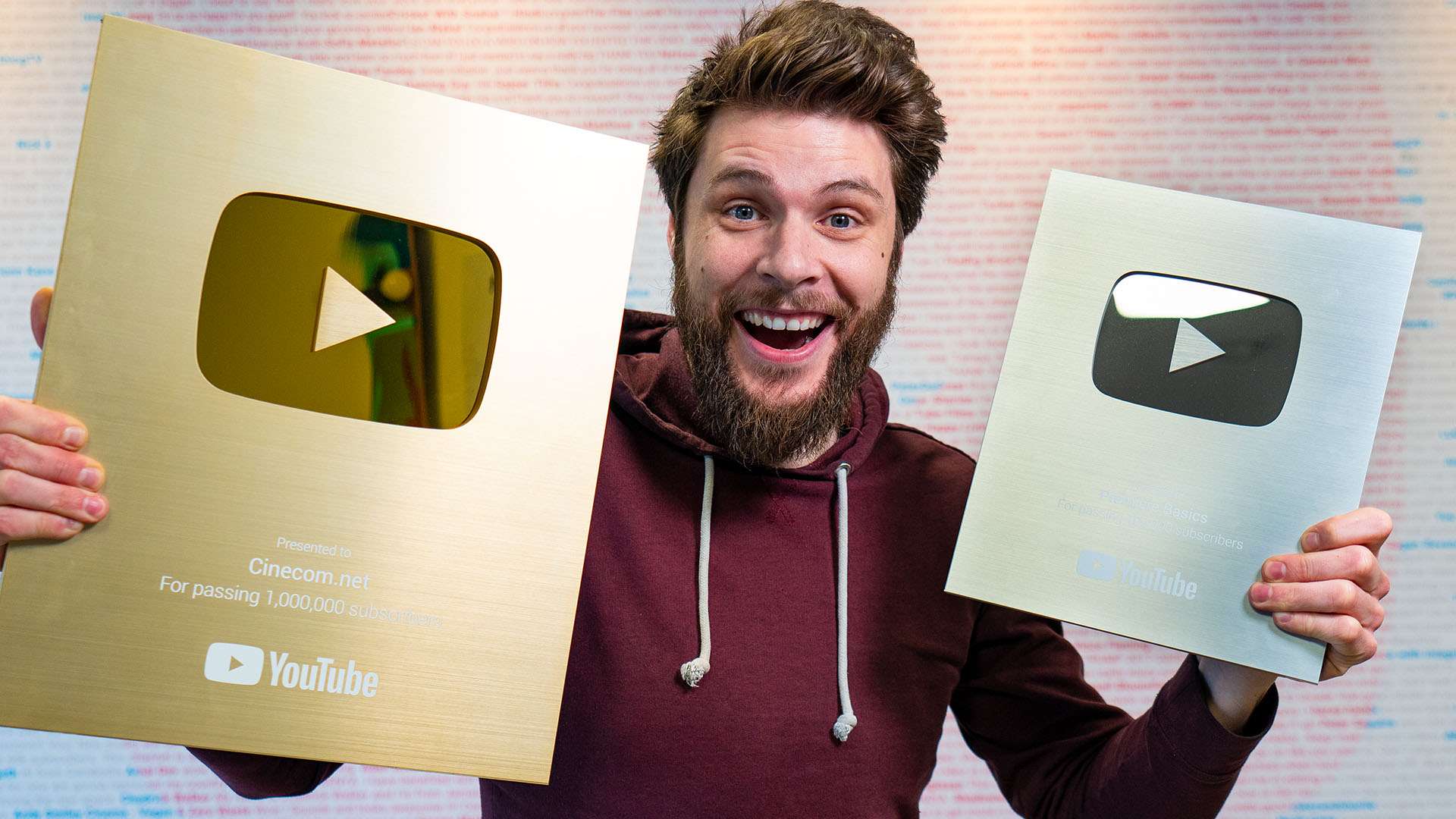
Jordy Vandeput is a Belgian filmmaker who has taught practical filmmaking to millions through Cinecom. He breaks professional techniques down into clear, repeatable steps you can use on your very next project.
Watch on YouTube★★★★★Me gustó mucho el curso muy claro y muy util su explicación.
★★★★★Had taken Jordy's editing courses when I started content creation and he gave me the tools I needed to make 100+ shorts. Now that I'm starting youtube this was the perfect piece of motivation I needed to get going. 10/10 as per usual short lessons but with excellent, valuable, actionable info!
★★★★★Learned Lots Of Things, It Is a Nice Course For Content Creation, Beautifully Explains Everything.
★★★★★It delivers what it promises and more: it boosted my motivation.


Every course. Every pack. One price.
- 14 courses
- 24 video packs
- 1 partner deal
- Every future release