Skip to content

Editors run on coffee and cookies.

Ours are the stats, ads and better-emails kind. Sorry, no chocolate chips. Privacy policy

Statistics

Google Analytics counts visits and sales.

Advertising

Google may use your visits for ads.

Personalised emails

Our emails follow what you look at here.

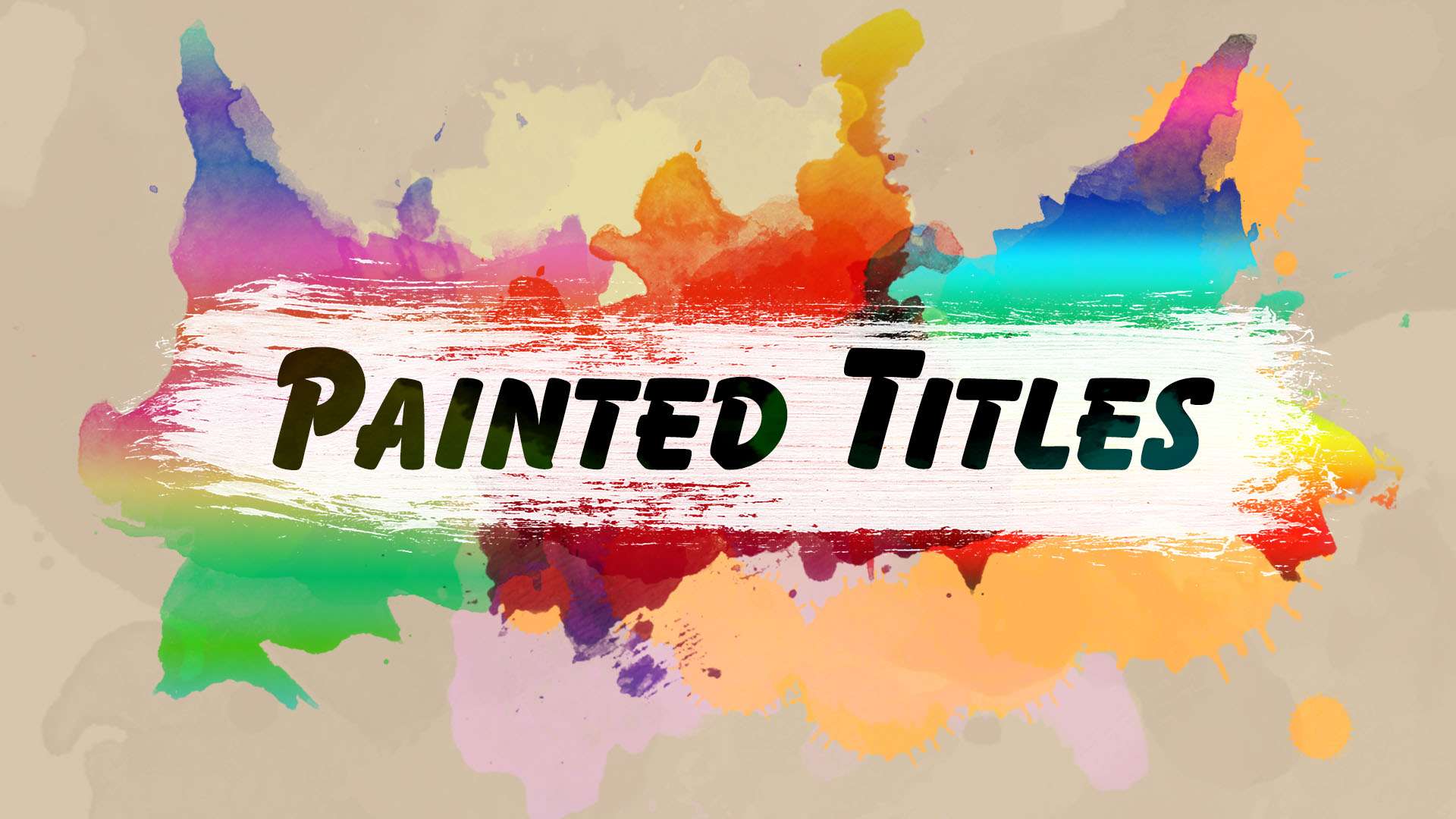
Painted Titles: Creative Title Templates

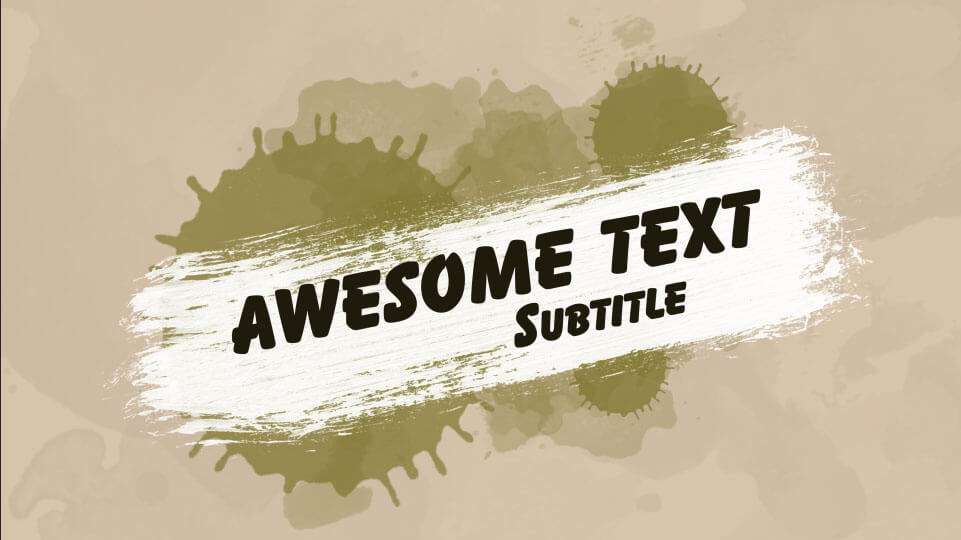
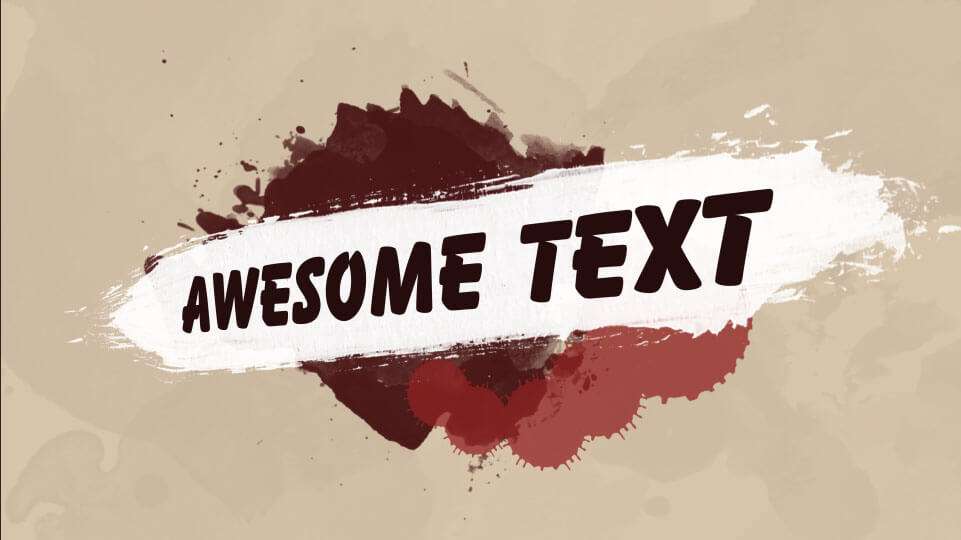
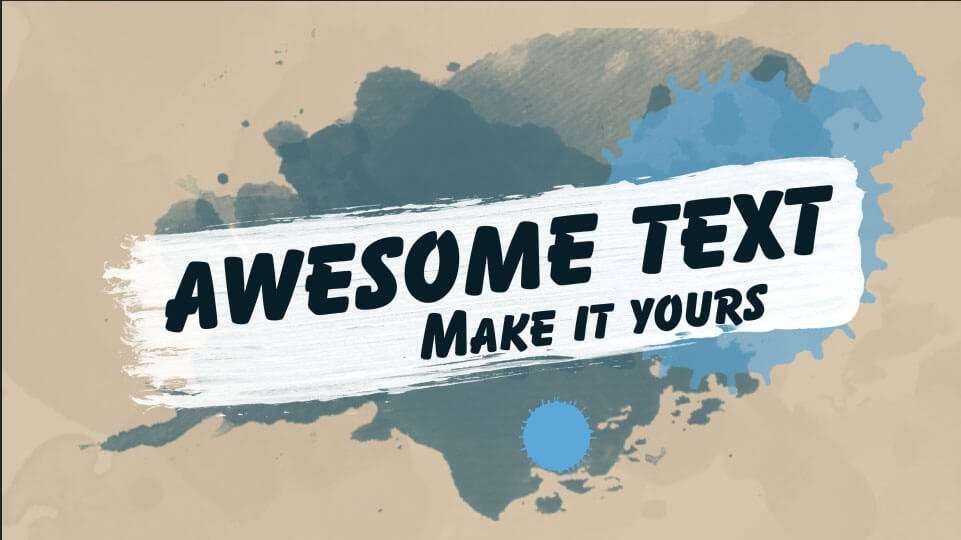
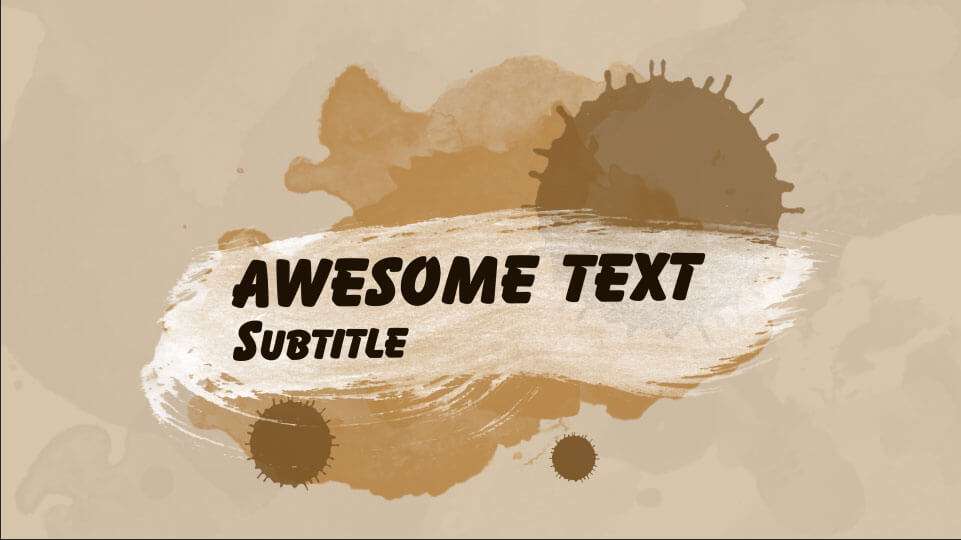
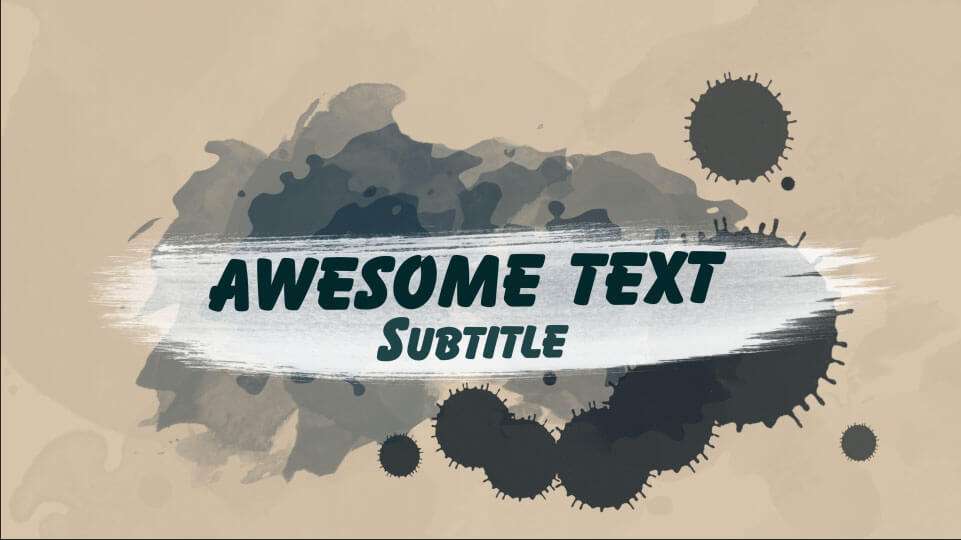
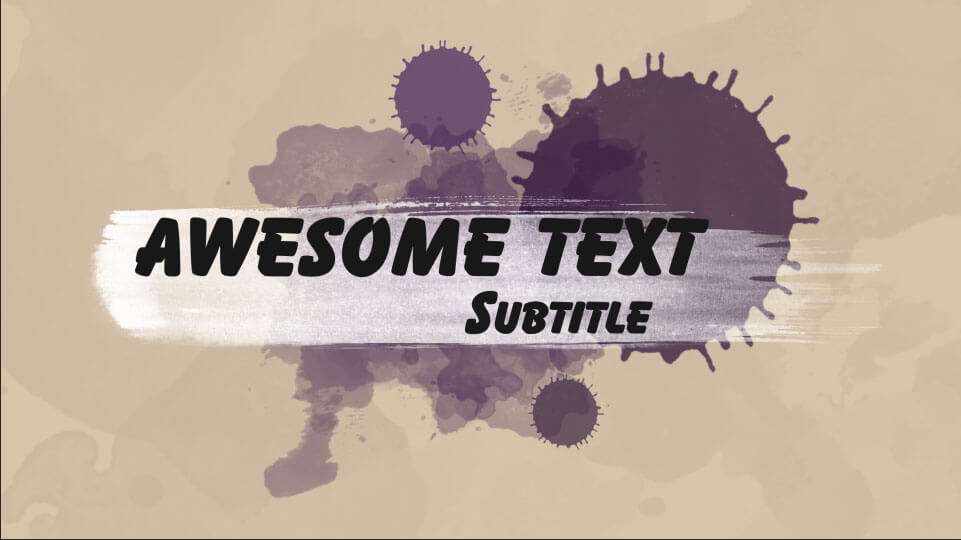
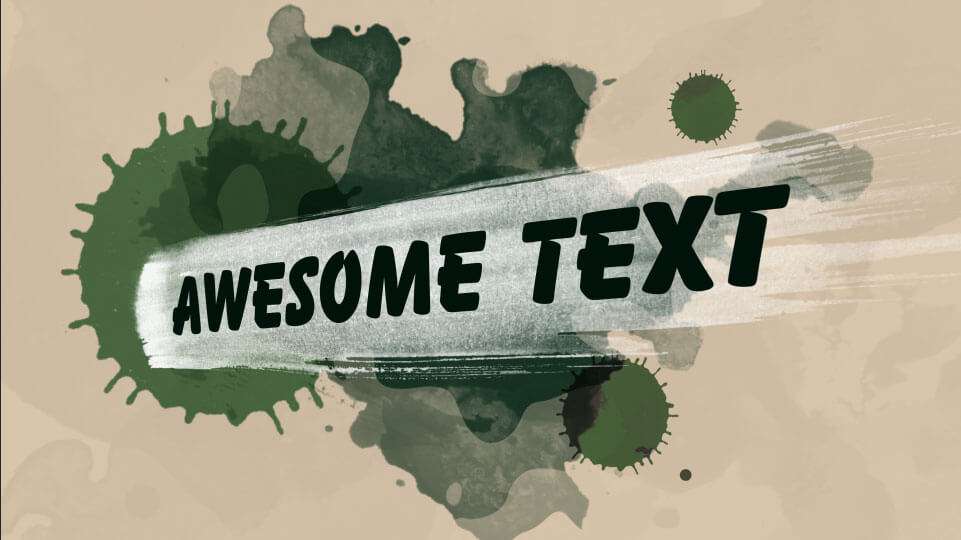
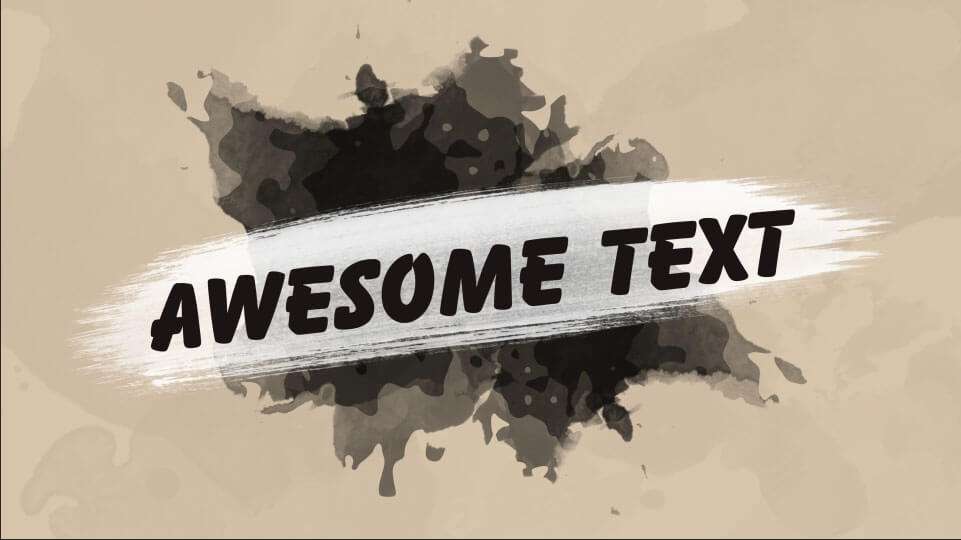
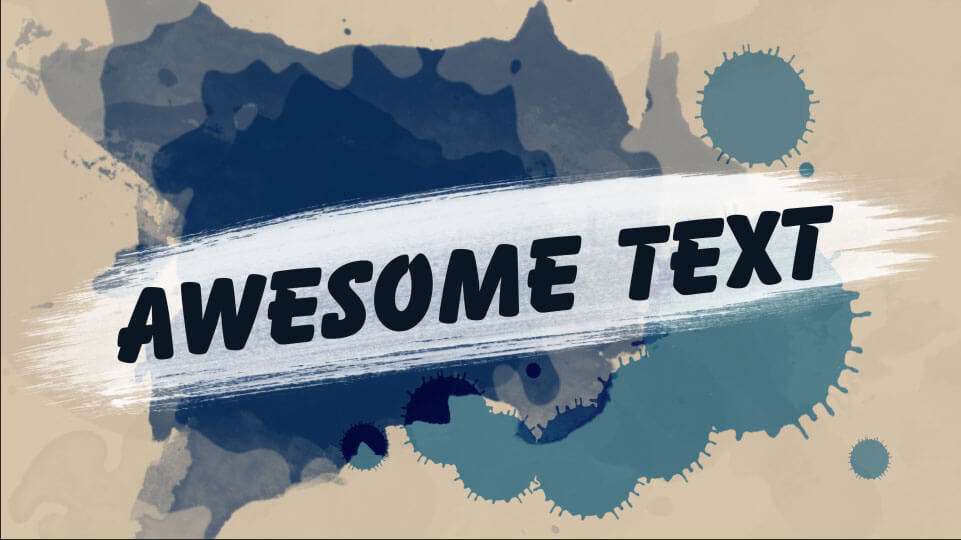
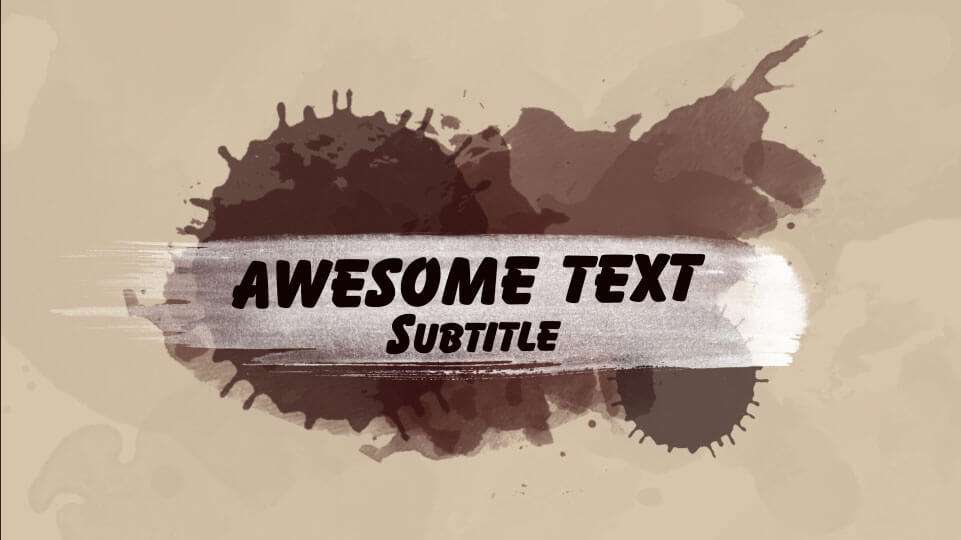
Painted titles is a collection of 10 title animations for both After Effects and Premiere Pro. The templates are fully customizable through intuitive controls.
Royalty-free Adobe Premiere Pro Adobe Premiere Pro Adobe After Effects Adobe After Effects
Save 69% Or take the bundle Complete Video Packs 24 video packs · 1 partner deal $99 $325.80 total value See the bundle
About this pack

Painted titles are 10 title animations created in Adobe After Effects and also made available for Adobe Premiere Pro.

The text and colors can easily be adjusted through an intuitive control in After Effects. For Premiere Pro, we have exported all templates as MOGRT files. The same customization is possible.

How to use

The Adobe Premiere Pro templates are 10 MOGRT files, which you can install in your motion graphics window.

The text and colors can easily be adjusted from the essential graphics window.

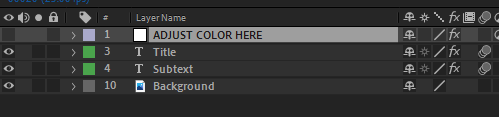
The After Effects template works similarly. Every comp has a layer called ‘ADJUST COLOR HERE’. Select it and from the Effect Controls you’ll find all the options needed.
 

Specs
Download
225.3 MB
File Size
225 MB
Templates
10
Formats
AE Project, MOGRT Files
Works in
Adobe Premiere Pro Adobe Premiere Pro Adobe After Effects Adobe After Effects
Licence
Royalty-free · commercial use included
Preview the pack
Painted Title 10
Painted Title 10
Painted Title 09
Painted Title 09
Painted Title 08
Painted Title 08
Painted Title 07
Painted Title 07
Painted Title 06
Painted Title 06
Painted Title 05
Painted Title 05
Painted Title 04
Painted Title 04
Painted Title 03
Painted Title 03
Painted Title 02
Painted Title 02
Painted Title 01
Painted Title 01
Questions
Both versions have the same customization controls, so you can use the templates for the program that you like to work with the most. However, the After Effects project shows all the source materials and animations. If you like to customize the templates beyond the given controls, you need to do that in here.
Since the MOGRT's are created in After Effects, Premiere Pro needs to create a dynamic link. Unfortunately this doesn't always go smooth. Ideally you render a preview of your template animation before playing back your timeline.
Sign in to your Cinecom account and open the pack. Its files are ready to download right after payment. Save a copy on your own drive as a backup.
Yes. You may use them in your own video projects, including commercial ones such as monetized videos. You may not resell, share or redistribute the original files, or publish them as stock or inside a competing product.
Each pack page lists the software the pack works with. Check it before you buy: not having the right software is not a reason for a refund.
Yes. You pay once for each pack, and there is no subscription.
Packs are downloads you get straight away, so the EU right of withdrawal does not apply and purchases are final. If a pack is faulty or does not work as described and we can't fix it, we offer a remedy, which can be a refund. Our Refund Policy explains how to ask.
Email [email protected] with the pack name and a screenshot of the problem, and we will help you fix it. Update your editing software first, since a pack can rely on features from recent versions.
Cinecom Complete Bundle

Every course. Every pack. One price.

  • 14 courses
  • 24 video packs
  • 1 partner deal
  • Every future release
$197 Total value: $1,704.70 Save 88%