Ours are the stats, ads and better-emails kind. Sorry, no chocolate chips.
Privacy policy
Statistics
Google Analytics counts visits and sales.
Advertising
Google may use your visits for ads.
Personalised emails
Our emails follow what you look at here.
Your choice wasn't saved. Try again.
Rick & Morty Portal - After Effects Template
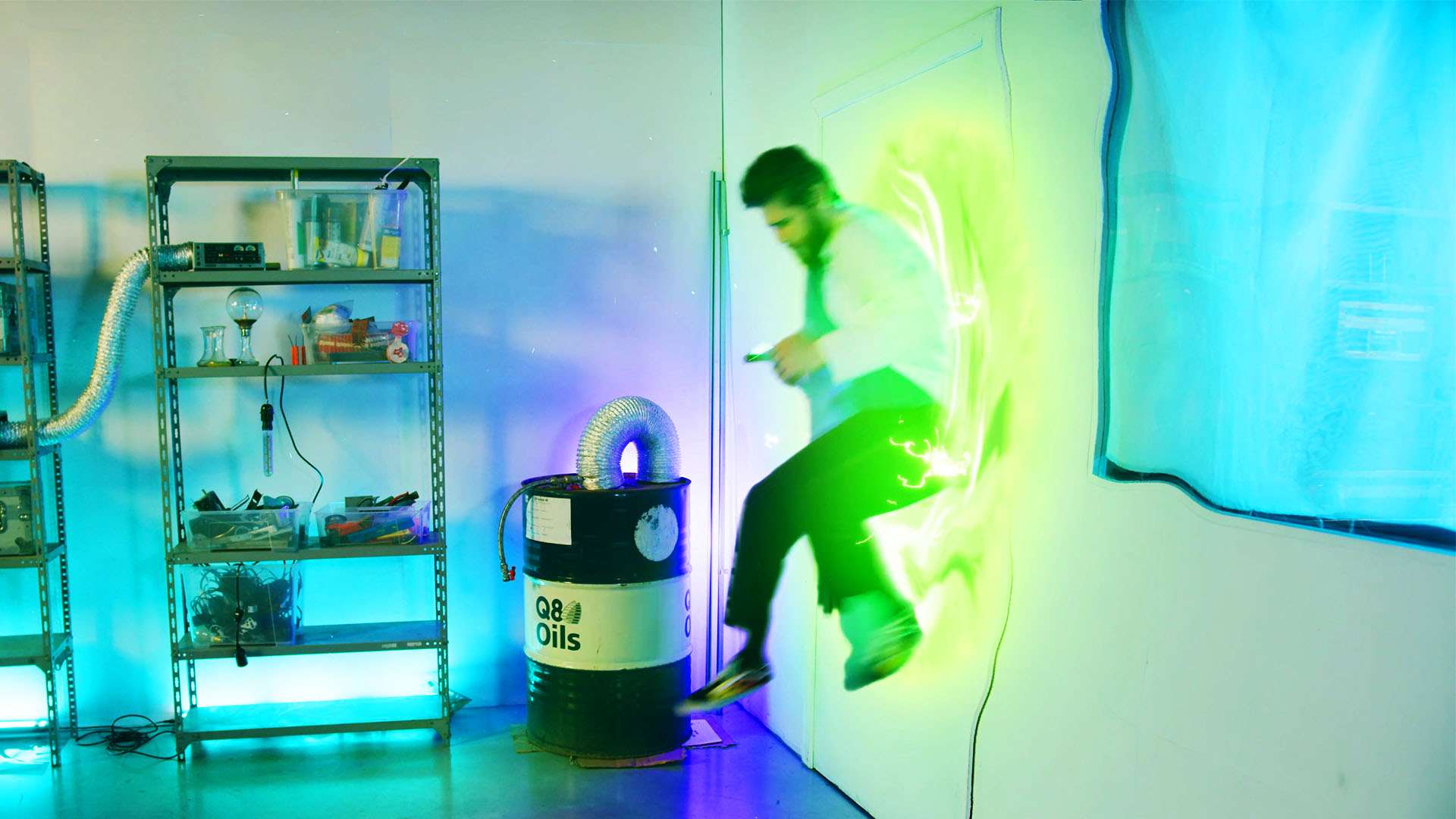
Jump through a Rick & Morty portal with this easy-to-use template for Adobe After Effects. Simply drag your videos into the template and tweak the portal.
This Adobe After Effects template allows you to create and jump through a Rick & Morty portal. With the provided controls you can customize the look and animation of the portal.
How to use
There’s only 1 composition in this template. Within, replace the placeholder with your own video.
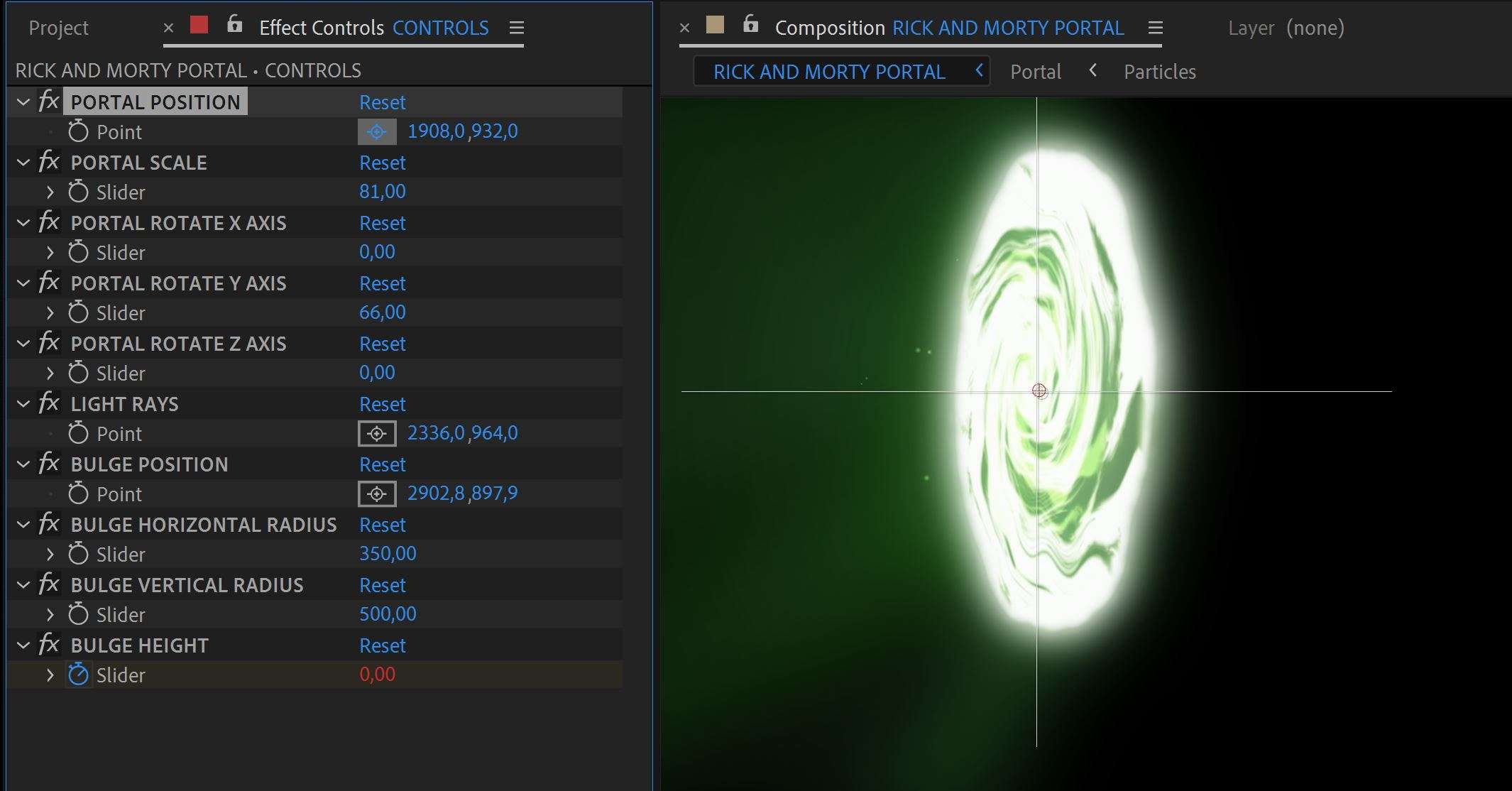
Next select the controls layer from which you get a bunch of options to change the position and look of the portal.
If you want to jump through the portal, you’ll need to duplicate your video layer and rotoscope yourself out.
Specs
Download
464.1 KB
Compatible
Adobe After Effects CC 2023
Third-Party Plugins
No
Works in
Adobe After Effects
Resolution
3840x2160
Licence
Royalty-free · commercial use included
Preview the pack
Rick and Morty Portal Effect 02
Portal Controls
Rick and Morty Portal Effect 01
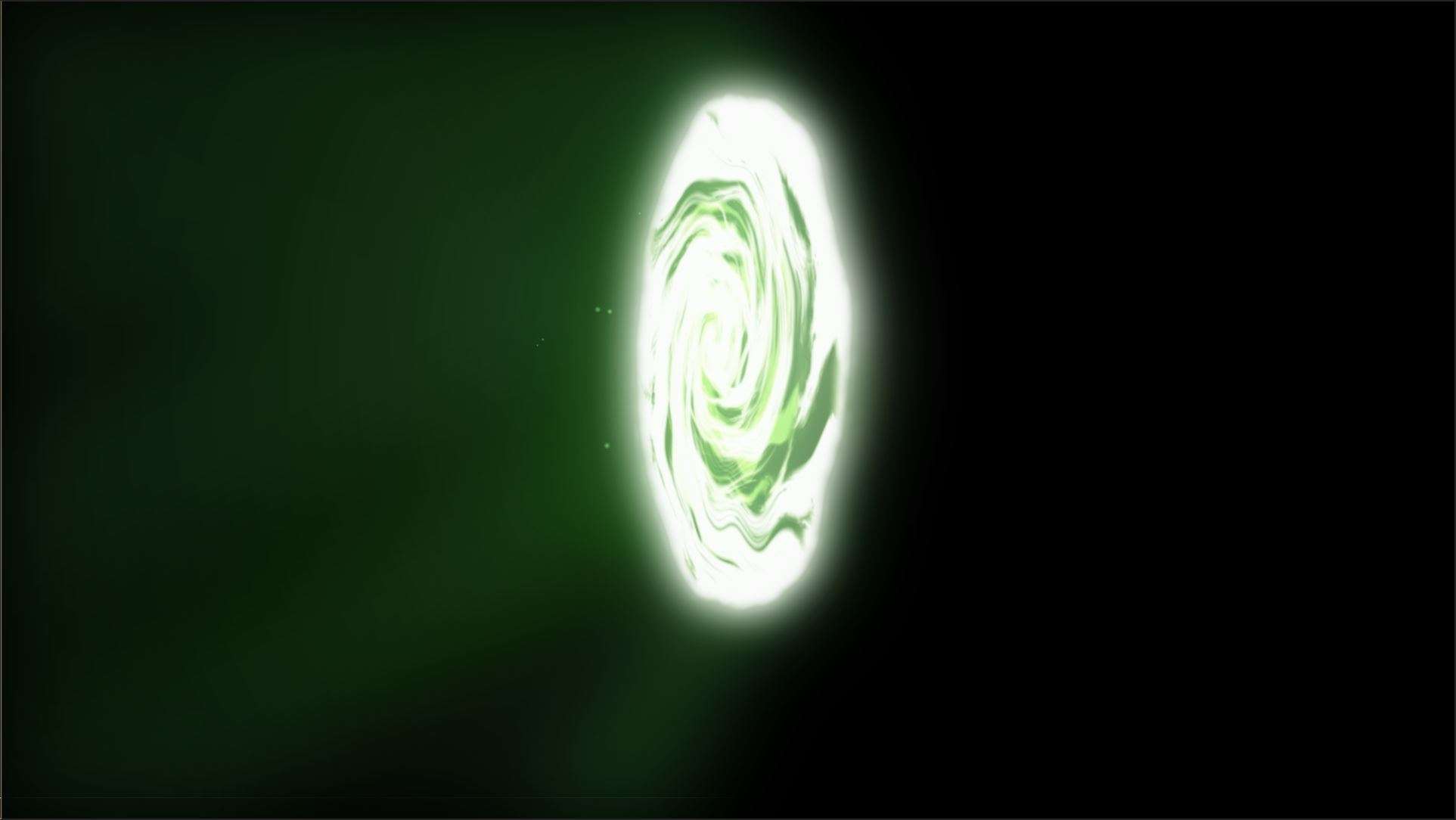
Portal
Questions
You'll need to duplicate your clip and place the duplicate on top of the portal. Then use rotobrush tool to key yourself out. Finally animate a mask so that you disappear into the portal.
Yes, you can use the template and portal in monitored videos or commercial projects. However, you are not allowed to use any materials from the Rick & Morty show. This portal is representation of the original portal, which means it doesn't fall under the copyright law.
Sign in to your Cinecom account and open the pack. Its files are ready to download right after payment. Save a copy on your own drive as a backup.
Yes. You may use them in your own video projects, including commercial ones such as monetized videos. You may not resell, share or redistribute the original files, or publish them as stock or inside a competing product.
Each pack page lists the software the pack works with. Check it before you buy: not having the right software is not a reason for a refund.
Yes. You pay once for each pack, and there is no subscription.
Packs are downloads you get straight away, so the EU right of withdrawal does not apply and purchases are final. If a pack is faulty or does not work as described and we can't fix it, we offer a remedy, which can be a refund. Our Refund Policy explains how to ask.
Email [email protected] with the pack name and a screenshot of the problem, and we will help you fix it. Update your editing software first, since a pack can rely on features from recent versions.
 Adobe After Effects
 Save 69%
Or take the bundle
Complete Video Packs
24 video packs · 1 partner deal
$99