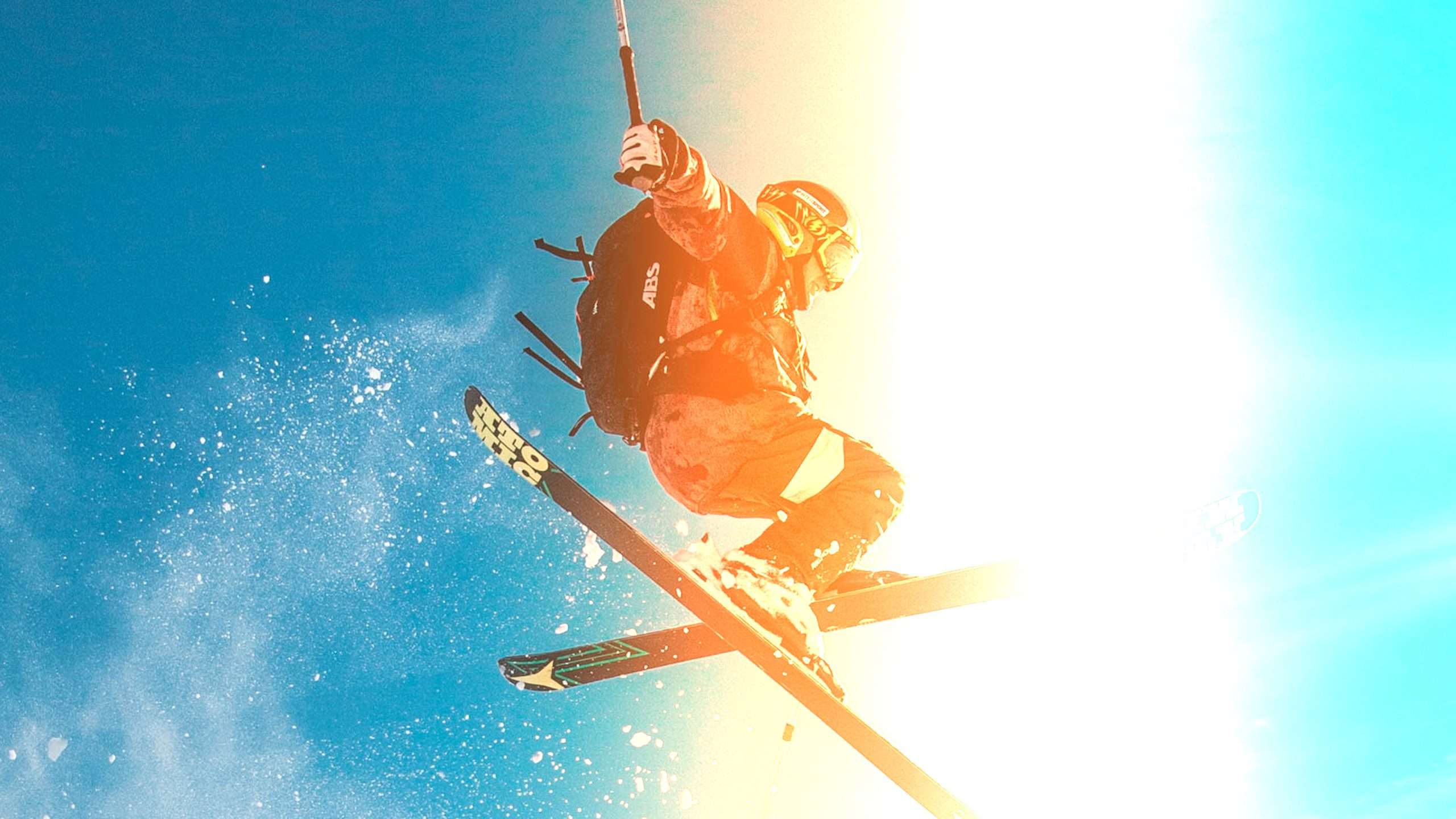
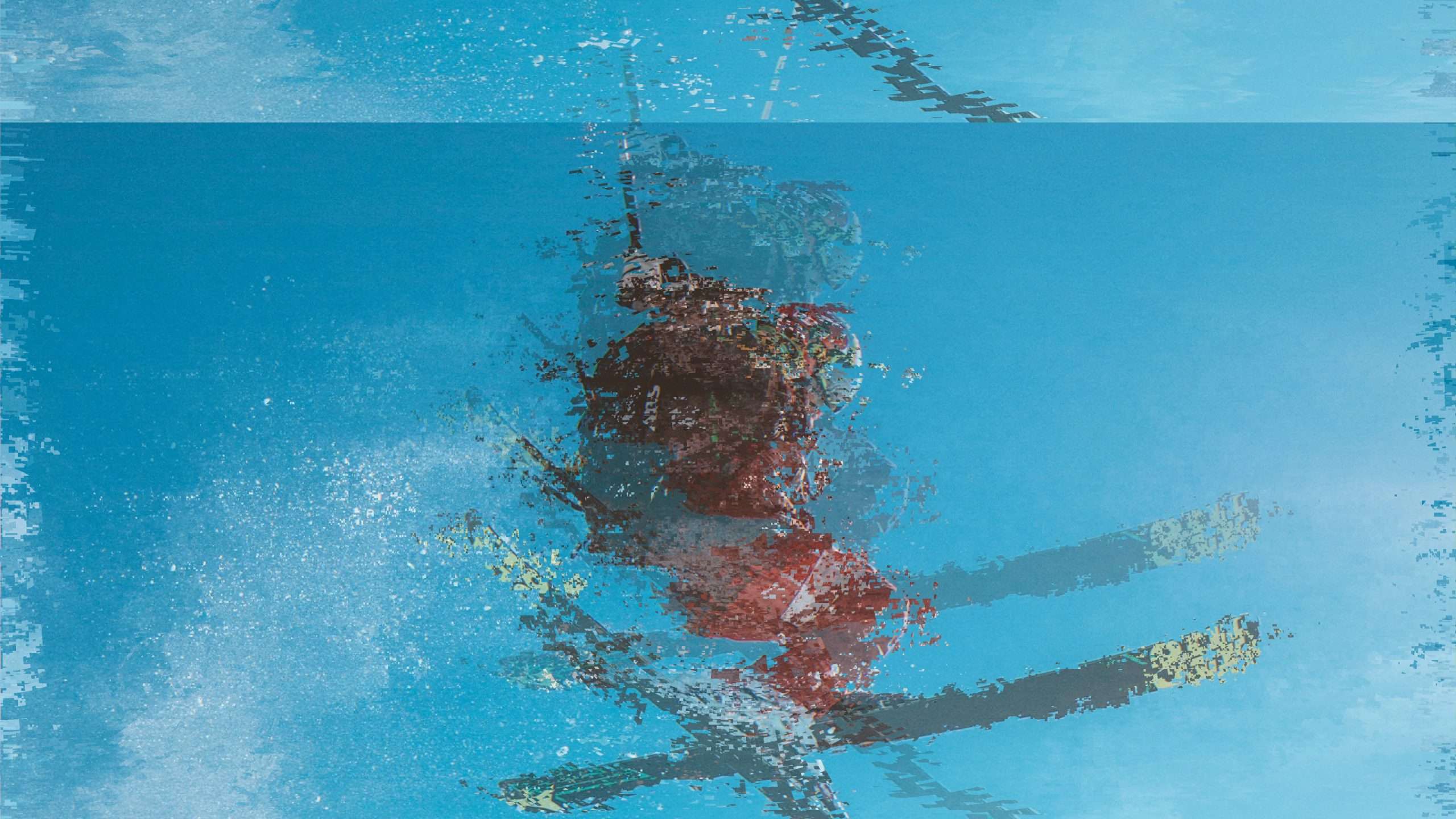
This free video pack comes with 30 pre-animated transitions in various styles. From simple swipes to optical and glitch transitions. Every transition comes with different speeds, which instantly works.
How to use
Drag the downloaded project file into the project you are working in. Premiere Pro will ask how you’d like to import the project. Select ‘import entire project’
30 sequences are added to your project, which you can drag over a cut in your timeline. Before you do, make sure ‘insert as nested sequences’ is disabled from the top left in your timeline.
Specs
Download
270.4 KB
Amount
30 transitions
Download size
168.9 KB
Formats
.prproj
Works in
Adobe Premiere Pro
Licence
Royalty-free · commercial use included
Preview the pack
TRANS – Transition 01
TRANS – Transition 02
TRANS – Transition 03
TRANS – Transition 04
Questions
The transitions are created using the latest effects in Adobe Premiere Pro. Please update your creative cloud. If you’re using an older version, Adobe Premiere Pro will not recognize the presets.
Some transitions make use of heavier effects. Try rendering your timeline by pressing the return key.
The transitions are made for 4K resolution video, but they do scale. Right click on all the clips from the transition and chose ‘fit to framesize’
Sign in to your Cinecom account and open the pack. Its files are ready to download right after payment. Save a copy on your own drive as a backup.
Yes. You may use them in your own video projects, including commercial ones such as monetized videos. You may not resell, share or redistribute the original files, or publish them as stock or inside a competing product.
Each pack page lists the software the pack works with. Check it before you buy: not having the right software is not a reason for a refund.
Yes. You pay once for each pack, and there is no subscription.
Packs are downloads you get straight away, so the EU right of withdrawal does not apply and purchases are final. If a pack is faulty or does not work as described and we can't fix it, we offer a remedy, which can be a refund. Our Refund Policy explains how to ask.
Email [email protected] with the pack name and a screenshot of the problem, and we will help you fix it. Update your editing software first, since a pack can rely on features from recent versions.
 Adobe Premiere Pro
 Save 63%
Or take the bundle
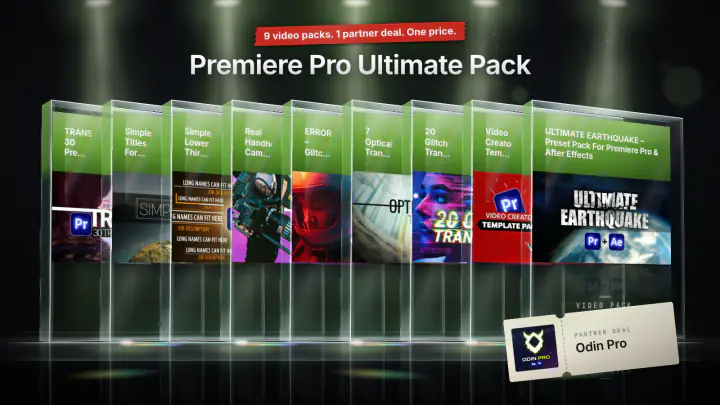
Premiere Pro Ultimate Pack
9 video packs · 1 partner deal
$49