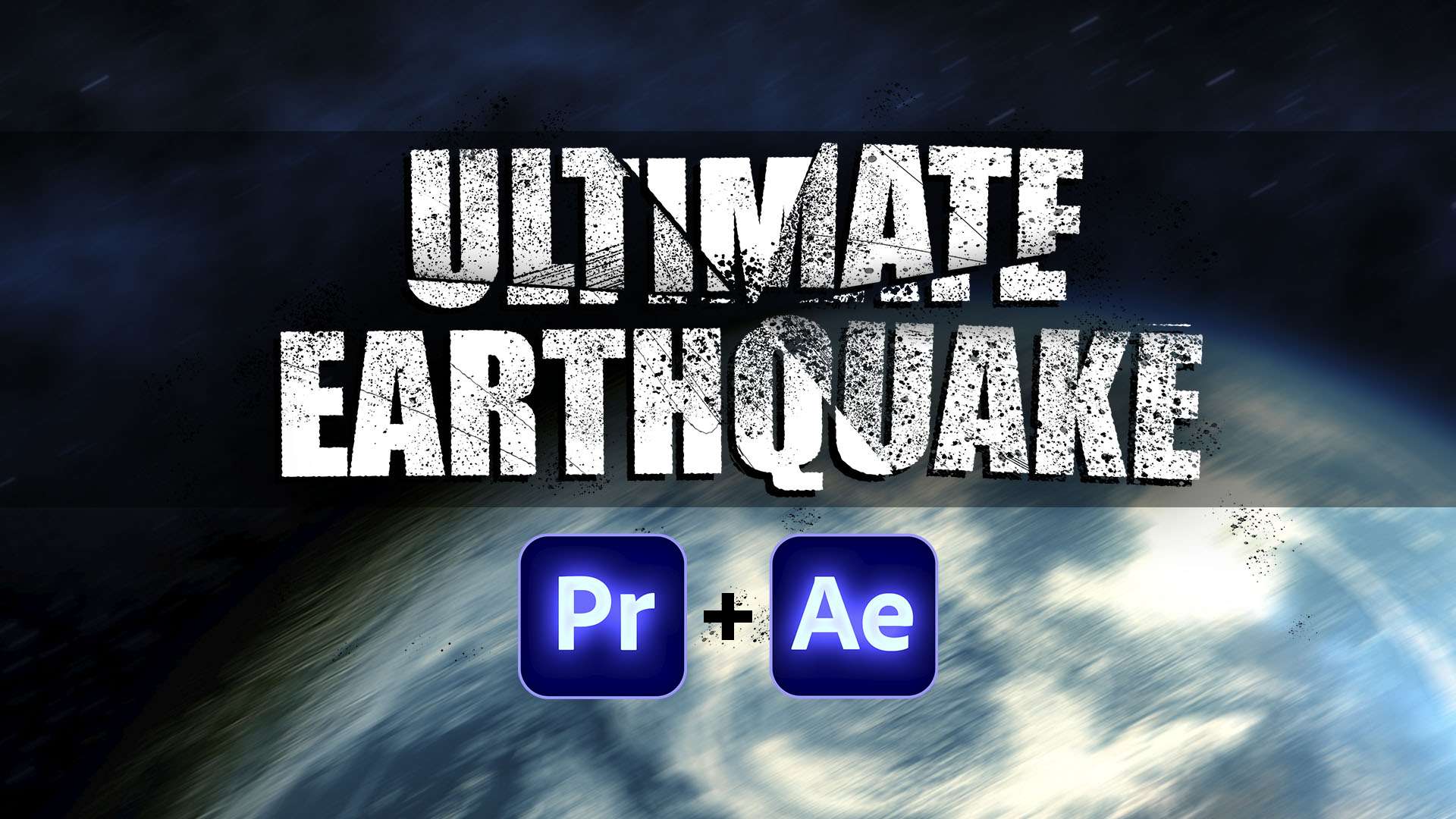
ULTIMATE EARTHQUAKE – Preset Pack For Premiere Pro & After Effects
Simulate an earthquake effect or add heavy camera shake to your videos. This preset pack comes with 6 earthquake effects for Premiere Pro & After Effects which you can combine to create your own unique style!
 Adobe Premiere Pro
 Adobe After Effects
 Save 63%
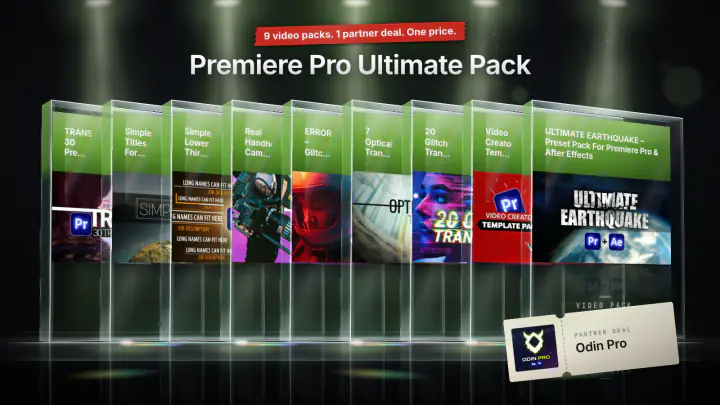
Or take the bundle
Premiere Pro Ultimate Pack
9 video packs · 1 partner deal
$49
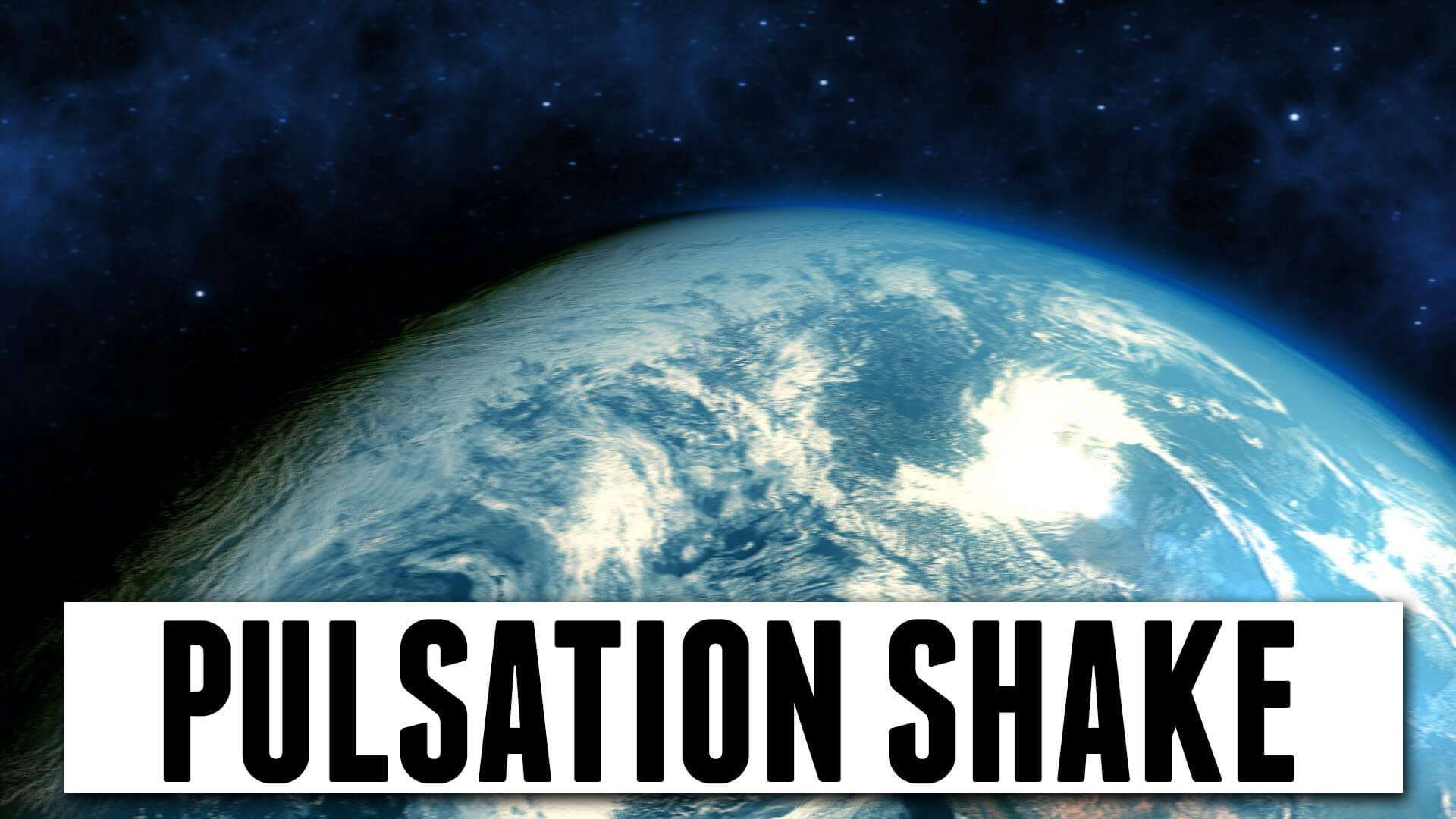
A free video pack that comes with 6 pre-animated presets. Included are 3 base effects to create an Earthquake. You have the option to choose a gentle shake, a pulsation shake or a heavy shake.
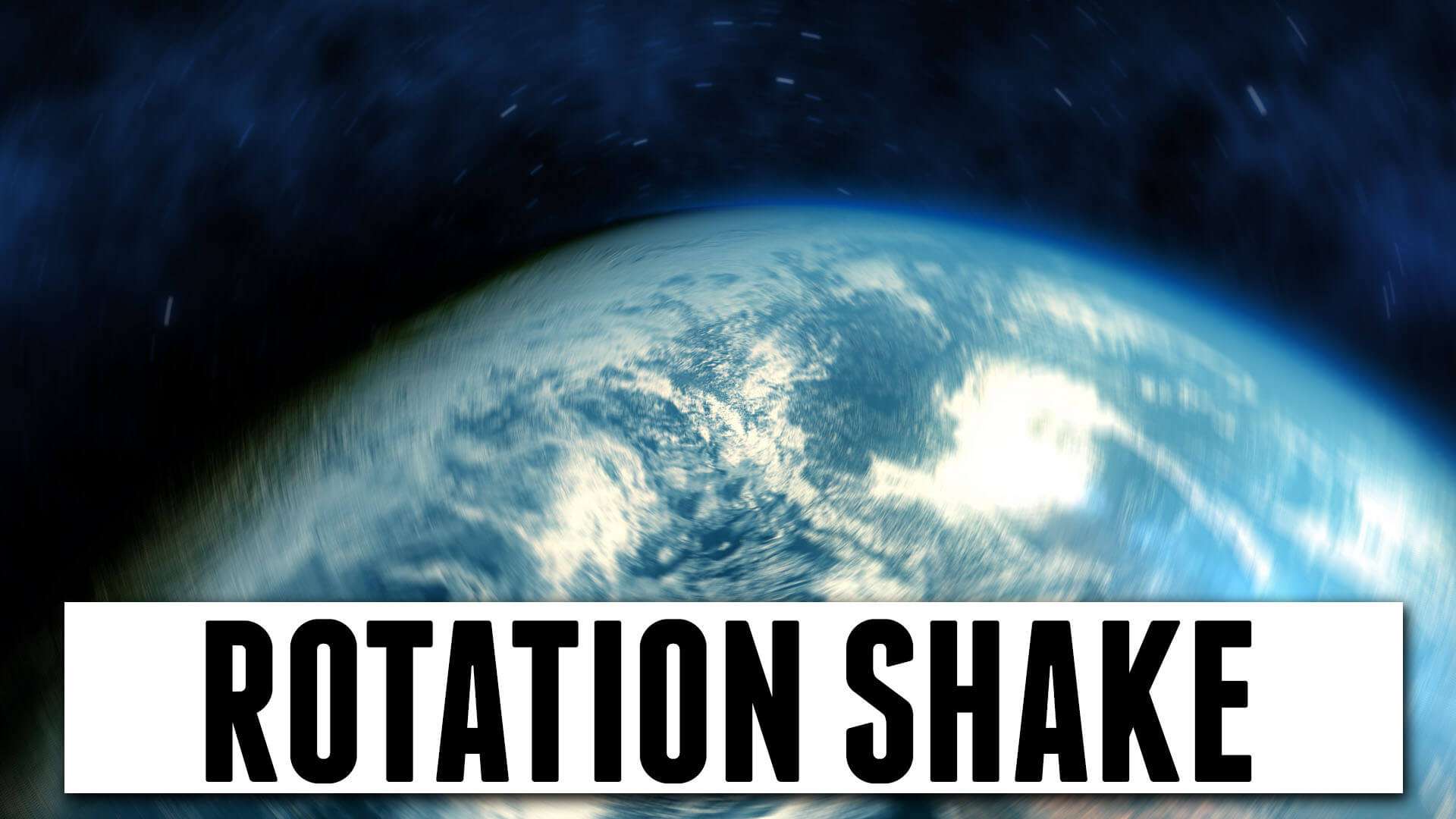
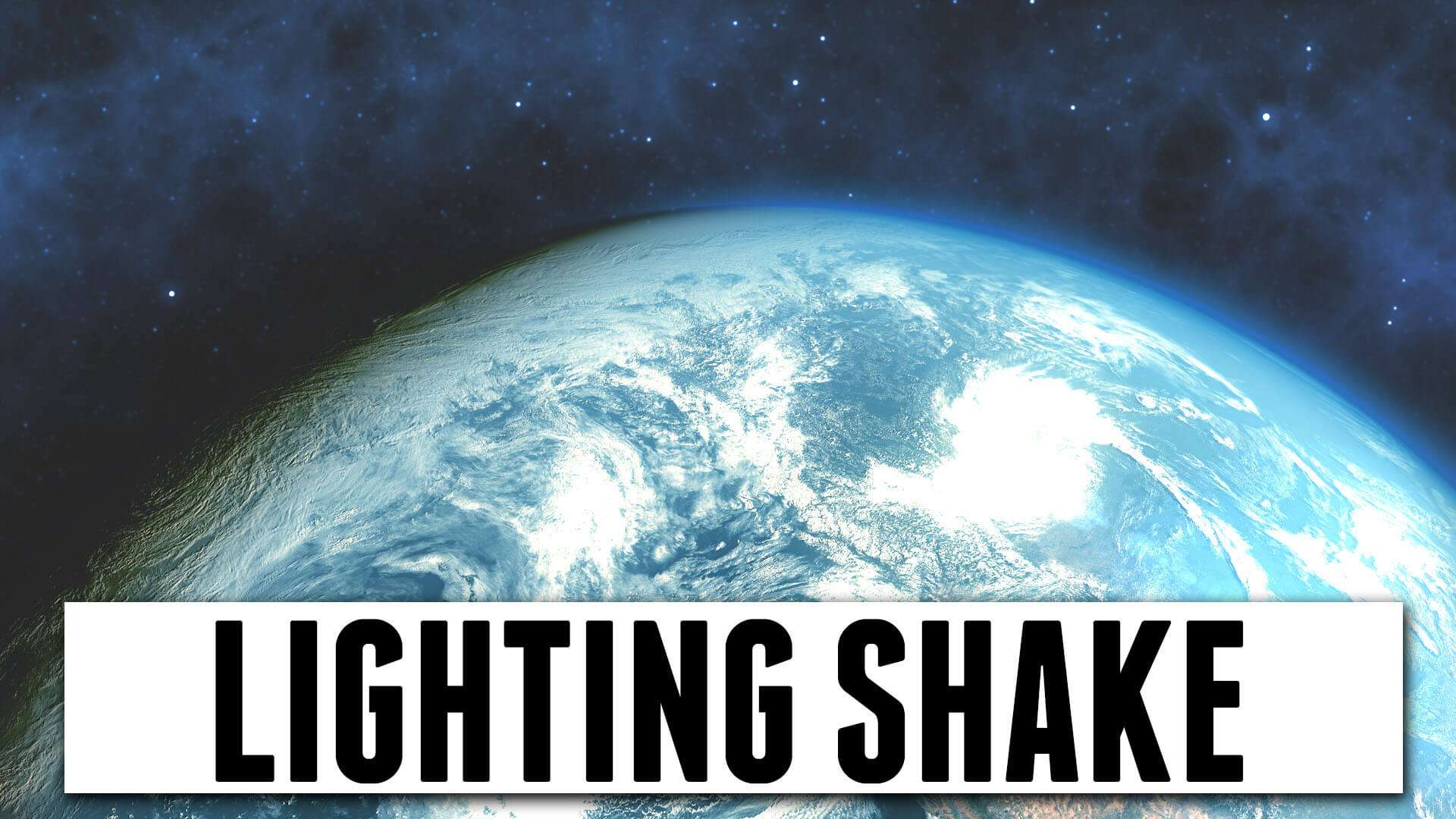
On top of that you can combine extra effects to give your earthquake a unique look. You can mix lighting effects, fast zooms or rotation shakes.
The presets are made for both Adobe Premiere Pro and Adobe After Effects!
Adobe Premiere Pro
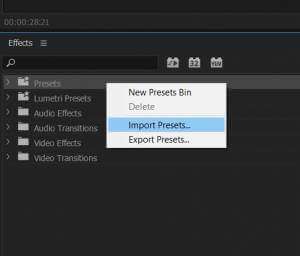
The presets for Premiere Pro are packed in 1 file. To install, simply go to the ‘Effects and Presets’ tab. You can right-click on ‘presets’ and choose ‘Import Presets…’. Then select the downloaded preset and click OK. You’ll now find a folder named ‘ULTIMATE EARTHQUAKE’, which will contain 6 presets that you can drag to any clip.
Adobe After Effects
The preset effects for Adobe After Effects are stored in separate .FFX files. You need to place these into your Preset folder in the Adobe After Effects installation.
The path to the presets folder on Windows looks like this: C:\Program Files\Adobe\Adobe After Effects 2023\Support Files\Presets
After that you can open Adobe After Effects and find the presets back in your Effects Library under the Presets folder.
- Download
- 238.5 KB
- Presets
- 6
- Download Size
- 72 KB
- Formats
- .ffx
- Works in
-
Adobe Premiere Pro
Adobe After Effects
- Licence
- Royalty-free · commercial use included




Every course. Every pack. One price.
- 14 courses
- 24 video packs
- 1 partner deal
- Every future release