Ours are the stats, ads and better-emails kind. Sorry, no chocolate chips.
Privacy policy
Statistics
Google Analytics counts visits and sales.
Advertising
Google may use your visits for ads.
Personalised emails
Our emails follow what you look at here.
Your choice wasn't saved. Try again.
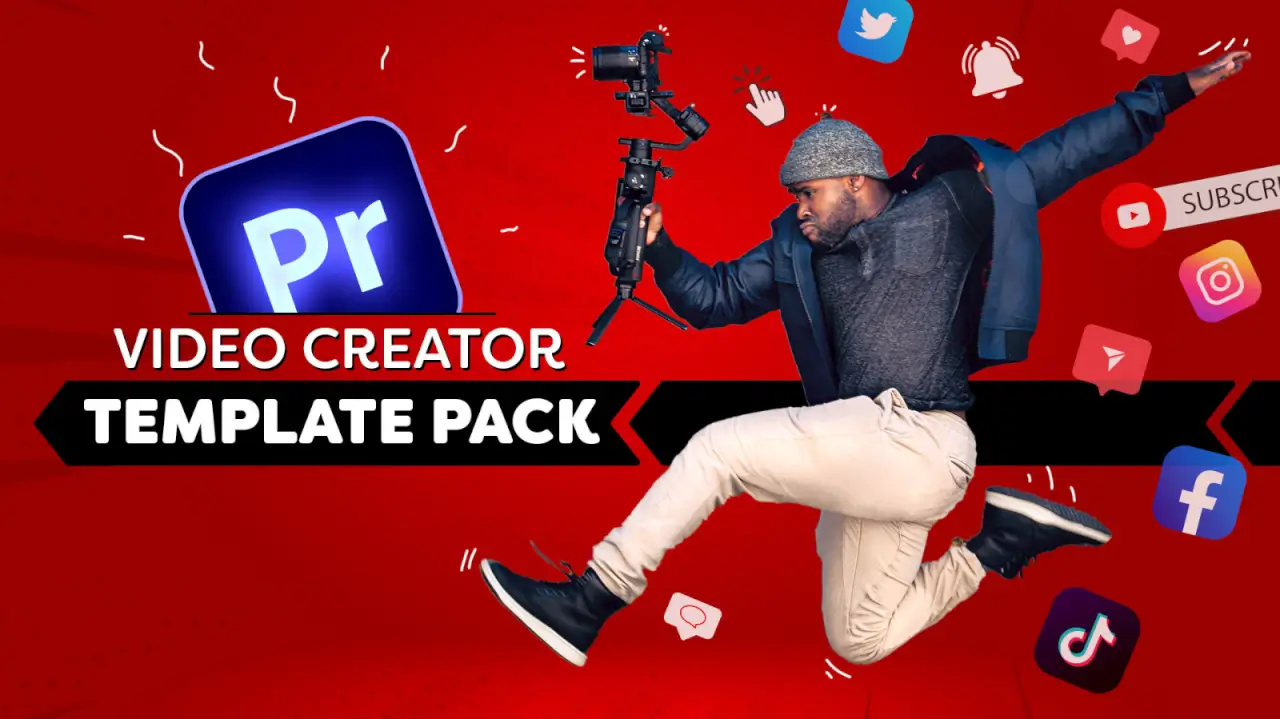
Video Creator Template Pack for Premiere Pro
15 customizable graphic animations for video content creators. In Adobe Premiere Pro, swap the template with your media, change the colors and choose an animation.
This pack contains 15 MOGRT templates for Adobe Premiere Pro. Each template comes with many options to customize the look to fit your creative style. Change colors, swap your media, choose a font and set your preferred animation. These are the only templates you'll ever need!
How to use
MOGRT is a standard format for advanced graphic animations. You can't import these files into Premiere Pro like footage: you install them through the Essential Graphics window.
Open Adobe Premiere Pro and find the Essential Graphics window.
At the bottom right of that window, click the button ‘Install Motion Graphics Template’.
Browse to one of the Video Creator templates and open it.
Do this for every template.
Specs
Download
118.4 MB
Motion Graphic Templates
15 · Import directly into Premiere Pro
Formats
.mogrt
Works in
Adobe Premiere Pro
Resolution
3840x2160 · 30 FPS
Licence
Royalty-free · commercial use included
Preview the pack
Change colors
Chose the action
Change colors, font and more
Select your social media
Insert your photo and name
Customize the logo, colors and more
Typing a comment animation
Highlight a comment from your channel
Custom search queries
Fully customizable logo animation
Short form video for TikTok, YT shorts and more
Set your own channel logo
What creators say
★ 3.5 · 2 reviews
★★★★★
Excellent brilliant content thanks
★★☆☆☆
The Templates are good but 3 of them wont work and I cant access Cinecoms server to ask help
MOGRT templates cannot be imported into Premiere Pro. They need to be installed through the Graphics Essential window. Please refer to the 'read me' file.
Although we thoroughly tested every templates, an bug could always slip through. Pop us an email with a screenshot and we'll fix it right away!
Sign in to your Cinecom account and open the pack. Its files are ready to download right after payment. Save a copy on your own drive as a backup.
Yes. You may use them in your own video projects, including commercial ones such as monetized videos. You may not resell, share or redistribute the original files, or publish them as stock or inside a competing product.
Each pack page lists the software the pack works with. Check it before you buy: not having the right software is not a reason for a refund.
Yes. You pay once for each pack, and there is no subscription.
Packs are downloads you get straight away, so the EU right of withdrawal does not apply and purchases are final. If a pack is faulty or does not work as described and we can't fix it, we offer a remedy, which can be a refund. Our Refund Policy explains how to ask.
Email [email protected] with the pack name and a screenshot of the problem, and we will help you fix it. Update your editing software first, since a pack can rely on features from recent versions.
 Adobe Premiere Pro
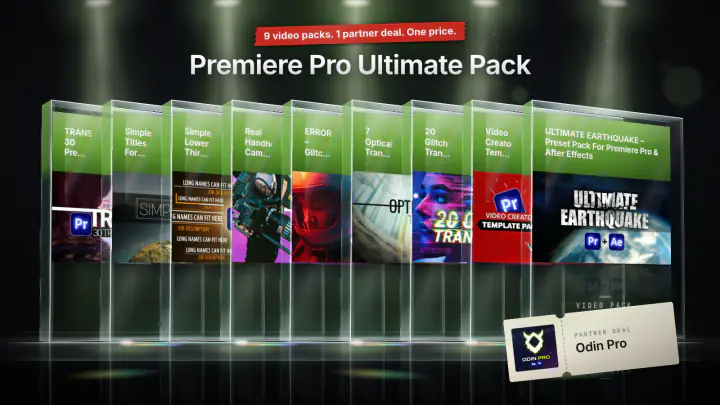 Save 63%
Or take the bundle
Premiere Pro Ultimate Pack
9 video packs · 1 partner deal
$49

