Hologram Glasses from ‘Free Guy’ in Blender & After Effects
 Jordy Vandeput
91K views
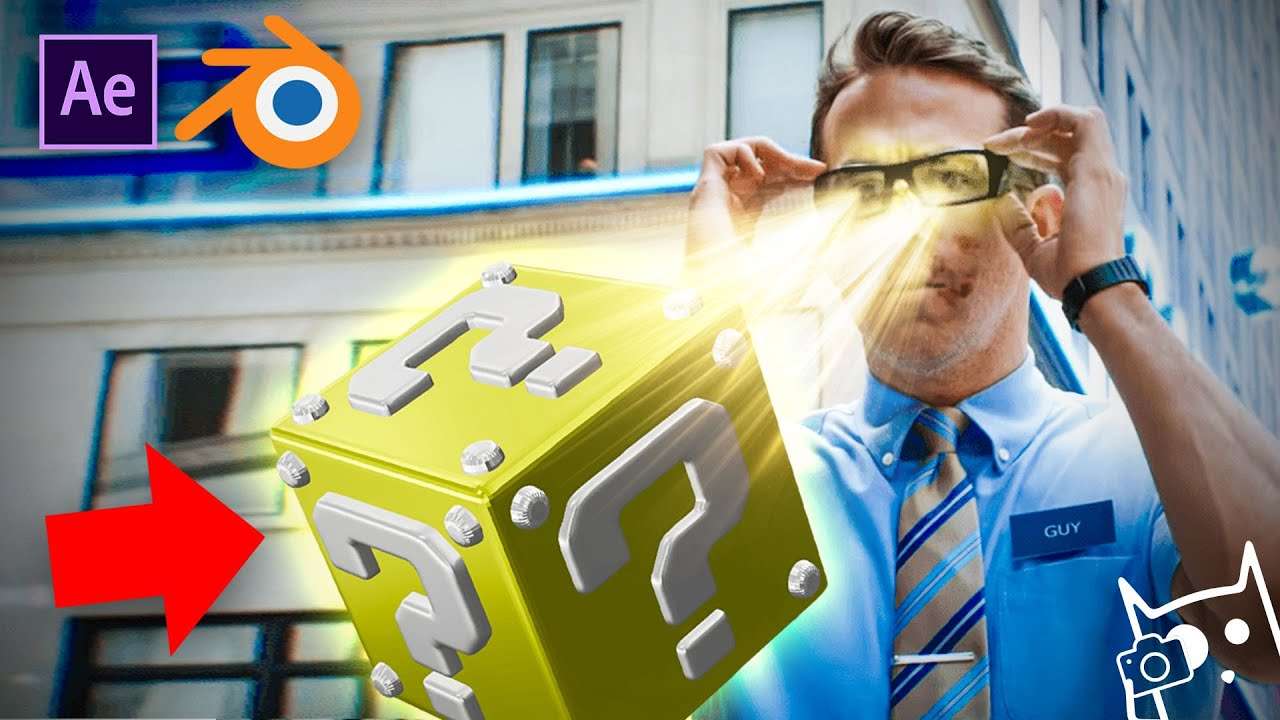
Learn how to create a 3D box in this beginner tutorial for Blender and turn it into fake hologram glasses HUD using Adobe After Effects. This tutorial is inspired by the film 'Free Guy'.
This was a quite special Copy Cat Friday I must say. It was our first 3D tutorial and well it wasn't easy. Lorenzo and Me were the only ones with some experience in 3D and with 'some' I mean very little. Lorenzo used to do some basic animation in C4D but that was almost 8 YEARS AGO! So you can say that this tutorial was also very educational for us. We gave ourselves a speed course in Blender and I think we did a pretty good job as a first tutorial. What do you say?
This tutorial sparked a fire in both of us to become better at 3D. We would love to make more of these kind of videos in the future not only for ourself but also for you guys! We did some polls a while ago and it seems like A LOT of you are very eager to learn Blender from us.
Being able to use this now and understand the very very basics already opens a lot possibilities for us. We can finally start making more advanced effects that we could never do in Premiere Pro or After Effects alone. So expect more EPIC content your way very soon!
MVMT
MVMT Everscrolls glasses, the original anti blue light glasses, take the fan-favorite frames and update them with blue light filtering glasses technology to protect your eyes in style. The blue light glasses are designed to combat the harmful effects of overexposure to blue light that’s emitted from digital screens.
Jordy Vandeput
Founder of Cinecom · 2.75M+ subscribers on YouTube
Jordy Vandeput is a Belgian filmmaker who has taught practical filmmaking to millions through Cinecom. He breaks professional techniques down into clear, repeatable steps you can use on your very next project.


7 comments
Just saying, You should change the rendering type to cycles but that isnt a big deal
Thanks Jordy I am beginner in after effects I knew almost all thing but,can you help me
Thank yoy Jordie! sorry for spelling your name wrong
Hello, mi name is Miguel. No me da para descargar, como lo hago ?
i found your tutorial's very helpful to my editing ability, so pls keep up
You are awesome i must say you have been of great help to my editing abilities and my camera handling i love you guys and thanks for keeping me creative
Awesome! I've been watching you guys for several years, but this is my first time commenting (I think). I would love spending a week on a production with your team. However, that is impossible since you guys are in another country and i'm too lazy to hop on a plane. I just renewed my passport so I really don't have an excuse (maybe coronavirus). My suggestion, make a NEW 30-minute straight up horror story using elements from your holo-glasses, crazy rotation platform, black veins, black tears (& black eyes), extended movie set (effect) and finish it in 5.1 surround sound. Have a great day!