
 Partner deal
Odin Pro
Bundle buyersonly
Creator & Lifetime Plan
- Off
- −30%
- You save
- $128.70
Every course. Every pack. 1 partner deal. One price.
14 courses · 24 video packs · 1 partner deal · 236 lessons · 26h 50m
Beginner · 3h 45m
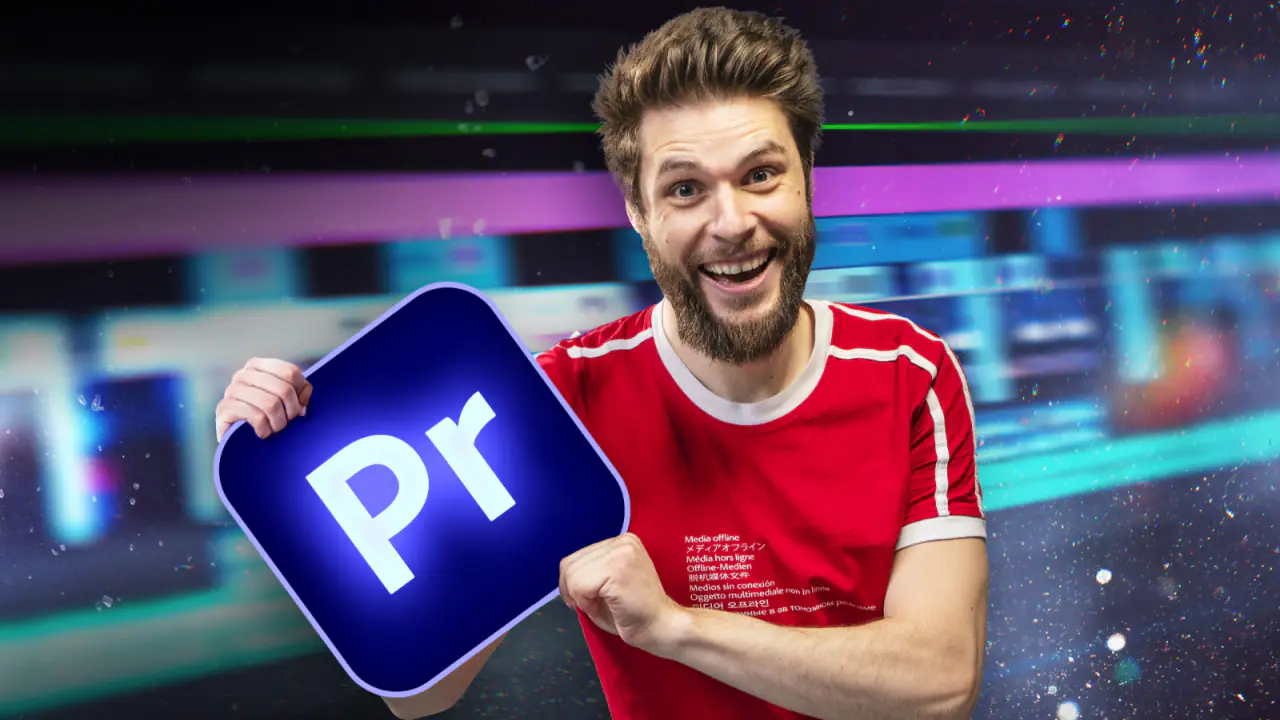
Learn professional video editing with Adobe Premiere Pro. A beginners course to get you started with basic editing techniques, text & graphics, audio enhancing, transitions, video effects and so much more!
Partner deal
Odin Pro
Bundle buyersThe Complete Bundle is everything Cinecom makes, in one purchase: every online course by Jordy Vandeput, the Belgian filmmaker behind the Cinecom YouTube channel, and every video pack. The courses take you from your first camera settings to lighting, editing in Premiere Pro, color grading, motion graphics in After Effects, virtual production in Unreal Engine 5 and the business of making videos for clients and for YouTube. The packs give you the footage, overlays, LUTs, templates and presets to use in your own projects. Courses and packs Cinecom releases later are added to your account automatically, so you never pay for a new one.
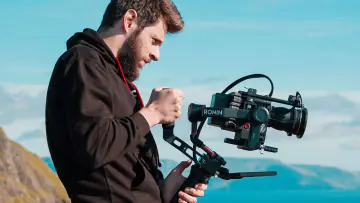
Learn Filmmaking From Beginner To PRO: 31 lessons for beginners, built the way film schools teach. First the camera settings (aperture, ISO, shutter speed, frame rates, the histogram, focus, white balance and picture profiles), then framing and visual storytelling (the rule of thirds, focal length, camera height, the 180 degree rule, B-roll and shooting for the edit), and finally the gear that supports the camera.
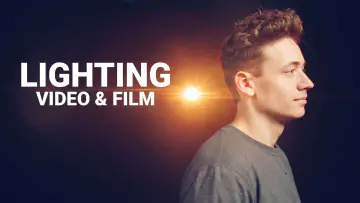
Introduction To Lighting For Video & Film: 6 lessons on where to put a light and why: key light, fill light, backlight and practical lights, and how warm and cool light separate your subject from the background. In the last lesson Jordy lights an interview and a dramatic scene in his own living room.
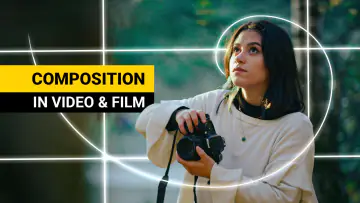
Mastering Cinematic Compositions In Video & Film: 13 short lessons, listed as advanced, on framing a shot so the viewer looks where you want: the rule of thirds, the golden ratio, center composition, depth of field, leading lines and movement inside the frame.
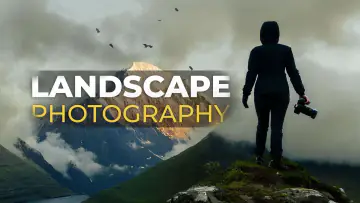
The Art of Landscape Photography for Beginners: 9 lessons on composition for still photos, with an SLR, an analogue camera or your phone: breathing space, the point of interest, leading lines, creating depth and telling a story in one frame.
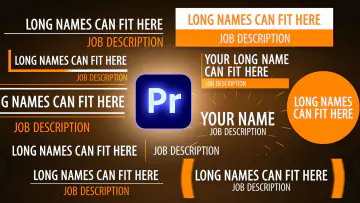
Video Editing With Adobe Premiere Pro For Beginners: 24 lessons, from an empty project to an exported travel video. You download Jordy's Iceland footage, music and project files and edit along: cutting on the timeline, titles, masks and keyframes, editing an interview from its transcript, captions, Enhance Speech and a first color grade.
Video Editing with Adobe Premiere Pro for Advanced Users: 34 lessons built around an interview filmed on three cameras: live multi-camera editing, your own motion graphics templates, speed ramps, tracked masks, matching three cameras in Lumetri, dialogue repair, Dynamic Link and export settings.
Premiere Pro Lumetri: Color Correct & Color Grade Like A Pro: 17 lessons that start with practical examples, not theory: the waveform, RGB curves, white balance, the color wheels, LUTs, the hue and saturation curves, rescuing badly shot footage, and secondary corrections with masks and tracking.
Video Editing In Teams: Infrastructure & Adobe Premiere Pro Workflow: 15 lessons for editors who share projects: shared network storage on Windows and Mac, setting up a Synology NAS with the right RAID, link aggregation, and the Premiere Pro settings and project locking that let several editors work on one production.
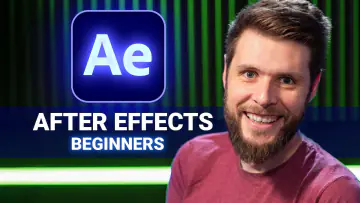
Get Started with Adobe After Effects 2026 (Beginners): 22 lessons, from the interface and your first keyframes to masks, rotoscoping, motion and camera tracking, track mattes, text animations, Content-Aware Fill, 3D text and 3D models.
Create Motion Graphics Templates With Adobe After Effects: 9 lessons, listed as advanced, on building templates you can use in Premiere Pro or sell: a lower third with color controllers, flexible text fields, linked objects and if/else expressions.
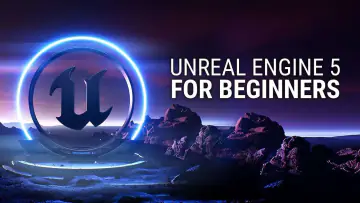
Unreal Engine 5 For Beginners: Learn The Basics Of Virtual Production: 25 lessons, about 5 hours. You build a landscape and an interior, light them realistically, create a MetaHuman with face motion capture, animate a virtual camera, key green screen footage live and render your scene as a movie.
Getting Started with Unreal Engine 5 Blueprints: 11 lessons on visual scripting from zero: events, controllable characters, hit detection and dynamic simulations, to bring a static level to life without writing code.
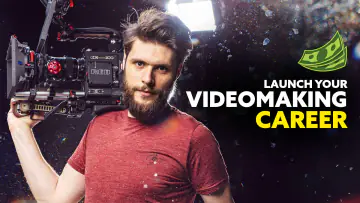
Start Your Professional Video Making Career: 11 lessons on earning a living with video: freelancing or your own production company, packaging and pricing your services, a simple contract, and finding and keeping your first clients.
Secrets to Growing a Successful YouTube Channel: 9 lessons on what makes people click and keep watching: video ideas, thumbnails and titles, writing the video, filming and editing basics, a call to action and engagement.
Everything in Complete Video Packs is part of this bundle too:
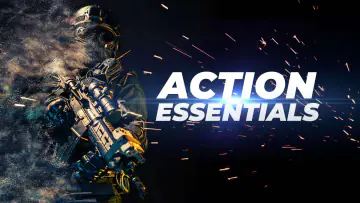
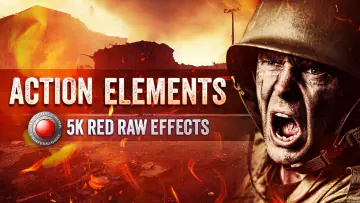
Overlays and VFX elements filmed on a RED cinema camera and in the studio: lens flares, muzzle flashes, sparks, light leaks, dust and smoke, plus photographed paper textures.
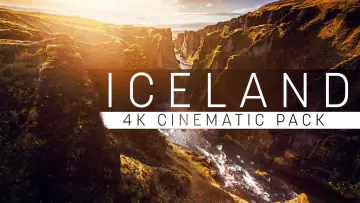
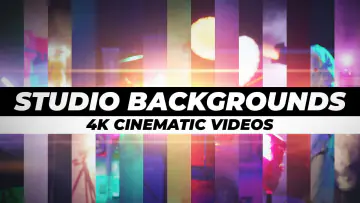
4K stock footage of Iceland's landscapes, filmed in LOG, and moving backgrounds built in the Cinecom studio.
LUTs, among them looks sampled from films and series such as Dune, Oppenheimer and Breaking Bad.
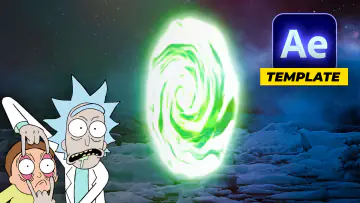
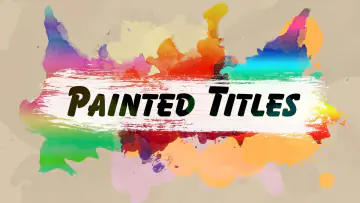
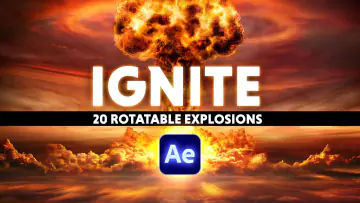
Templates for Premiere Pro and After Effects: titles, lower thirds, creator graphics, and effects such as the Thanos disintegration and 20 rotatable explosions.
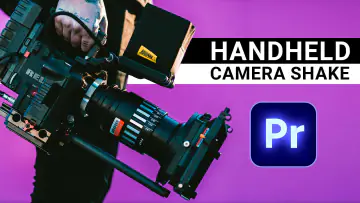
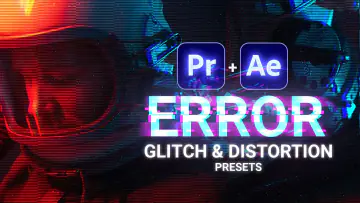
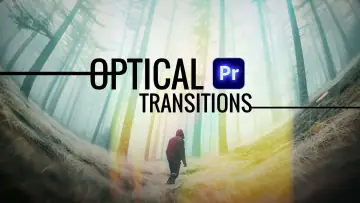
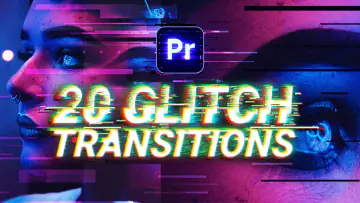
Transitions and presets for Premiere Pro and After Effects: glitch and optical transitions, earthquake shakes and handheld camera movement.
3D-scanned industrial light fixtures for Unreal Engine 5.
You do not have to take everything, and nothing runs out. Pick the path that matches what you want to do first:
New to filming: Learn Filmmaking From Beginner To PRO, then the lighting course, then Mastering Cinematic Compositions.
New to editing: the Premiere Pro beginner course, then Premiere Pro Lumetri for color, then the advanced Premiere Pro course.
Motion graphics: Get Started with Adobe After Effects, then Create Motion Graphics Templates.
Virtual production: Unreal Engine 5 For Beginners, then the Blueprints course.
Ready to work for clients or grow a channel: the career course and the YouTube course stand on their own, so take them whenever you are ready.
Anyone who wants to learn the whole craft rather than one program: beginners who want a clear order to learn filmmaking and editing, YouTubers and freelancers who shoot, edit and grade their own videos, and editors who want to add motion graphics or virtual production to what they offer. If you already own a few Cinecom courses or packs, the bundle gives you the rest in one purchase.
For the filmmaking courses, a camera on which you can set the exposure yourself; the composition and photography lessons also work with your phone. For the editing and color courses, Adobe Premiere Pro. For the motion graphics courses, Adobe After Effects. For the virtual production courses, Unreal Engine 5, which is free. The footage, overlays and LUTs work in Premiere Pro, After Effects, DaVinci Resolve and Final Cut Pro.
★★★★★Very informative, engaging and entertaining.
★★★★★Awesome course, I learnt everything I needed and so much more, in a instructive and funny way! Trully edutainment and pure gold, thanks a lot and stay creative!
★★★★★The course was absolutely awesome, I'm not a beginner in video editing, but I definitely needed a well-structured complete course of the basics of Premiere and this was exactly the video I needed!
★★★★★Great information and a really great format. I would liked to have seen this 4 years ago! It would have helped me a lot. I love all of the content you guys create. Keep it up.
★★★★★I was glad to learn from Jordy, the lessons are devided into short and informative importatnt topics, that upgraded my whole workflow. And my clients are happy too..
★★★★★You can't be just a talking head, spewing out a bunch of information and instructions, especially online. You have to be engaging so people want to watch, especially with technical things. Jordy is all that and more - entertaining, engaging and still "spews" out great information and instructions. I want to take classes from him I don't even want to learn!
 Your instructor
Jordy Vandeput
Founder of Cinecom · 2.75M+ subscribers on YouTube
Jordy Vandeput is a Belgian filmmaker who has taught practical filmmaking to millions through Cinecom. He breaks professional techniques down into clear, repeatable steps you can use on your very next project.