Create BLACK VEINS from The Witcher (After Effects Tutorial)
 Jordy Vandeput
119K views
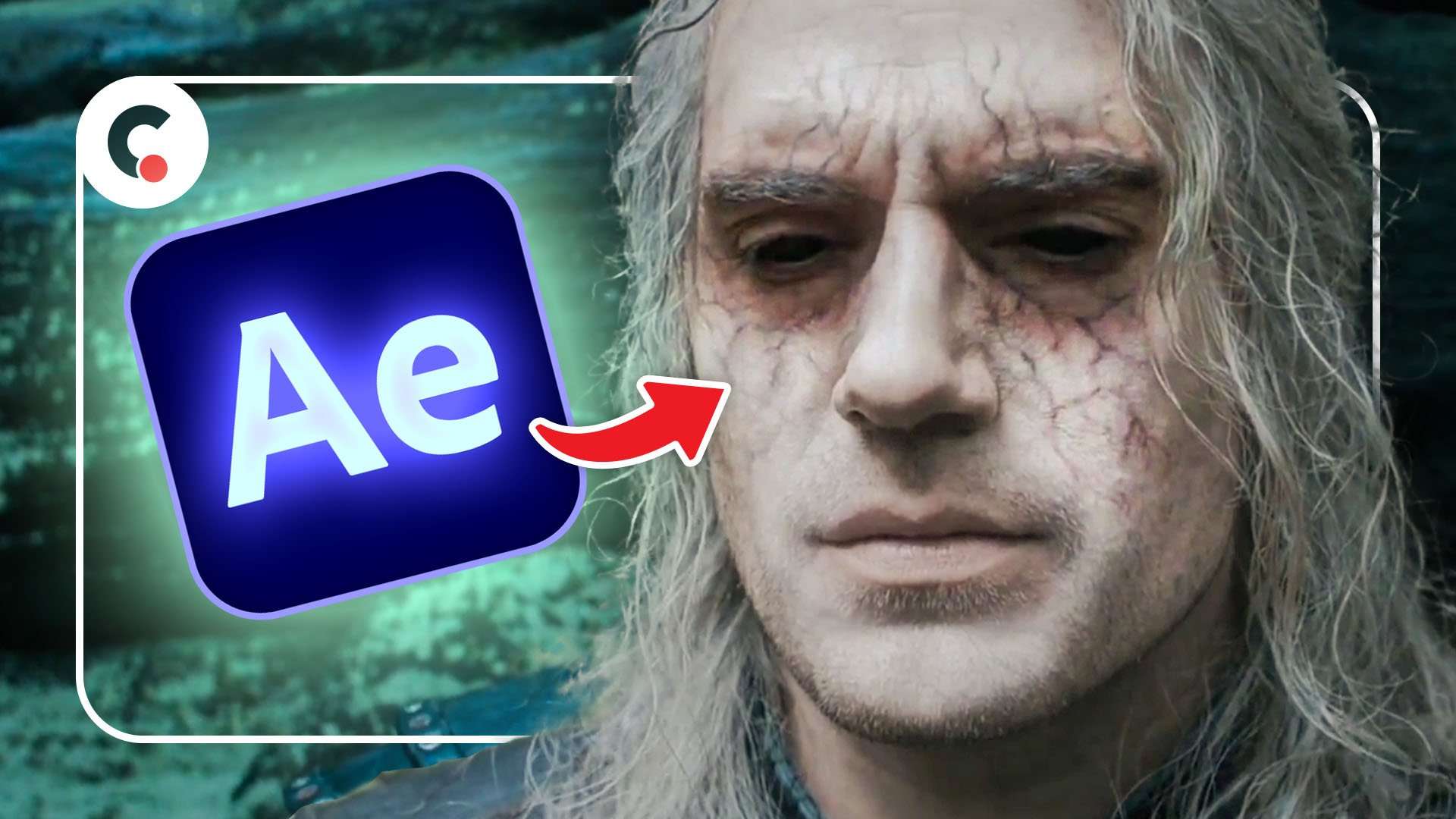
Learn how to recreate the black veins and black eyes from the Netflix series 'The Witcher' in this Adobe After Effects tutorial.
Mesh Tracking in After Effects
When trying to recreate the black veins from The Witcher, you'll run a big problem: performing a mesh tracking in After Effects. Normal tracking usually takes up to 4 points into account. But when you need another layer to stretch with your skin, you'll need a whole lot more. And this technique is called mesh tracking.
Unfortunately After Effects doesn't have a build-in mesh tracker. We go go ahead and manually track multiple points which after we can link a puppet-pin to. But this is a long process which isn't even so accurate.
This leaves us with 2 options, using Mocha's Pro Mesh tracker or the very popular plugin Lockdown. In the tutorial above we'll be using Lockdown. Both will work fine, but I just find it easier and more pleasant to work with Lockdown.
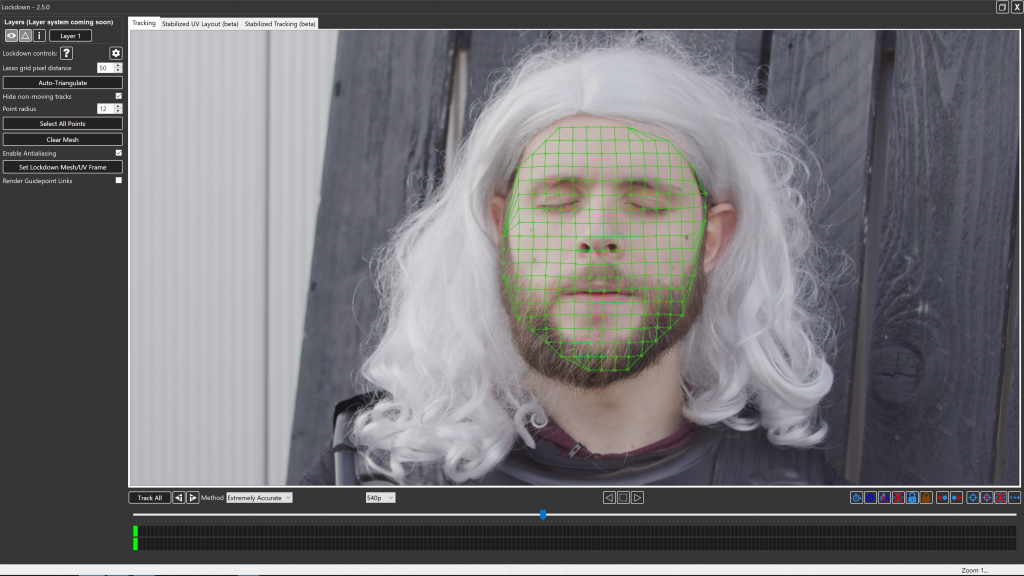
Black Veins
A while back we recreated the black veins effects on Billy from Stranger Things. The techniques used in the tutorial video above is very similar. Starting off we need veins! For this we used the effect Advanced Lighting, which also gives us the option to let the veins grow.
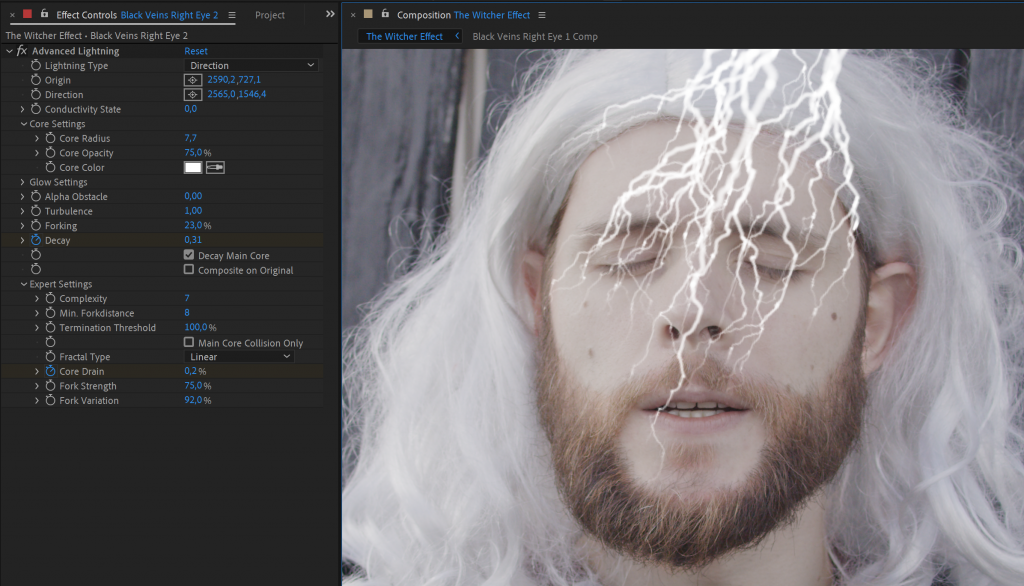
The Advanced Lighting effect is however pretty unstable. The branches go everywhere, so it takes some time to look for the right pattern. It's not easy to recreate something exactly. But that's ok!
Storyblocks
Big thank to Storyblocks for sponsoring this video! In their ever growing community driver library we can find millions of royalty free stock assets. Many 2D animations which we can also blend and mesh track onto our face or body.
Jordy Vandeput
Founder of Cinecom · 2.75M+ subscribers on YouTube
Jordy Vandeput is a Belgian filmmaker who has taught practical filmmaking to millions through Cinecom. He breaks professional techniques down into clear, repeatable steps you can use on your very next project.






0 comments