How to Create AI Video Art with Midjourney + After Effects
 Jordy Vandeput
228K views
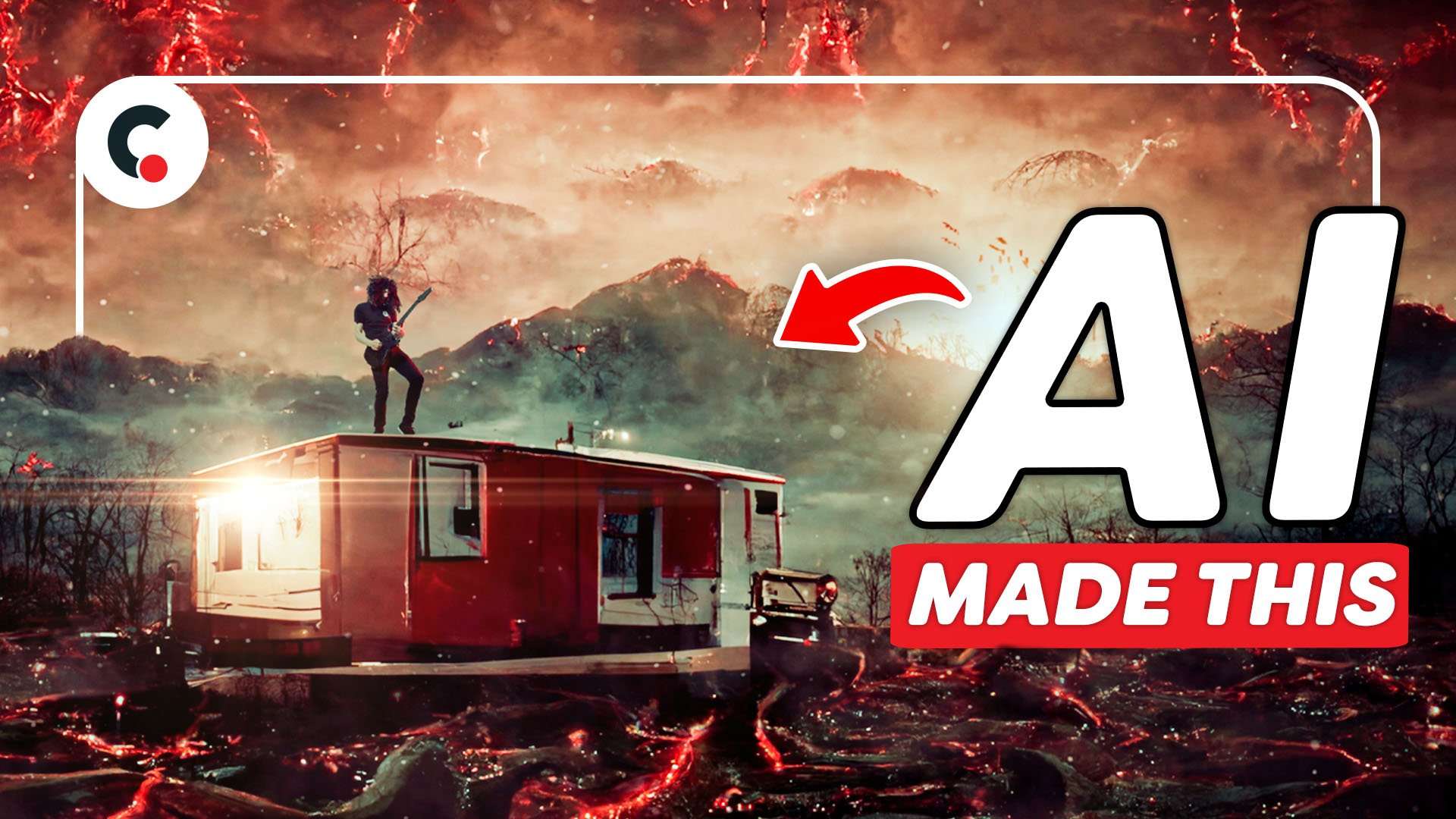
Learn how to generate AI images with MidJourney and create stunning moving art with Adobe After Effects in this tutorial video
Art made by AI
AI art is extremely trending these past weeks. You see everybody doing it who does anything related to being creative. Text to image generators already existed but with Midjourney and Dall-E being in beta testing it really stepped up its game.
Both AI's are so good that its difficult to guess if a human made it or not. And with this comes a ton of different benefits for us creatives.
Benefits of AI generated art
We'll I think first of all it's a new medium for creatives to create art. People who don't have the technical skill but a very vivid mind can use this tool to create things and world they otherwise would never have been able to do. But also people who do have technical skills can use this to enhance their work. They could for example generate a painting and than start painting on top to refine what they want the image to be.
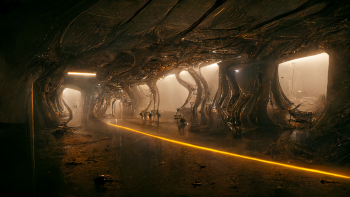
Next to this is mood boarding. Something we creatives always do before creating our next piece. instead using google and Pinterest you could tell the AI very specifically what you want to see. Like for example a cyber punk city with a big church and red and green lights. And from here out things like concept art become easier and faster to draft up some examples to work off.

It's really a tool we should embrace and not be scared of to use. And the more we use it the more ways we can find to implement it into our creative workflow.
MSI Creator p100X x The summit mS321UP
Big thanks to MSI for sponsoring this video. If you’re looking for a beautiful workstation which can take the most out of Creative software, then check out the MSI Creator P100X and The Summit MS321UP!
Jordy Vandeput
Founder of Cinecom · 2.75M+ subscribers on YouTube
Jordy Vandeput is a Belgian filmmaker who has taught practical filmmaking to millions through Cinecom. He breaks professional techniques down into clear, repeatable steps you can use on your very next project.



0 comments