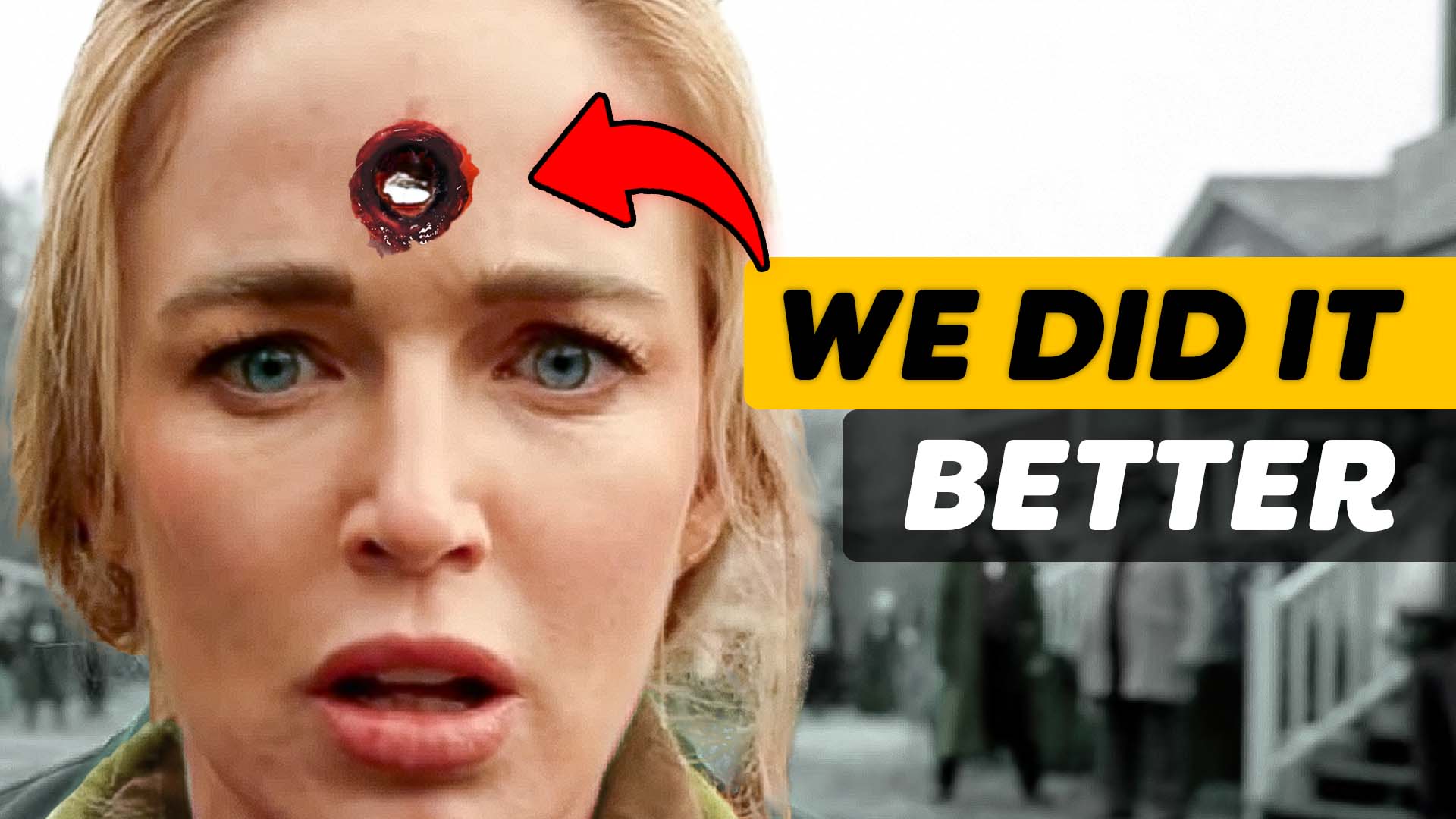
This Is Why You Need To Use Practical effects
 Jordy Vandeput
37K views
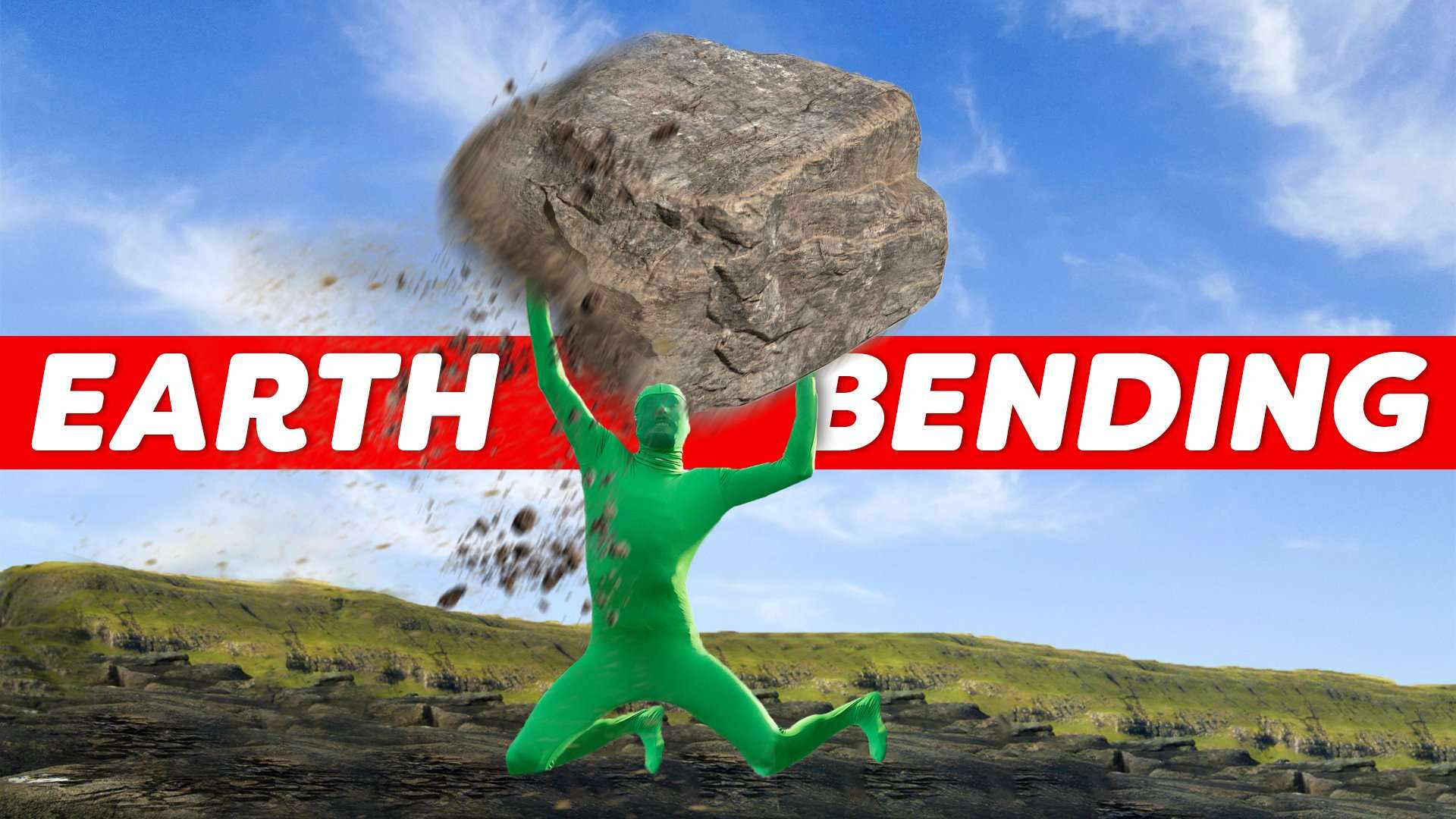
Learn how to create the earth bending effect from Avatar the Last Airbender in this Adobe After Effects tutorial.
Avatar inspired travel video
Almost 2 months ago Jordy left to the Faroe Islands together with 2 creatives and a cosplayer. There they spend 7 days shooting and once back we spent 5 weeks working on this video. It was a ton of hard work but we are proud of how the video turned out.
In this video we show how to become an earthbender but in a different super easy way. Because in the original video we went a bit ham.
Red Giant Particular
All the elements you saw in Elements of the Faroes were done in After Effects. We used a powerful plugin from Red Giant called Particular. This plugin creates organic 3D particle effects which you can use to create water, fire, air and stone.
Now we cant take full credit and act like we did everything from the ground up. To be able to get that video finished in the time we had, we needed a shortcut for the visual effects. If you ever looked to recreate any elements from the Avatar you probably already have stumbled upon this person. CG Visuals, someone who dedicates a lot of time to creating the most realistic elements right inside of After Effects.
They have a ton of tutorials going very in depth on how this is done. I 100% recommend all of you to check their channel out.
MSI Creator Z17
Big thanks to MSI for sponsoring this video. If you’re looking for a beautiful workstation laptop which can take the most out of Creative software, then check out the MSI Creator Z17!
With the NVIDIA Studio RTX 3080 GPU, the 12th Generation Intel CPU and QHD+ display with a 16:10 golden ratio, it’s a no brainer for every creator!
Jordy Vandeput
Founder of Cinecom · 2.75M+ subscribers on YouTube
Jordy Vandeput is a Belgian filmmaker who has taught practical filmmaking to millions through Cinecom. He breaks professional techniques down into clear, repeatable steps you can use on your very next project.




0 comments