Recreating this shot from DUNE in Unreal Engine + After Effects
 Jordy Vandeput
164K views
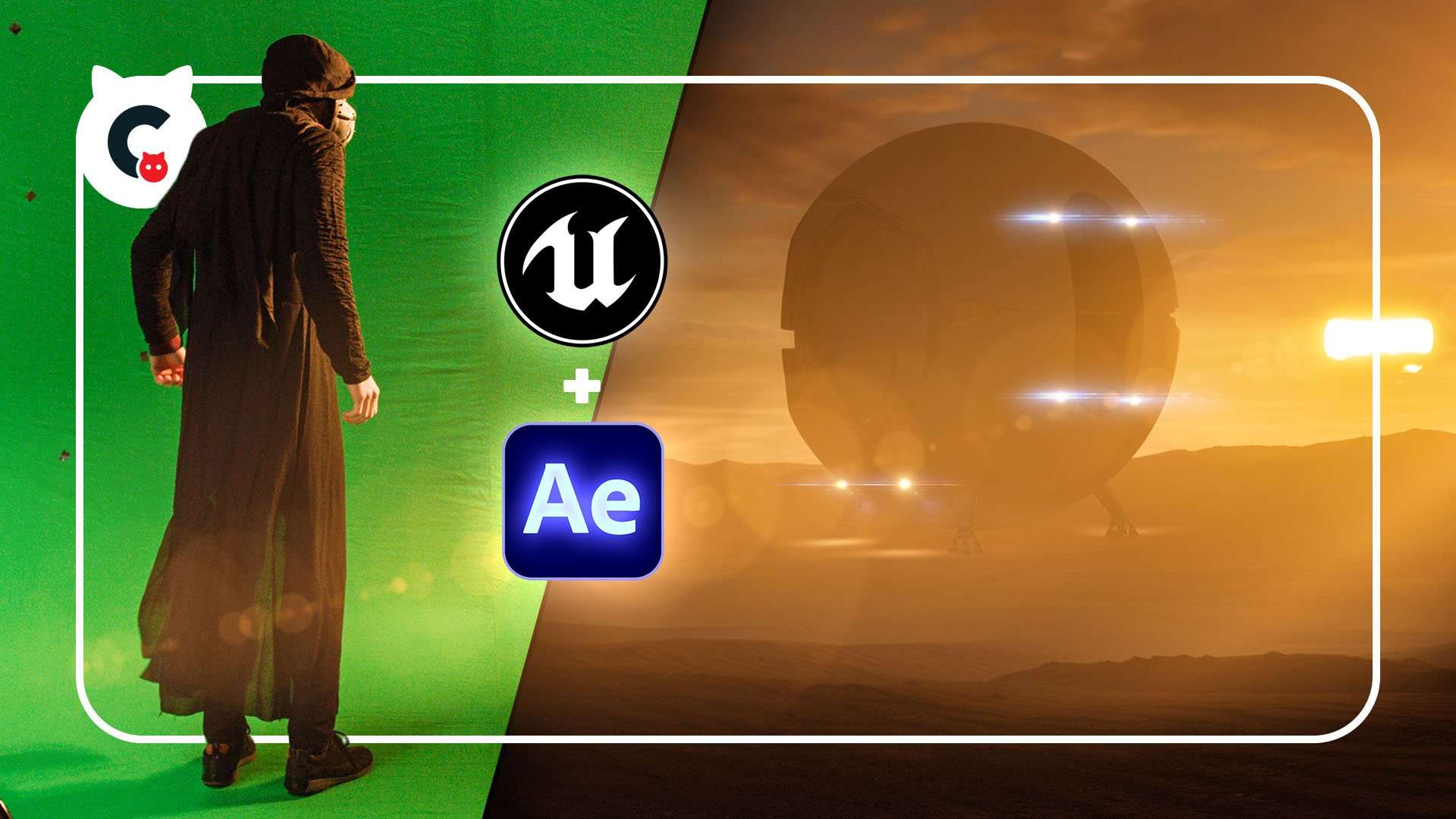
Unreal Engine Environments
Creating environments with Unreal Engine 5 is pretty easy to do. And it's a lot of fun too! This allows you to create custom backgrounds, which can be used with your greenscreen.
The biggest struggles are going to be to make the blending of your greenscreen shot and the Unreal Engine background realistic. Here's where Adobe After Effects comes in as it has better tools for compositing.
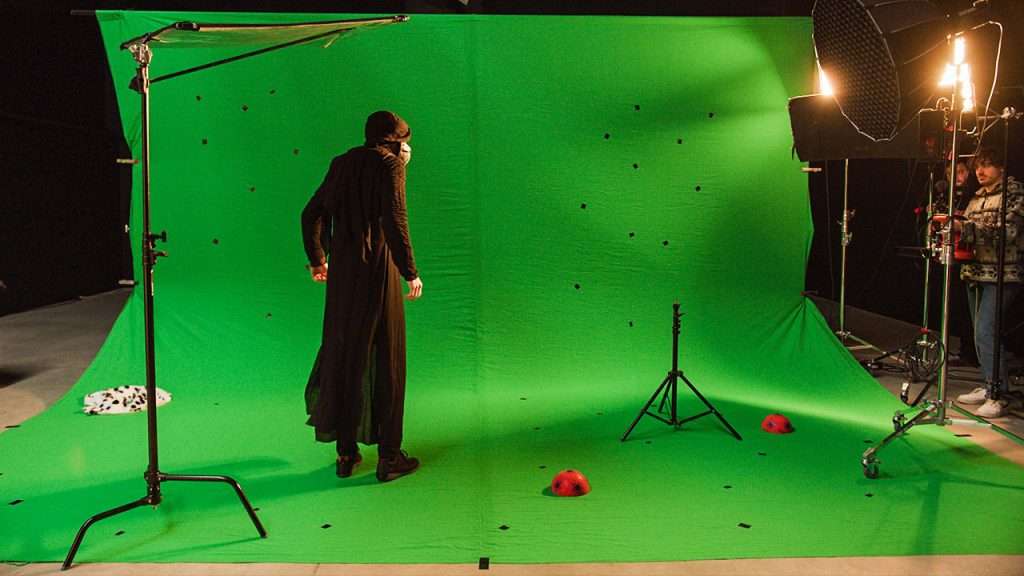
3D Camera Tracking
In an earlier video we tried out live 3D camera tracking in Unreal Engine. And although it works, it does come with some issues. On top of that, you'll need a tracking system like the Vive VR Base stations.
So for this video we figured out a different way, making 3D camera tracking more accessible to everyone. Adobe After Effects has a build-in 3D Camera tracker. We used that to analyze our shot.
Now we just need to figure out a way to bring the tracking data into Unreal Engine. It's not so easy as we need to go through a different program first. You can use Blender or Cinema4D for that.
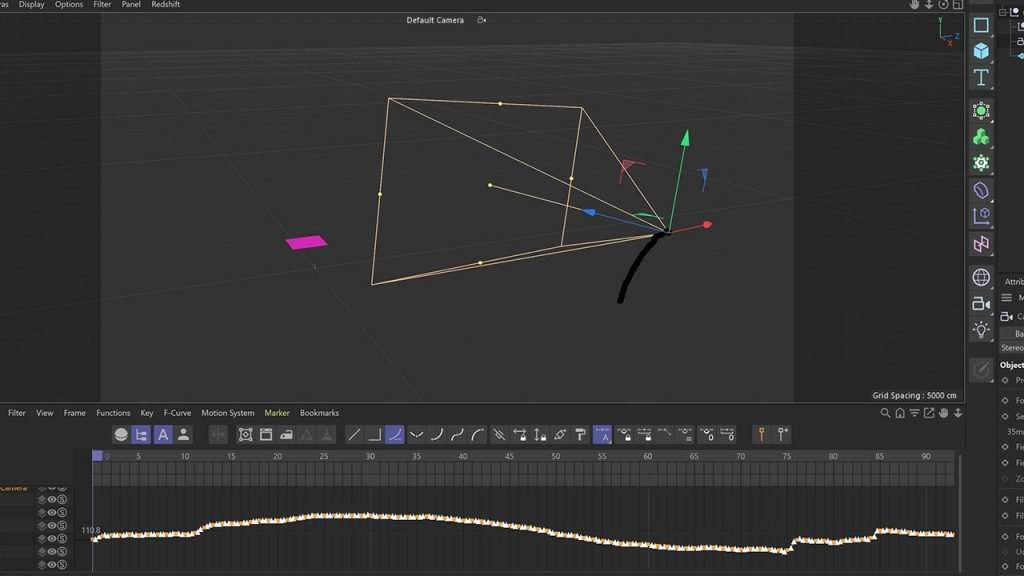
And then from your 3D application, we can bring the tracking data into Unreal Engine as Lorenzo explains in the video.
Storyblocks
Big thanks to Storyblocks for the support on this video. Their community driven library helped us again in this video to seamlessly blend our green screen shot. We download some dust and flare assets.
Storyblocks is very affordable and there's a download plan for everyone.
Jordy Vandeput
Founder of Cinecom · 2.75M+ subscribers on YouTube
Jordy Vandeput is a Belgian filmmaker who has taught practical filmmaking to millions through Cinecom. He breaks professional techniques down into clear, repeatable steps you can use on your very next project.


1 comment
As usual, another great tutorial. Creating amazing projects using some of the latest tools in 3D production at an affordable cost (software wise), is really exciting. What I really enjoy is how you guys make the ventures look and sound easy to accomplish even though you had to sometimes create work arounds. It makes it encouraging for me to keep trying to master the techniques rather than be intimidate by the failures. Thanks much for your desire to educate others. tb