Create the SQUID GAME Intro Animation (After Effects Tutorial)
 Jordy Vandeput
219K views
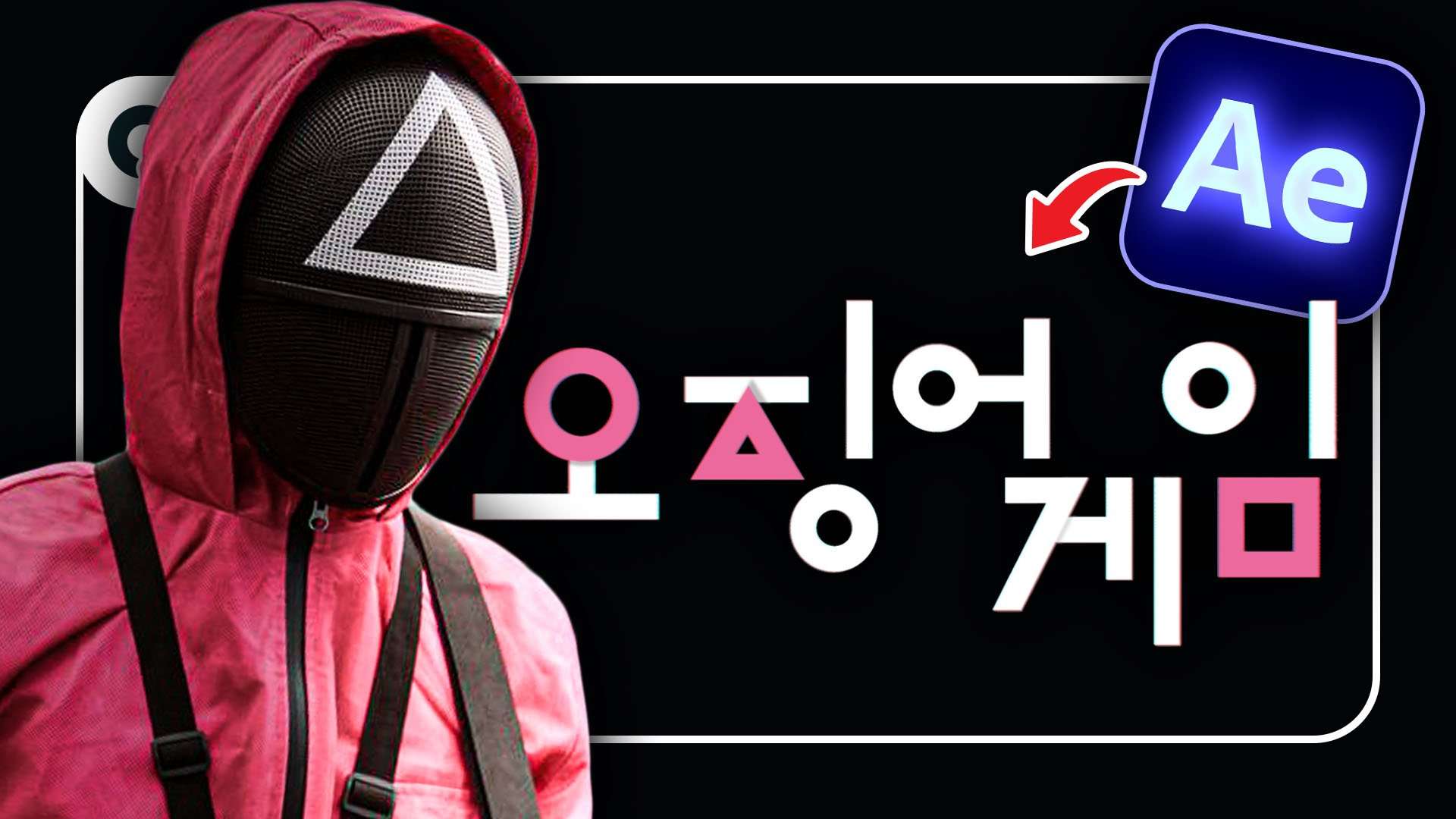
Learn how to create the popular intro title animation from the Netflix series Squid Game in this Adobe After Effects tutorial video.
Squid Game Logo Animation
Squid Game has taken over every living room in the world. The biggest Netflix sensation ever as it's breaking new records. For us tutorial makers, this means one thing: another trend wagon we can hop on!
And in this tutorial video we're looking at the intro logo animation, where it goes from the Squid sign into the Korean word 'Squid Game'. We can see a great extra touch with having the circle, triangle and square light up in their pink color.
Motion Graphics in After Effects
Adobe After Effects is used widely for creating motion graphics animations. It has many tools to design, manipulate and keyframe paths. Beginners could be overwhelmed though, as the program has many of it's animation options tucked away.
One of your go-to tools is the 'trim paths' option. However, it's not a property that we can find back by default. You need to add it first to your shape layer, just like many other options.
But once you get the hang of it, it's a lot of fun to make graphics animation in After Effects.
Uniform Line Width
As mentioned in the video above, there's an expression you want to use to retain the line or stroke width of a shape as you scale it. Here's your copy/paste:
value / length(toComp([0,0]), toComp([0.7071,0.7071])) || 0.001;Storyblocks
Big thanks to Storyblocks for sponsoring this video and providing us with an amazing library filled with motion graphics templates, presets, overlay effects, 2D animations and high quality 4K stock clips. Download unlimited video assets with an active subscription.
Jordy Vandeput
Founder of Cinecom · 2.75M+ subscribers on YouTube
Jordy Vandeput is a Belgian filmmaker who has taught practical filmmaking to millions through Cinecom. He breaks professional techniques down into clear, repeatable steps you can use on your very next project.




3 comments
nuts
lol
Rip