Turn into a Ghost with Adobe After Effects
 Jordy Vandeput
175K views
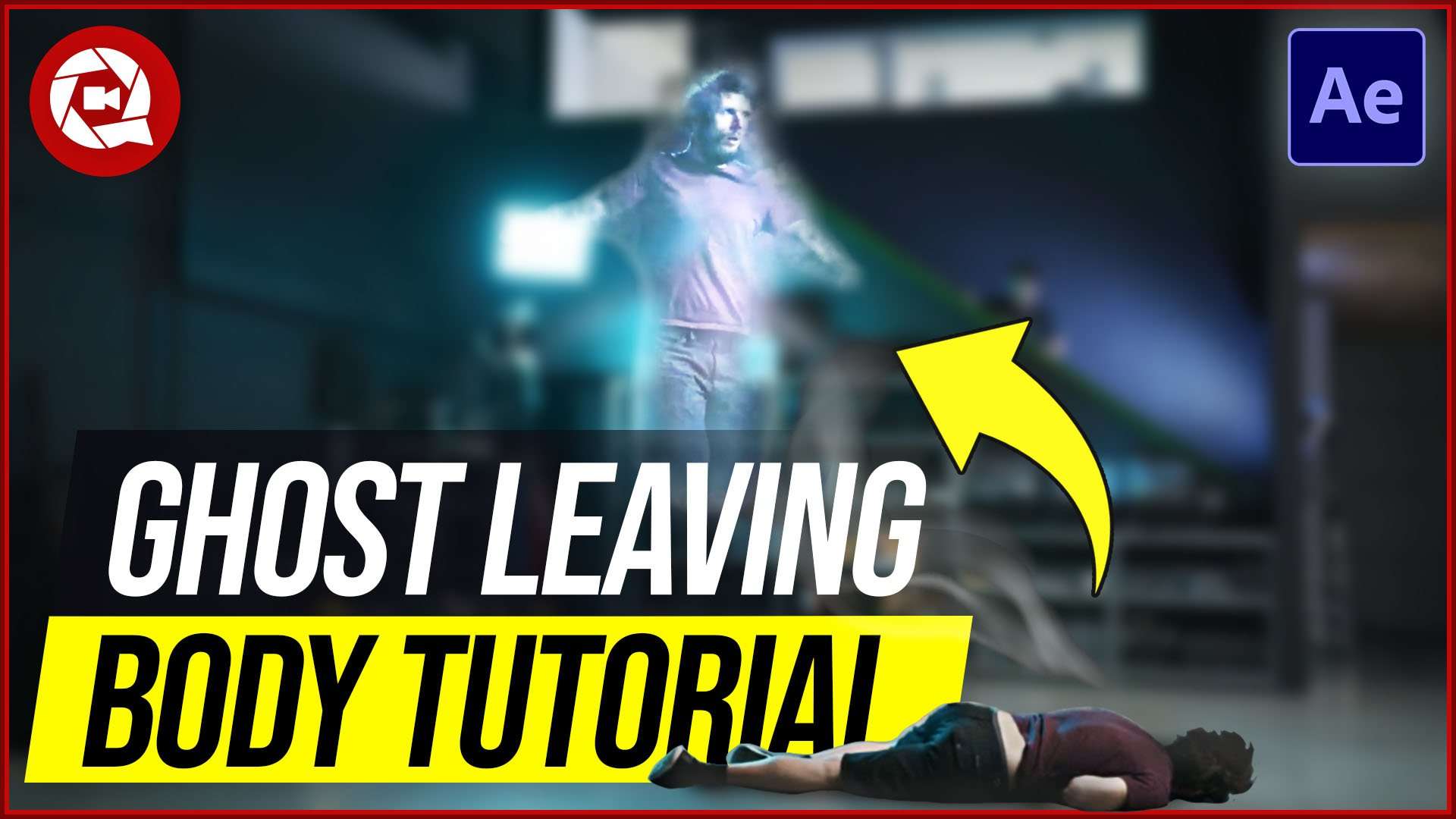
Learn how to create a ghost leaving body effect in this super easy Adobe After Effects tutorial. Create a simple disintegration ghost VFX.
The Ghost Effect
What a ghost really looks like isn't defined. In the beginning of cinema, when we didn't had VFX tools yet, a simple transparent film already sold itself as a ghost effect.
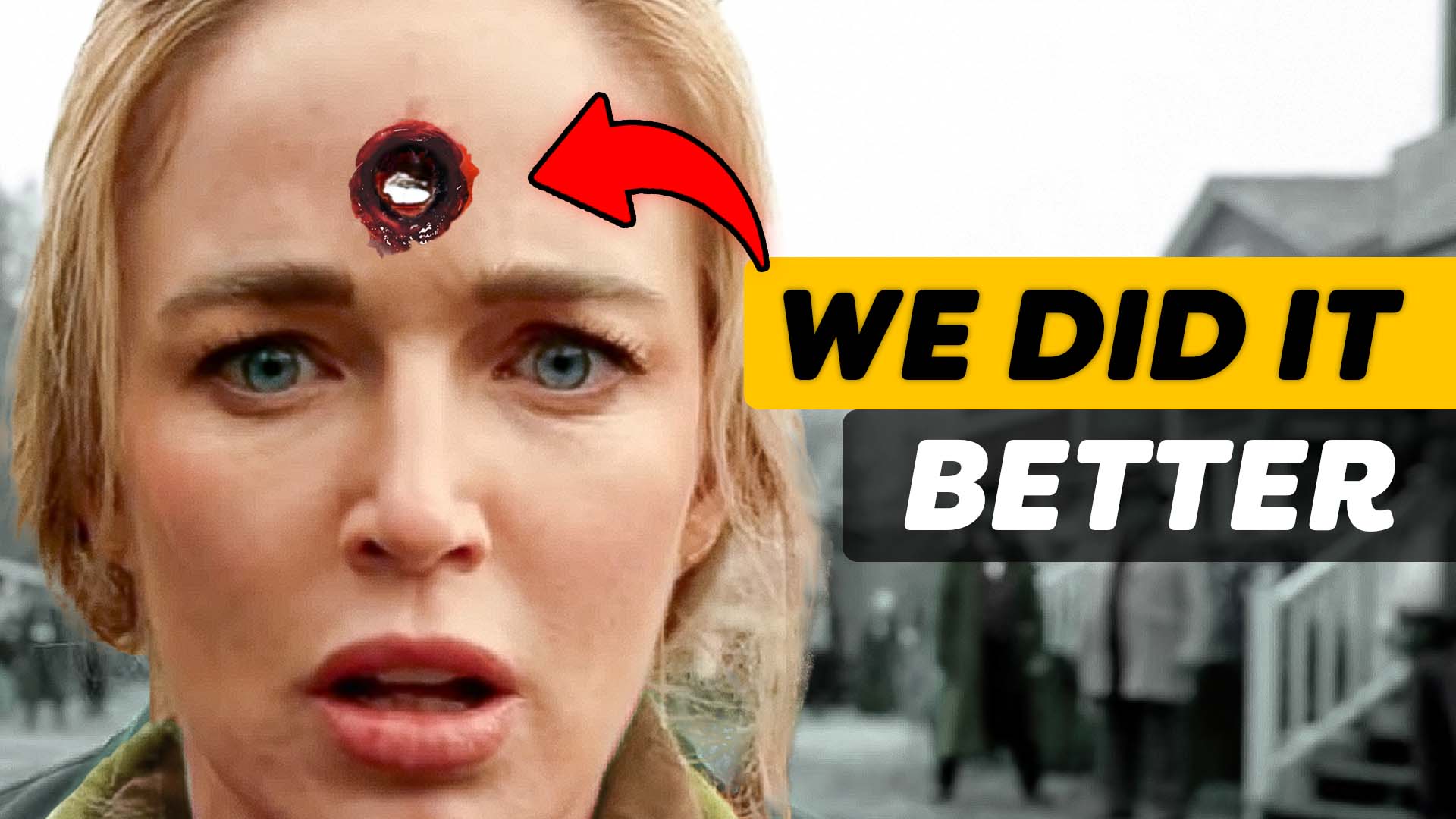
Today there's no technical limitation anymore and we've seen various visual designs of a 'ghost'. In the Netflix series 'Locke & Key', there's a young boy who uses the 'Death Key' to leave his body as a ghost.
The boy was 3D modeled an animated to make him fly. Although I don't think it really looks that good, the whole particles and actual ghosting effect is actually pretty cool. So inspired by this idea, I decided to design my own ghost effect.
Particle Disintegration
The particles around the character Bode, break up very nicely. This is a disintegration effect, similar to the Thanos Disintegration we did a while back. However, this is not an easy process. I wanted to keep this tutorial simple.
With the help of the roughen edges I was able to completely create a disintegration that fitted with my ghost effect. By animating one of the properties of the roughen edges, you're able to give the impressing that your body is losing particles, in other words a disintegration.
Adobe After Effects
Many people are often discouraged to work in Adobe After Effects. And I was too when I started out. It can get very overwhelming at first. If you where like me, I can highly recommend to check out our Adobe After Effects course for beginners.
In this course you'll learn how to get started and get an understanding of all the basic tools. It's a lightweight and fun course, to bring you on track in no time.

Storyblocks Video
Big thanks to our sponsor Storyblocks video, a growing library where you can find After Effects templates, motion graphics, overlays, effects, 4K stock clips and so much more.
With a single, annual fee, you can download unlimited video assets for personal and commercial use!
Jordy Vandeput
Founder of Cinecom · 2.75M+ subscribers on YouTube
Jordy Vandeput is a Belgian filmmaker who has taught practical filmmaking to millions through Cinecom. He breaks professional techniques down into clear, repeatable steps you can use on your very next project.



2 comments
please leave a link to download adobe packages
please leave a link to download after effects