3D Parallax Zoom Transition in Premiere Pro
 Jordy Vandeput
158K views
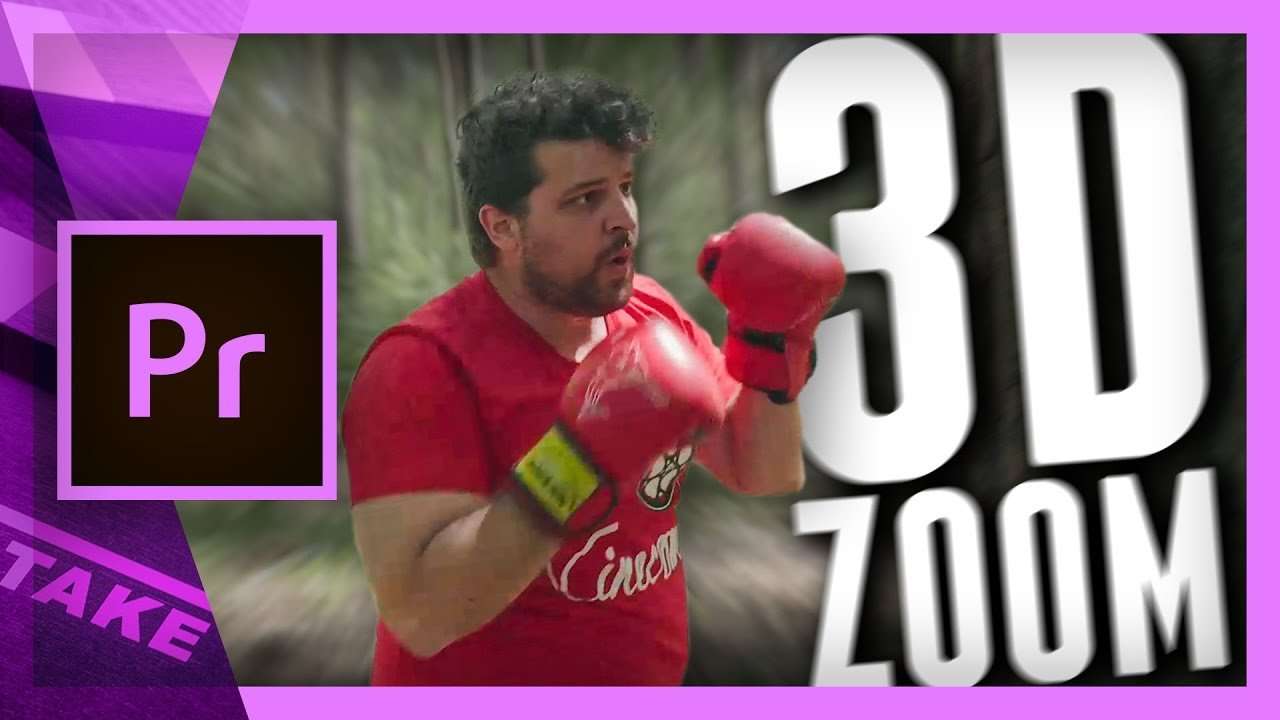
How to create a 3D parallax effect with Adobe Photoshop and Adobe Premiere Pro, which after we'll make an epic crash zoom transition.
It's Friday, which means we're publishing a new Adobe Premiere Pro tutorial again. We noticed how many people still use Premiere Pro CS6, so therefore we looked for a workflow that allows everyone to follow along. That's why we're using Adobe Photoshop together with Premiere Pro.
As as Premiere Pro Creative Cloud, the mask tool was introduced. This allowed us to mask out specific elements and even track that with the motion of the video. A very nice feature that is definitely worth upgrading to!
In this tutorial, we're working on a still frame. Since Adobe Photoshop has much better tools for masking and selection details such as hair, we'll be using that.
When you cut out different elements in a frame and lay them on top of each other, it seems like nothing has changed. But you can then add a nice motion effect into it, like the 3D parallax, to make the still picture come to live, by creating different animations on each layer separate.

The Adobe's dynamic link will allow us to import the Photoshop and use the different layers inside Premiere Pro.
RocketStock
This video is sponsored by RocketStock Emulsion. Emulsion features stunning 4K film grain scans, shot on real film using high-end studio cameras. The pack grants you access to a variety of looks from vintage film stocks including Eastman Double X, Kodak Vision3, and Agfa Chrome.
Jordy Vandeput
Founder of Cinecom · 2.75M+ subscribers on YouTube
Jordy Vandeput is a Belgian filmmaker who has taught practical filmmaking to millions through Cinecom. He breaks professional techniques down into clear, repeatable steps you can use on your very next project.








1 comment
hi i am from morocco, so i don't speak English good but i love your channel on YouTube, and thank you for help us for learn filmmaker thank you so much...and my channel is Youssef A.L but i speak Arabic on it....