5 Easy and Fast Visual Effects in Premiere Pro
 Jordy Vandeput
6.3M views
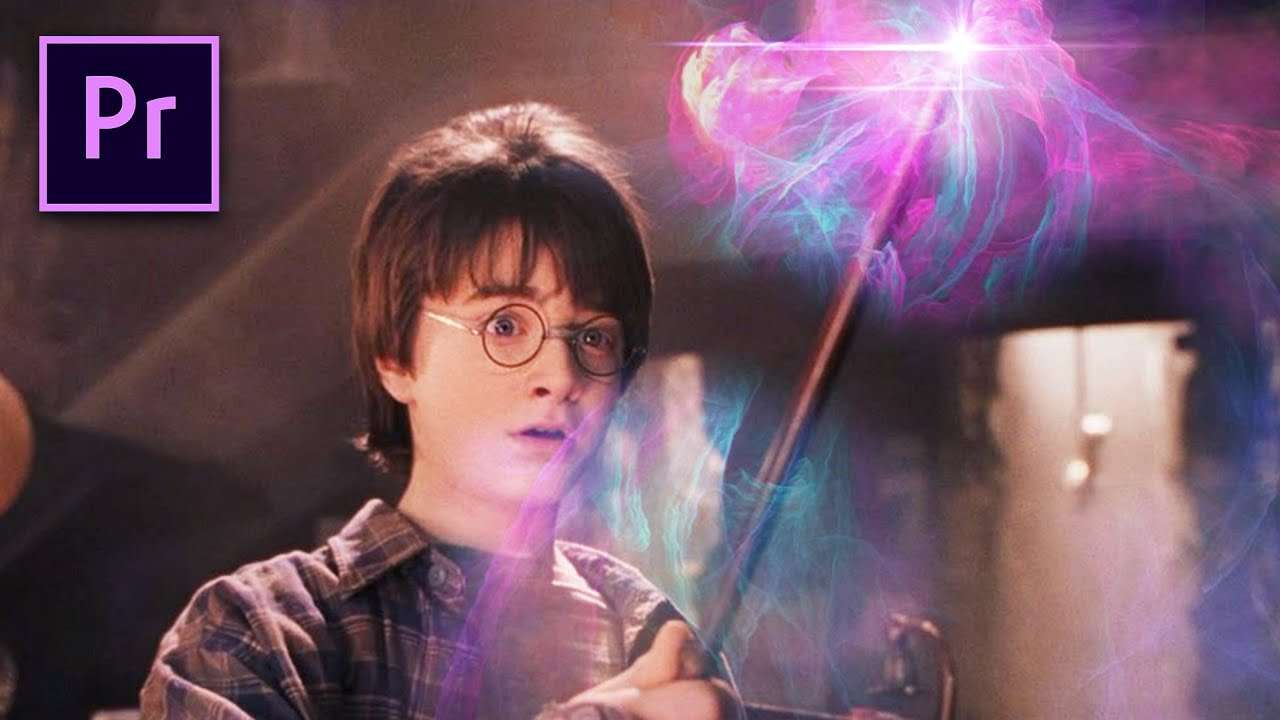
Create simple and fast visual effects in Premiere Pro. Use these tips and tricks to achieve easy, but professional Special effects for your next project.
What's up you guys, I hope you had a great weekend? Or maybe you are reading on another day then Tuesday, then I hope you are having a nice day. But as you are reading this you probably already know that it's Creative Tuesday. Today we are being Creative with Visual Effects and you saw it correctly, it's a Premiere Pro tutorial. In this tutorial we are showing you how you can achieve fast and easy Visual Effects for your video projects. And because we love Premiere Pro and we know you do too, that why we all did it in Premiere.
We often talk about special effects or visual effects. But what is the difference between the two? Because trust me, there really is a mayor difference! When talking about Visual Effects, they are mostly talking about Post-Production effects. So everything that is done afterwards, like Color grading and lights leaks. Then you have Special effects, these are divided into Optical and Mechanical effects. Optical effects are brought about with the camera themselves. This could be multiple exposures for example or combining two images together to form a matte. The Mechanical effects are the practical ones. They cover everything that is done during filming, from makeup to explosions. Let's say everything man made, without using a computer graphics for it.
And then of course you have CGI. The most used Effect in common films. It even goes so far that some movies almost completely exist out of CGI shots. A great example for this is the Life of Pi. Here they created almost everything from scratch with Computer Generated Images (CGI), even the tiger. So you can say that CGI is everything made with the computer, from 3D spaces and Characters to Explosions made from particles.
So now you know the difference between all the effects and use you knowledge to impress people on parties or during the movies.
VideoBlocks
This video was supported by Videoblocks, an easy to use site full of stock footage, vector images, stock photos, music, sound effects and more.
Jordy Vandeput
Founder of Cinecom · 2.75M+ subscribers on YouTube
Jordy Vandeput is a Belgian filmmaker who has taught practical filmmaking to millions through Cinecom. He breaks professional techniques down into clear, repeatable steps you can use on your very next project.








9 comments
Bahut achcha hai
florian
Nice
Yea
The server encountered an internal error or misconfiguration and was unable to complete your request. Please contact the server administrator at [email protected] to inform them of the time this error occurred, and the actions you performed just before this error. More information about this error may be available in the server error log.
Good
I eat butt
Excellent !!??
You can upload the files of the project so that people who can not take pictures of the things you are showing will still be able to edit.