Animate a simple intro title in Premiere Pro
 Jordy Vandeput
287K views
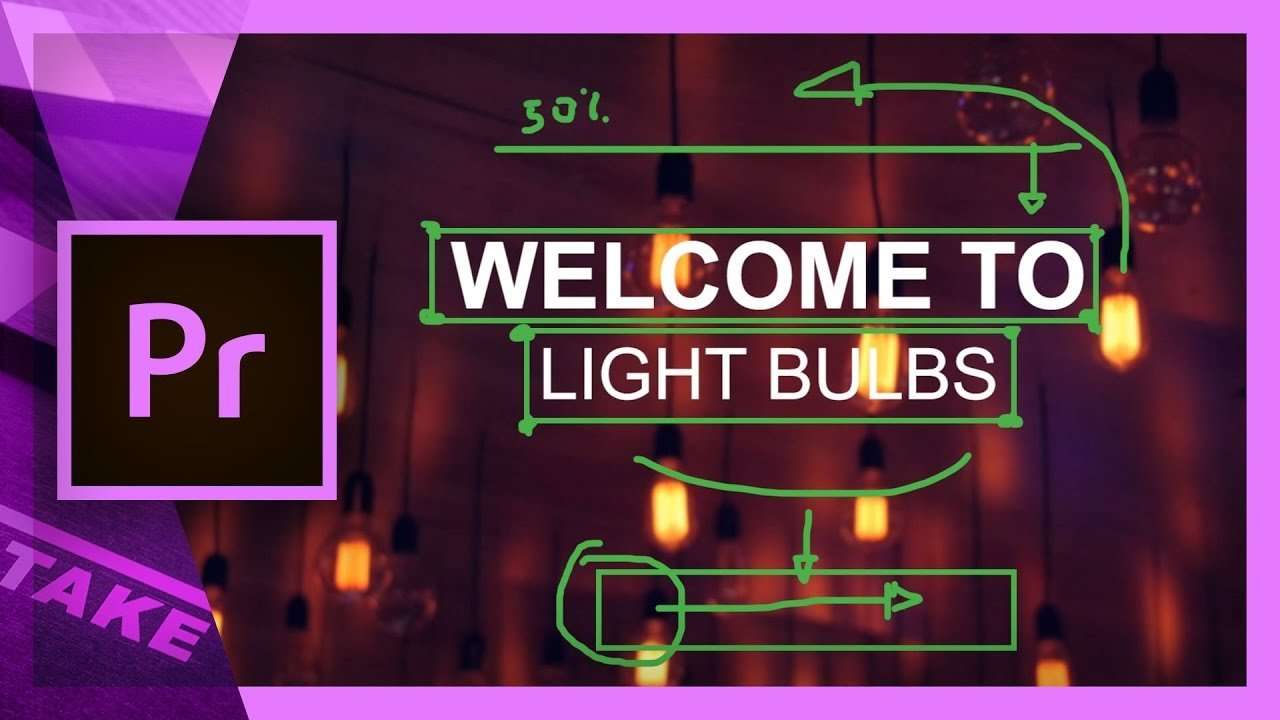
Learn how to use basic techniques in Adobe Premiere Pro to animate a simple intro title. Use the crop effect and animate the position of your titles.
We've covered many Adobe Premiere Pro tutorials in the past that shows different animation techniques. We even hit over half a million views on an introduction to text animation.
But on a more advanced level it important to work on the details of your animation and that starts with the flow. In other words, make sure you ease your keyframes.
Often we think that Premiere Pro can only help us with editing tasks, but it's a good animator too. I'm not saying it's always the easiest workflow, but always heading out to After Effects is not convenient for everyone. Simple animations like this intro title looks very professional and can be created in just a few steps in Premiere Pro.
If you like to add motion blur to your animations you can follow this previous tutorial, where we use the directional blur.
Jordy Vandeput
Founder of Cinecom · 2.75M+ subscribers on YouTube
Jordy Vandeput is a Belgian filmmaker who has taught practical filmmaking to millions through Cinecom. He breaks professional techniques down into clear, repeatable steps you can use on your very next project.








6 comments
Hello all well ? I'm Brazilian and I've been following your videos a lot, it's very good, I was wondering if you can turn this light logo on video out? thanks in advance
"It's like Sequence Inception" I almost spit my water on my laptop! Great tutorial! Thank you including the Ease In / Ease Out information, too!
nice
why i cant export with the titles?
You should be able to export it. It's just a normal project file. Which error do you see?
Thanks for this video! :o)