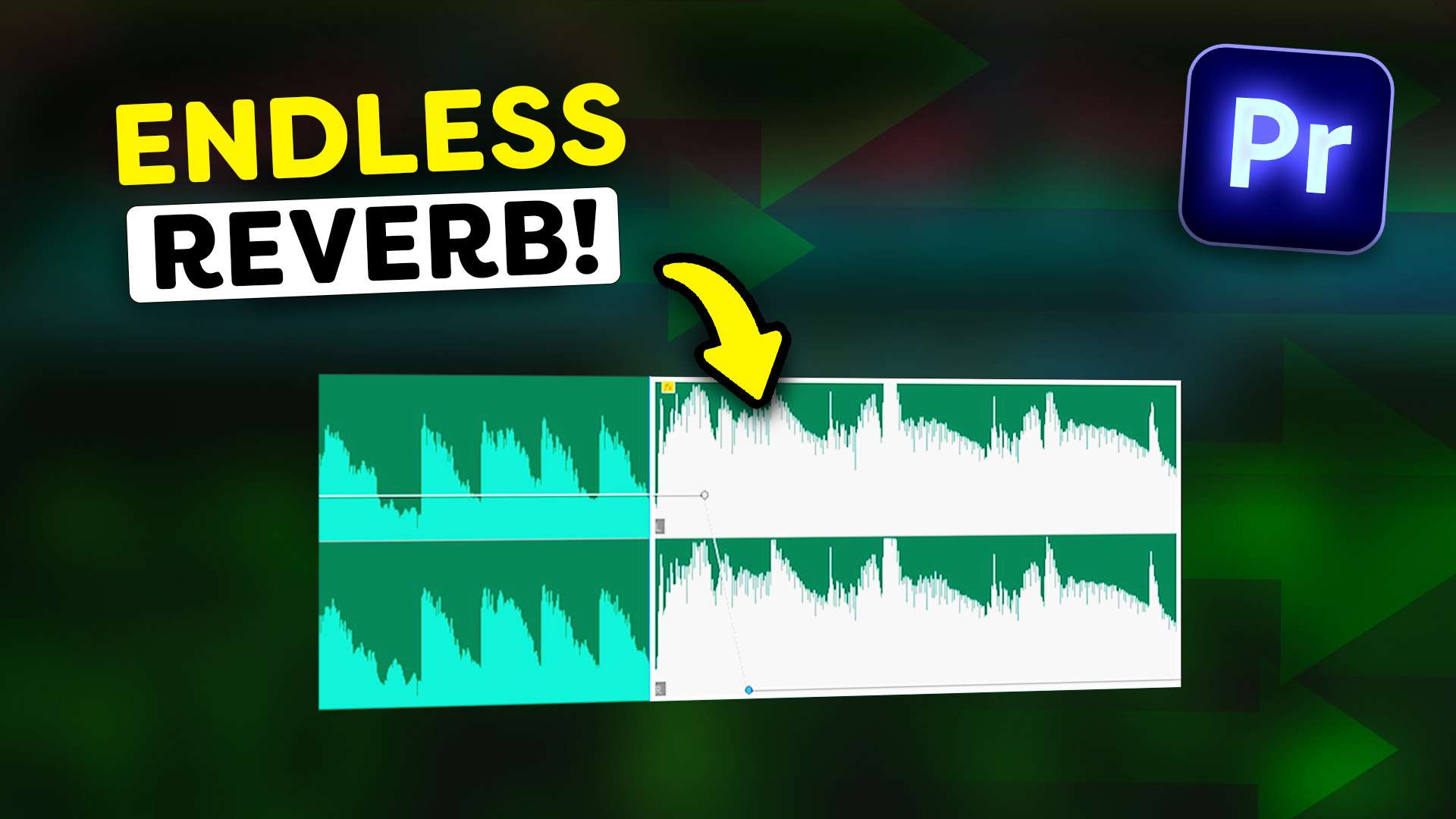
A Music editing trick they won’t tell you!
 Jordy Vandeput
Learn how to extend reverb and let it fade out smoothly on an audio clip in this Adobe Premiere Pro tutorial.
If you want your music to have a nice ending in your videos, you can simply extend the music and create a fade out. But what if there's a better and more professional way of ending a song? There is! You can use reverb on the last beat of your song, that way the music will fade out naturally!
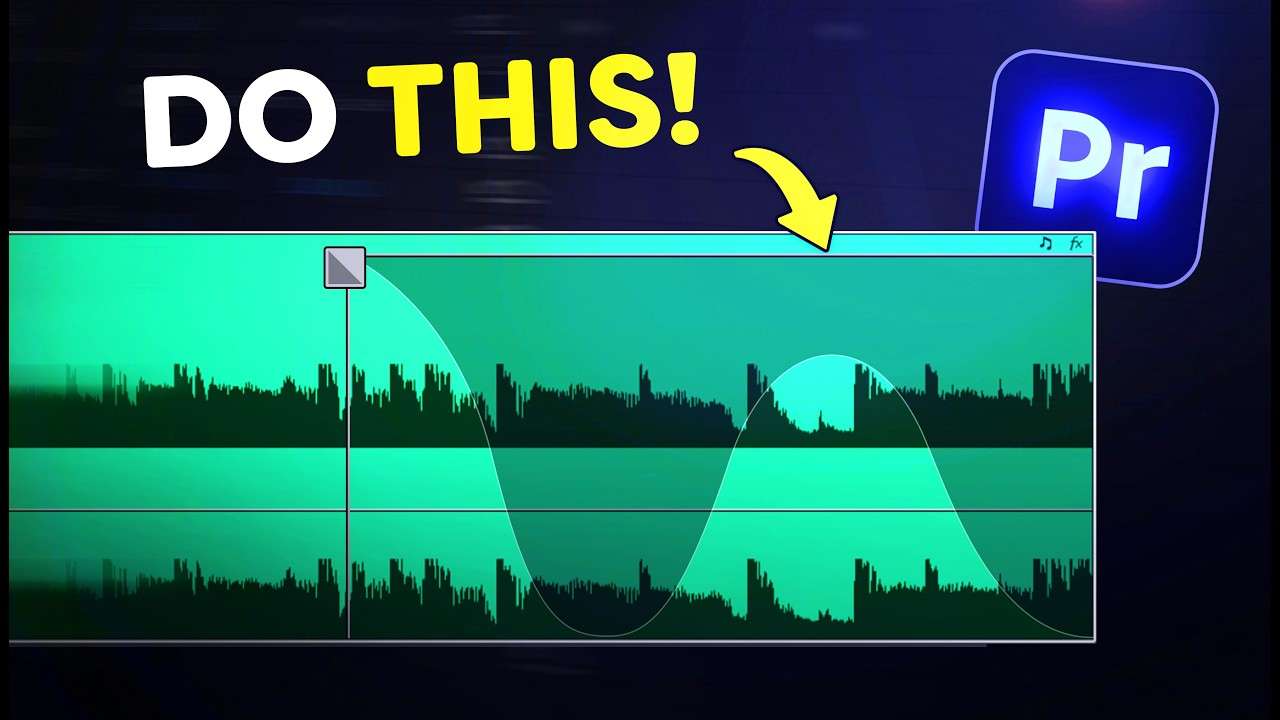
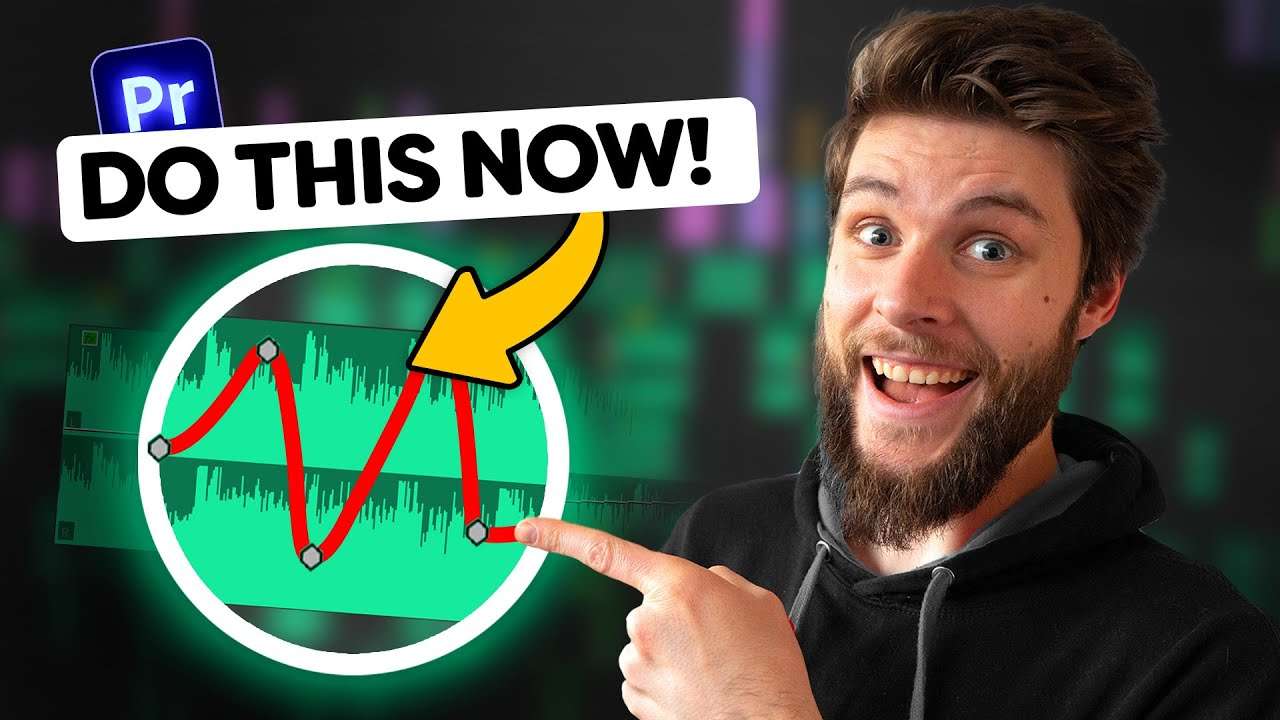
First, set a cut on a beat. This works well on a drum sound like a snare or kick. This is where your song is going to end. Make sure to extend the clip, the longer you extend it, the longer the duration of the reverb can be. Right after the cut, set a level keyframe on the clip. Move a little further and set another one. Now drag it all the way to zero, that makes the sound is short and snappy.

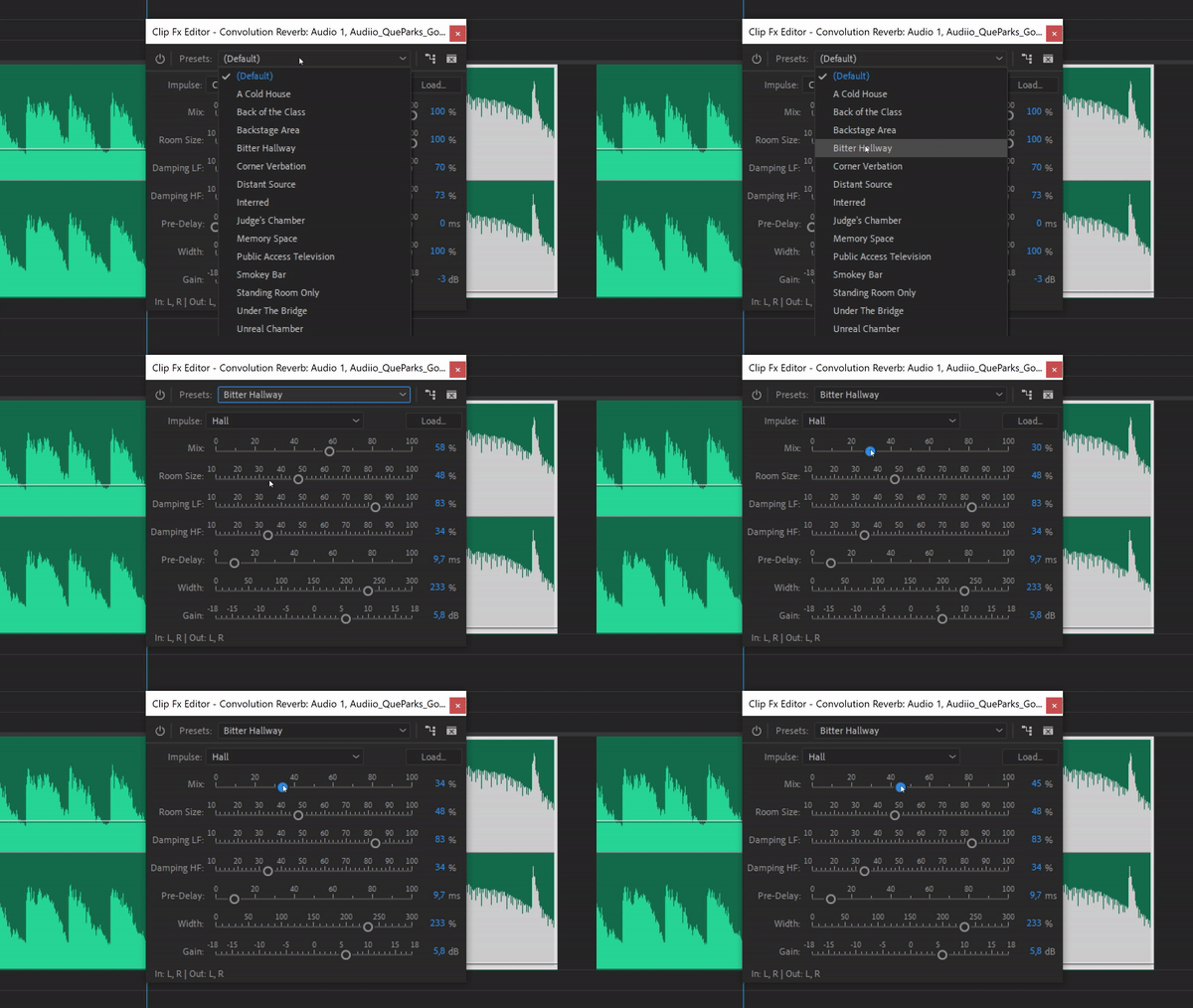
Next, find the convolution reverb and drag it on the clip. Open it up and from the preset list, choose bitter hallway. With the mix slider you can 'mix' the volume between the dry signal (which is the original sound) and the wet signal (which is the reverb).
When you can't wait to try this editing trick on your videos, but don't know where to find music? I suggest you check out Audiio where you can download and license music for your content. They actually released a brand new playlist called 'Audiio Originals'. It's a collaboration between Audiio and leading music producers.

They're releasing trend-worthy and relevant songs into Audiio's exclusive music catalog for filmmakers and content creators like yourself. Music producers like Que Parks, Faded Light, Max Corwing and many more are crafting music with creators in mind, to make sure the music works best for you!


Audiio Orginals will have different genres like hiphop and modern cinematic compositions. Crafted in alignment with the latest music trends, every track in the playlist is designed to captivate your viewers and leave a lasting impression. I always use Audiio when looking for music for my edits and I'm never disappointed. Check out Audiio here!
Jordy Vandeput
Founder of Cinecom · 2.75M+ subscribers on YouTube
Jordy Vandeput is a Belgian filmmaker who has taught practical filmmaking to millions through Cinecom. He breaks professional techniques down into clear, repeatable steps you can use on your very next project.






0 comments