Create a custom LUT with Photoshop for Premiere Pro
 Jordy Vandeput
80K views
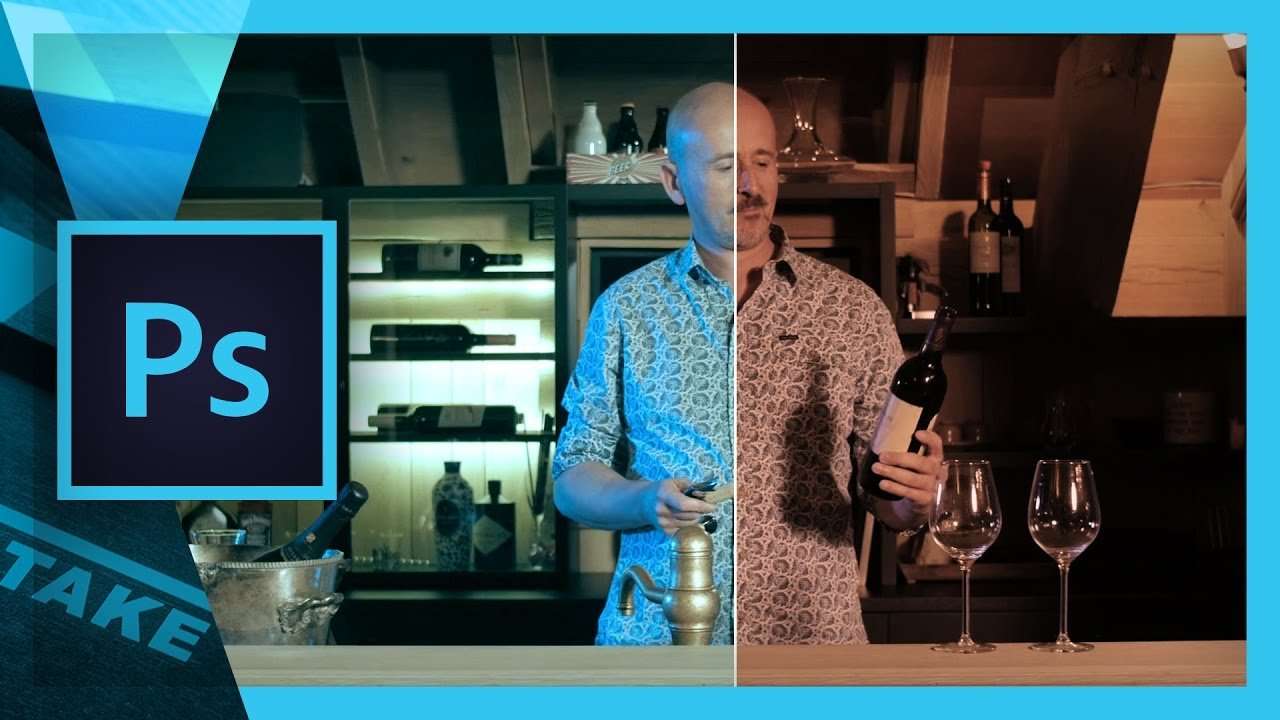
Premiere Pro Lumetri allows us to import a custom LUT as a look for our videos. But have you ever wondered how to create your own?
A LUT or Lookup Tabel is a wonderful little file that can alter the colors of our videos in amazing different ways. Simply said; it are color presets. LUT's can be used to conform a flat log image to a neutral look or to create specific looks.
These LUT's can be added from the Lumetri panel within Premiere Pro. You can eitehr chose from a list of default looks or import a custom LUT. These custom LUT's can by found all over the internet but we can also create our own LUT.
Ideal we might wanna export our custom settings from Lumetri, but it's not possible (yet). Therefore we use Adobe Photoshop where we can create adjustment layers to create a specific look. From the export menu we can then easily export the adjustments as a lookup table. It's that simple!
Unfortunately we are limited to only using the adjustment layers if we would like to export to a LUT. But I came across an interesting (and free) program called IWLTBAP LUT generator. It allows you to copy any settings to a HALD image which is created by the program. That means we can use the camera raw filter from Adobe Photoshop and copy those settings to the HALD image. Next the program uses the HALD image to generate the LUT file.
This idea allows us to generate a LUT from basicly anything. The website has tons of tutorials on how to use it with different programs like Lightroom or match the look of two cameras this way.
Import the LUT in Premiere Pro
As you know we can easily important the LUT in Lumetri, but there's also a way to have it in your LUT's list everytime you open Premiere Pro. For that you'll need to place the LUT file into a specific folder.
Windows
C:\Program Files\Adobe\Adobe Premiere Pro CC 2015.3\Lumetri\LUTs\CreativePremiere Pro's version in the path might be different for you
Mac
Applications/Premiere Pro CC 2015Then right click and say "Show Package Contents"
/Lumetri/LUTs/CreativeJordy Vandeput
Founder of Cinecom · 2.75M+ subscribers on YouTube
Jordy Vandeput is a Belgian filmmaker who has taught practical filmmaking to millions through Cinecom. He breaks professional techniques down into clear, repeatable steps you can use on your very next project.








3 comments
IWLTBAP LUT generator it is not free .
its free bro . you only need type 0 $ in the filed and then press add to cart
CREATE A CUSTOM LUT WITH PHOTOSHOP