Create a Spicy Face look in Premiere Pro
 Jordy Vandeput
27K views
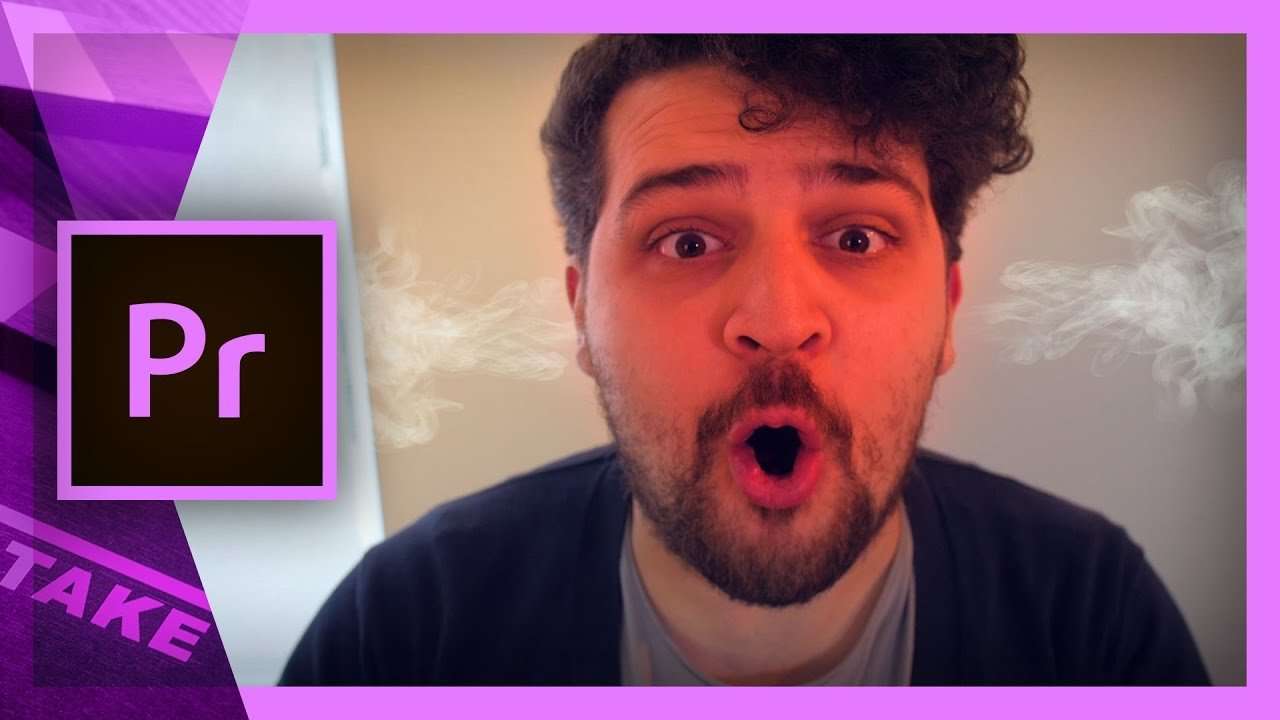
Learn to use the masking and blending tool in this Adobe Premiere Pro tutorial to create a spicy face expression, full of emotions.
To become a true member of Cinecom, Yannick still had to pass his rite of passage through a trail of fire! So in this week's tutorial he had a spicy encounter with the masking and blending tool in Adobe Premiere Pro. These tools are frequently used in post production with Adobe After Effects and are popular due to their customization. But Premiere Pro also has the ability to use the mask and blend tool, so why not use Premiere Pro?
If you ever used light leaks or lens flares you know the power of the blend tool. With this tool you can "blend" two overlapping videos, where you use the top video to create an effect of choice by playing with the options like overlay, add, color dodge and so on. Through this you can achieve the effect that gives you video that extra punch.
But what if you want to use just a small part of an image or cut out a part you don't want to show? That's where the masking tool comes in to help, with this tool you can draw paths or shapes to that give you the option to add or subtract the image of your clip. So this means you can precisely choose what to show from your clip and what not. This combined with the feather option within the masking tool, you can subtract or add images without people noticing real from fake.
Now if you put the blending and masking tool together, you've got unlimited possibilities to create an awesome video. So don't be afraid to experiment.
VideoBlocks
This video was supported by Videoblocks, an easy to use site full of stock footage. Perfect for finding pictures, videos, templates or effects. You can find the smoke effect on Videoblocks here
Jordy Vandeput
Founder of Cinecom · 2.75M+ subscribers on YouTube
Jordy Vandeput is a Belgian filmmaker who has taught practical filmmaking to millions through Cinecom. He breaks professional techniques down into clear, repeatable steps you can use on your very next project.








1 comment
thank for this