Become the Fastest Fruit Samurai (Adobe Premiere Pro)
 Jordy Vandeput
46K views
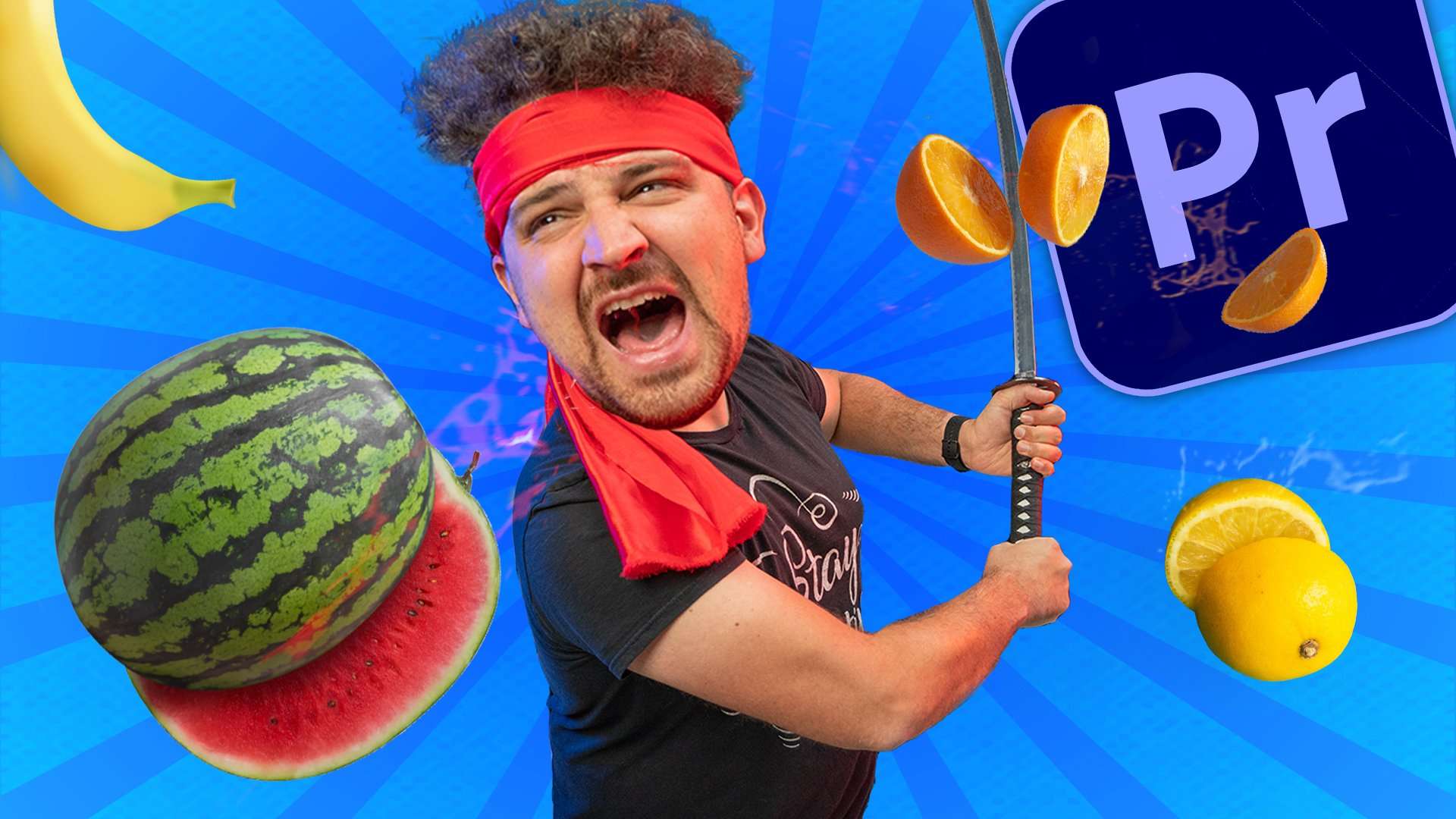
Learn how to recreate the Samurai Fruit slice effect from the famous Instagram and TikTok trend in this Adobe Premiere Pro tutorial video.
Back to the basics
This weeks video is a little bit easier than usual, we recreated the Best Swordsman trend from TikTok BUT since we're Cinecom we gave it our own little twist. Instead of just cutting fruits standing still, we added some flying fruits in the air which got cut in half. Basically making you a Real Life Fruit Ninja!
The reason we went for a less complex effect is because this Friday we'll be shooting another short film! So we can use some extra time for that project AND it should already come out next month! So follow us on our Instagram for some behind the scenes.
Best practice compositing vFX
In this video we shoot everything from a tripod and needed to stitch 7ish clips together. If you have experience with this you know for a fact this isn't always an easy task. Even if you shot on a tripod it can be tricky.
Light
When shooting you want to have as much of control as possible over the lights. So your best bet is to go inside, close all your curtains and set up some lights yourself. This way you are 100% sure the color, angle and intensity of the light is always the same for a long period. When you do want to shoot outside try to go for a day where the sky is clear. Not having clouds around will prevent your light from changing intensity. BUT the sun does still move so try not to take hours when shooting your effect.
You can of course do some small adjustments in post production but always try to minimize these for the best result.
Shadows
When shooting your effect you NEED to pay attention to where your shadows are laying. This is because you want to avoid masking multiple shadows in or through each other. So make sure these are always as far as possible as from your masking edges.
These shadows you can easily move by rotating or moving your lights a bit until the are being castes somewhere else.
Set Design
Last but not least is your set. The most obvious one is not to move anything! Otherwise your shots will never match. Besides this also pay attention to things that can move easily. For example in this video we had Yannick touching the table. to minimize the movement between shots we added some weights on the bottom so it didn't shift from its original position. Or think about curtains, when you walk past it you could move them a bit with the wind making the creases change.
Storyblocks
Want to support us and yourself? Then definitely check out our sponsor Storyblocks. With an annual subscription you have unlimited download from their ever growing stock library. From 4K stock clips to video effects and After Effects templates.
Jordy Vandeput
Founder of Cinecom · 2.75M+ subscribers on YouTube
Jordy Vandeput is a Belgian filmmaker who has taught practical filmmaking to millions through Cinecom. He breaks professional techniques down into clear, repeatable steps you can use on your very next project.








0 comments