Animate a NEON TITLE in Premiere Pro (Last Night in Soho)
 Jordy Vandeput
95K views
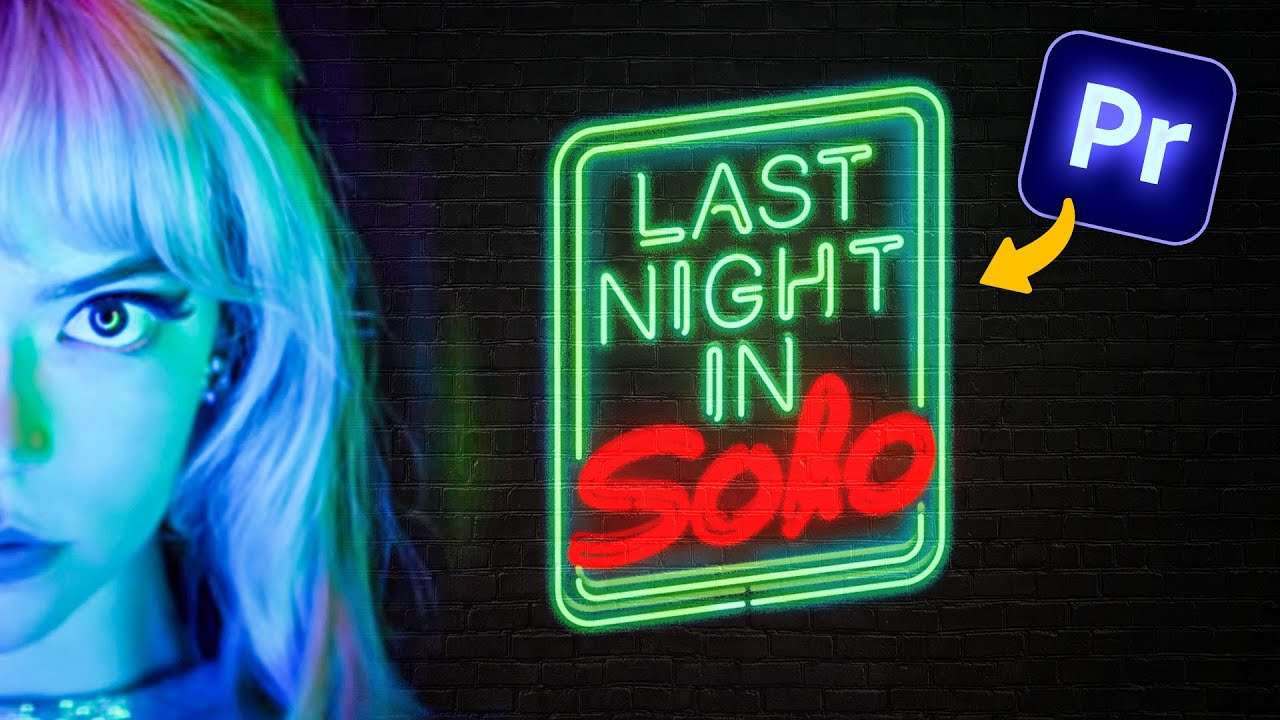
Learn how to create a Neon Title Animation as seen in Last Night in Soho using Adobe Premiere Pro 2022 in this tutorial video.
Title Animations
All movies or videos need a title screen, so we can say that title animations are one of the most common practices in video editing. And the possibilities for a title animation are really endless, from over the top special effects to a super simple stylised title.
But the style of the title is of course something subjective and will be determined by the content of your story. Creating a super happy title for a horror movie, wouldn't really work. So you can see that thinking about your title is also an important aspect of storytelling.
Track Matte Effect
Now for our Neon Title animation, we need to create this flickering effect for every letter separately. But the downside of Premiere Pro is the lack of controls for your text. We have the basics and we can do a lot with it. But personally I find it's lacking a few essentials effect for title animations.
But now worries, with some editing magic and work arounds. We can create everything that we want. To create the flickering we actually used a white square with an animated opacity property.
This square we can then use to cover a certain letter and with the track matte effect we can make the letters flicker. So like you can see, it's actually quite easy. Like most effects in Premiere Pro we need to take a small detour, but eventually it works.
Storyblocks
Big thanks to Storyblocks for the support on this video. Download unlimited stock assets such as 4K Royalty Free clips, Premiere Pro Templates, Animated Backgrounds and more.
There’s a download plan for every budget, so definitely check it out!
Jordy Vandeput
Founder of Cinecom · 2.75M+ subscribers on YouTube
Jordy Vandeput is a Belgian filmmaker who has taught practical filmmaking to millions through Cinecom. He breaks professional techniques down into clear, repeatable steps you can use on your very next project.



0 comments