How to use Simple Titles in Premiere Pro
 Jordy Vandeput
49K views
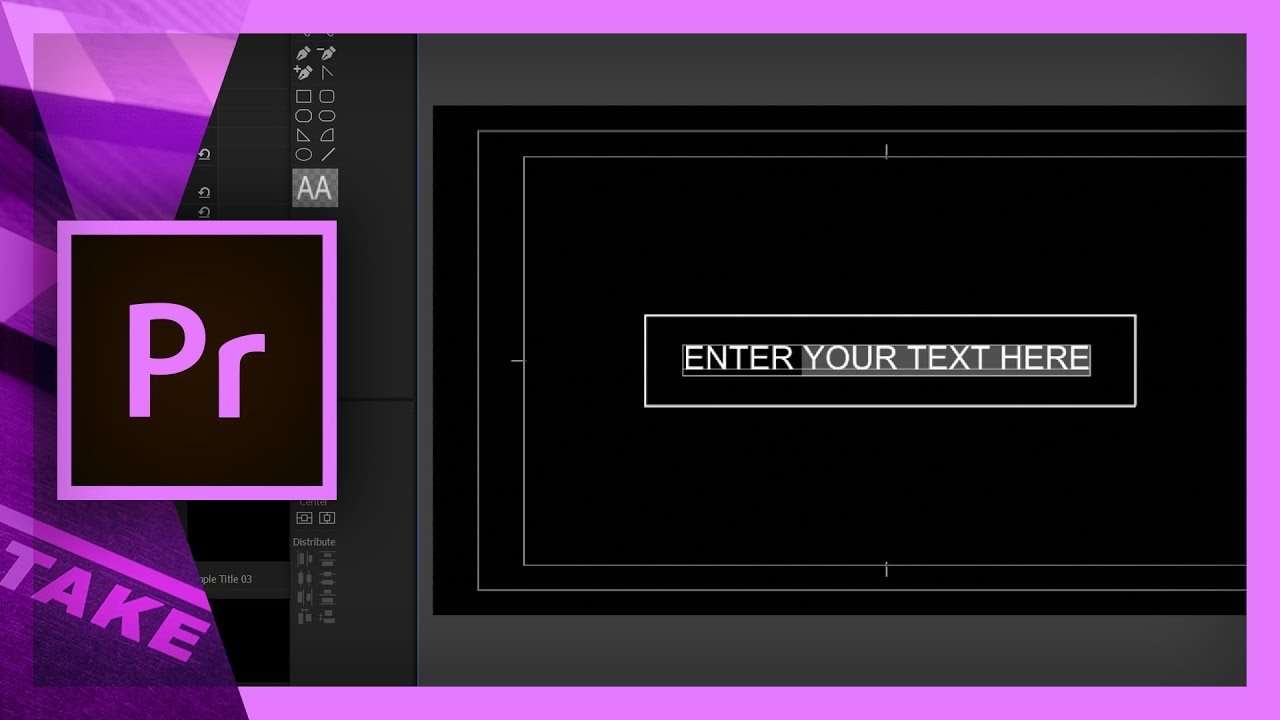
Learn how to use Simple Titles, our free designer pack with 10 animated title templates for Premiere Pro that you can download from our site.
Simple Titles is a free to download designer pack which contains 10 pre-animated titles for Adobe Premiere Pro. In this video tutorial you will learn how to use Simple Titles templates.
Click here to download Simple Titles if you haven't already.
The templates are made out of normal title files and are animated with basic effects or motion properties. This increases the compatibility with older version of Premiere Pro on both Mac and Windows. Inside the Premiere Pro project that acts as the template pack, you will find 10 sequences. Double click on any of these sequences to view the source clips.
Changing the text
In every template you will find one clip that has a different (yellow) color. This is the clip that must be edited to change the text of the title animation. Double click on it to open the title designer of Premiere Pro. Make sure you don't move the text around, only change the text and basic appearance options like the text color.
Adjusting the title duration
In the source of every template sequence, you will find two blocks of clips. The one on the left is the incoming animation and the one on the right is the outgoing animation. You can select one of the groups and make them shorter in duration. Make sure to always close the gap between the two groups.
Jordy Vandeput
Founder of Cinecom · 2.75M+ subscribers on YouTube
Jordy Vandeput is a Belgian filmmaker who has taught practical filmmaking to millions through Cinecom. He breaks professional techniques down into clear, repeatable steps you can use on your very next project.








32 comments
Ciao Jordy, ho un problema! quando voglio inserire nuovamente lo stesso tipo di titolo, mi porta il testo utilizzato in precedenza, e se cambio il testo me lo cambia anche sul precedente! come posso fare?
Hi Jordy, How do you use lower case fonts, please
Jordy is awesome!!! Thank you!!!!
Hi Jordy - Thanks for the titles :) How can I change the colour of the animated line?
hi, how do i change the position of the simple text . if i choose it it only moves the text not all the elements.
Hello, these are great! I was just wondering if there is a way to change the titles to lower case letters. I have tried but I am not able to, does anyone have a solution? Thanks :)
Hey, this is awesome. But I also have a problem. I use Premiere Pro CC 2017, I don't know if that makes a difference, but when I drag a sequence from the folder to my timeline, instead of showing one item, it shows all of the smaller parts that make it up, like what you would see if you double clicked it in the video. And also, it doesn't show up on my video at all.
update: I now see it as one full clip and not the individual pieces, I figured that part out. But it still doesn't play with the other clips in the video I'm editing, but it does play when I double click it to edit the name.
Hey Jordy I know you've answered this multiple times but the ALT + DRAG trick is not working in CS6. It gives me the duplication symbol and creates a copy but not a duplicate with a separate source. Any suggestions?
Hello, first of all thanks for sharing this titles they are amazing but I'm having an issue with them 'cause when I want to use a sequence more than once to make different titles with the same effect I change the text and it change also in all the titles how can i fix this? Thanks
Hi! Can I change the color of the titles?