Laptop Transition in Premiere Pro (From Casey Neistat Mega Vlog)
 Jordy Vandeput
148K views
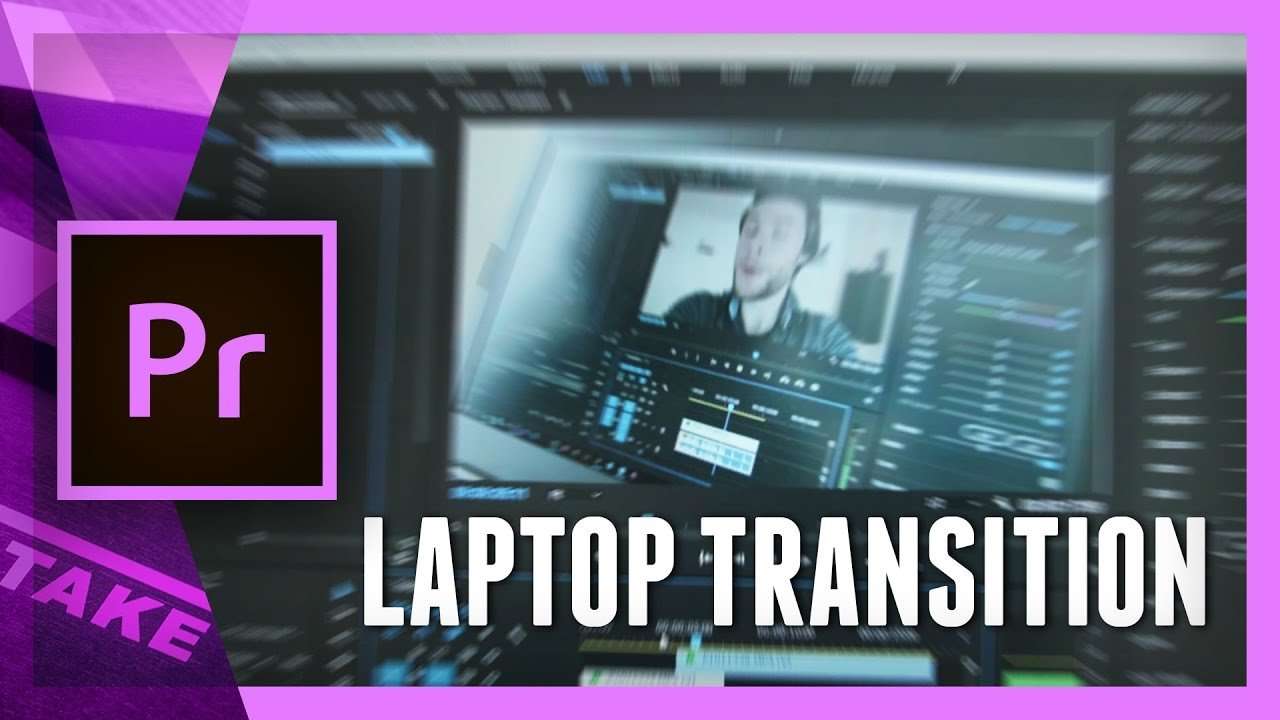
Learn how to make the laptop transition from Casey Neistat's mega vlog. Sync multiple clips in Premiere Pro to transition during your edit.
Since I did a vlog for the first time, I'm slowly enjoying it more and more. I would watch other vloggers like Casey Neistat also a lot more than I used to.
In one of his latest videos, titled 'THE MEGAVLOG IS FINALLY HERE', I saw him doing some transitions from a certain scene to his editing environment. I call this the laptop transition!

Simple Laptop Transition
Like every Friday, we look for exiting new ways to use Premiere Pro. This tutorial video might not be that exiting, but it's certainly a very nice transition! This is something we can't overlook. You don't need 12 layers and 18 effects to have a nice result. Often the simplest things can create stunning effects.
That's why I was inspired to create a tutorial on this. Sometimes we need to take a little step back and look for simply things that just look great!
Synchronizing
One of the things we learn in this tutorial video is how to sync two shots. Often we would do dance shows with a couple DSLR's. We end up with a bunch of clips that need to be synced. And when there's violin, it's not easy to sync on that kind of music. That's why we also try to look at visuals. When a dancer just touches the ground with her feet, then that's a point we can sync all the cameras to.
Once you've got everything synced, you can chose to either work with different layers, or just have everything on one track and use the rolling edit tool to change the edit points.
Premium Beat
This video was supported by Premium Beat, a curated royalty free music website that provides exclusive, high-quality tracks and sound effects. Which can used in new and traditional media projects, including videos, films, apps, games, and television programming.
Jordy Vandeput
Founder of Cinecom · 2.75M+ subscribers on YouTube
Jordy Vandeput is a Belgian filmmaker who has taught practical filmmaking to millions through Cinecom. He breaks professional techniques down into clear, repeatable steps you can use on your very next project.








0 comments