Make Yourself Giant with Video Editing
 Jordy Vandeput
397K views
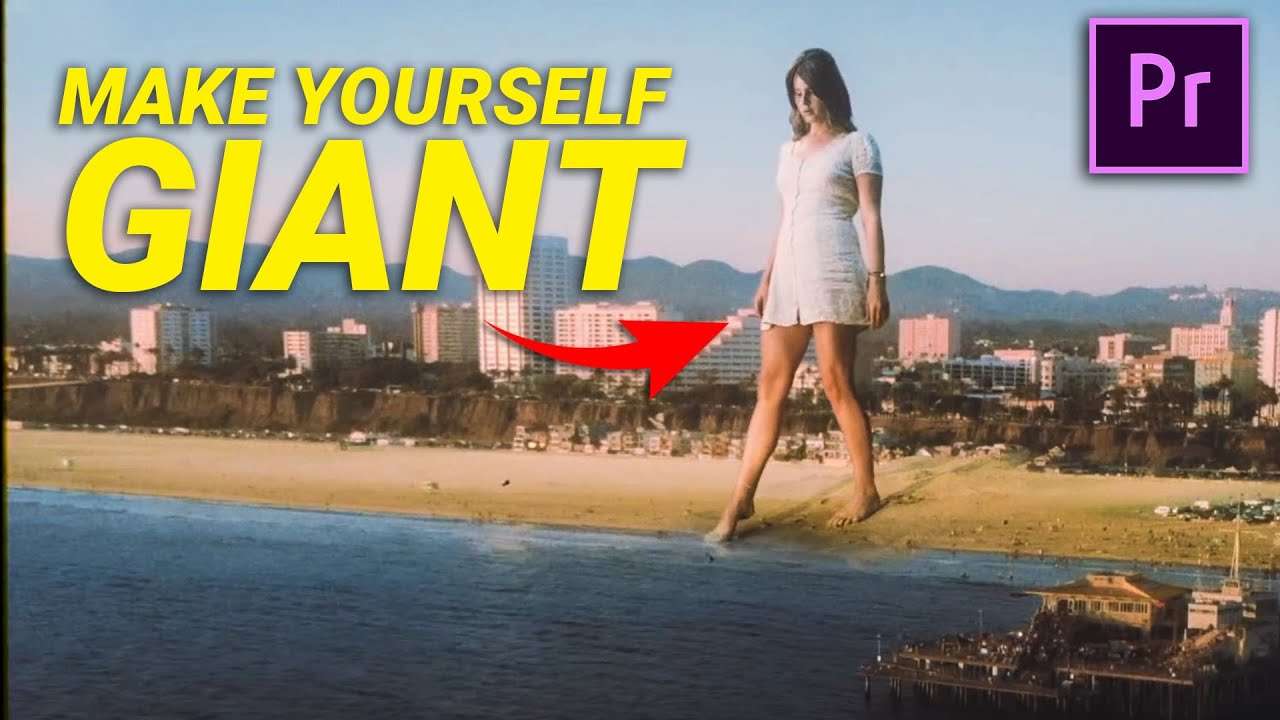
Make yourself Giant like Lana Del Rey or Coldplay (Up&Up) in this Adobe Premiere Pro tutorial. Learn how to work with forced perspective and greenkeying to create a fun editing trick for Music Videos and other creative work.
Kevin Parry is a video editing magician, mostly active on Instagram. His content can be compared to what Zach King goes, so it's really cool! Last year we did a Copy Cat video about one of his videos where he made himself giant. This technique was nothing more than a simply max and alignment of perspective. But this is not the only way to make you or one of your friends super large.
Over the years in Hollywood film-production, we've seen various techniques used. Recently a breakdown of the giants in Game of Thrones was released. In here we saw that actors where simply 'scaled up' after they pulled a green key. Sound simple, but that's not always the case.
Green Screen Issue
Pulling a chroma key is to a certain extend easy. But matching your talent's shot to the new environment is trickier. It starts with lighting. Both your talent and the background should have the same lighting and colors. In all of our videos we would therefore advice to shoot your talent outside under the same weather conditions if your background is outdoor as well. Recreating an outdoor look with lighting in studio is really hard, unless it's something special like a sunset.
Apart from your green key, there're certain elements that cannot be keyed. For example; the floor or interactions with the environment. Lets take the giant from Game of Thrones as an example again. As the run through the water, you have two choices. Either add the water in post production (CGI), or actually make your actor walk through a pool of water with a green screen behind. This allows you to key out the green, but leave the water. With some color corrections, it's possible to match your two shots.
StoryBlocks Video
This video was supported by Storyblocks Video, an easy to use site full of stock footage, After Effects templates, backgrounds, motion Graphics and much more.
Jordy Vandeput
Founder of Cinecom · 2.75M+ subscribers on YouTube
Jordy Vandeput is a Belgian filmmaker who has taught practical filmmaking to millions through Cinecom. He breaks professional techniques down into clear, repeatable steps you can use on your very next project.








1 comment
Where did you work Jordy in which company plz