Transition into the upside down (premiere pro tutorial)
 Jordy Vandeput
185K views
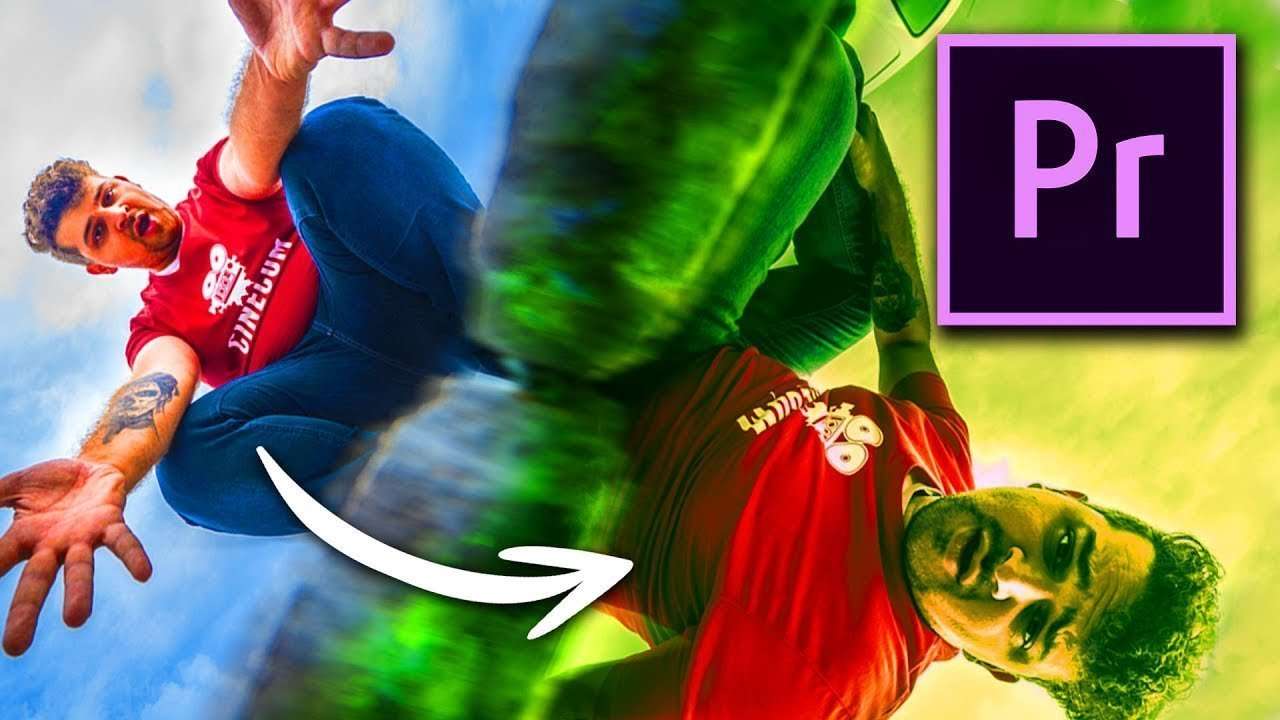
Create an amazing yet simple camera transition in Adobe Premiere Pro. Dive through the ground into a parallel universe with an easy effect!
In this tutorial we explain how you can create simple transition to take your subject to a parallel universe. We use camera movement to go through the ground. And with some editing and color grading in Premiere pro, you can make your own parallel world. We based ours on the upside down from Stranger Things. This is one of our favorite series and because season 2 is coming out soon, it inspired us to do something with a parallel universe.
Transitions are necessary tools for creating a film. The most used and easiest transition is connecting two shots and sequences that are similar to each other. For example different angles of the same person doing a certain action. But the challenge is using a correct transition to connect dissimilar shots, to make them fit together. The right transition can create a whole new experience for your viewers and can take our story to another level.
There are many different transitions, each with their own effect and feeling they induce. You have the J and L cut, a well known transition that uses sound to introduce the next scene. These are just cuts, but with the sound they create a transition to the next scene, they connect them together. Sometimes the transitions are much more obvious then hidden cuts, for example the first Star Wars movies. George Lucas used linear and radial wipes to switch between scenes and still keep it dynamic.




Sumi - Ink Transitions
Give your video a stylish look with 65 stunning ink drop transitions inspired by centuries-old brush painting techniques and traditional calligraphy. Shot in extreme slow motion using the RED Camera's latest Helium sensor technology, these organic transitions also look great over live action footage, motion graphics, and titles. Sumi features single and multiple drop effects, plus abstract mirrored assets too.
Jordy Vandeput
Founder of Cinecom · 2.75M+ subscribers on YouTube
Jordy Vandeput is a Belgian filmmaker who has taught practical filmmaking to millions through Cinecom. He breaks professional techniques down into clear, repeatable steps you can use on your very next project.








1 comment
EXECELENT