3 Sicko Effects from Travis Scott ft Drake in Premiere Pro (Part 2)
 Jordy Vandeput
391K views
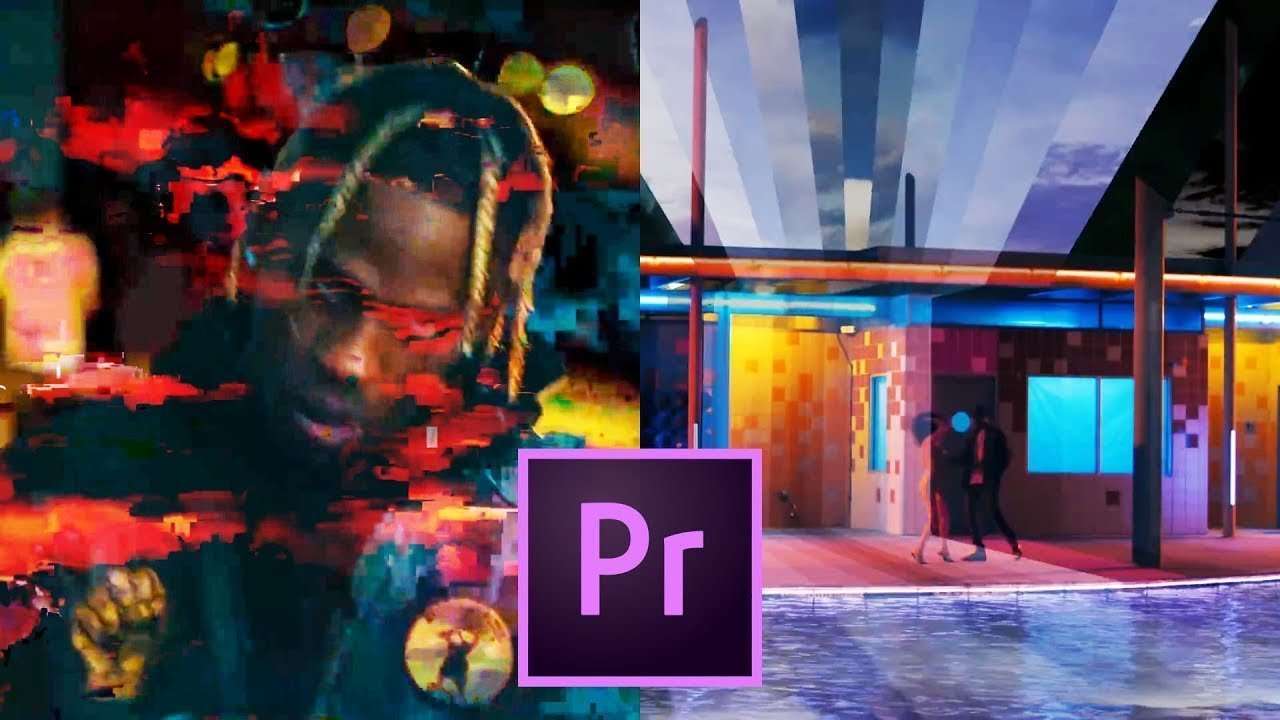
Learn how to create 3 more effects in Adobe Premiere Pro from the music video "Sicko mode" by Travis Scott Ft. Drake . In this video tutorial you will learn to create a Data mosh transition, Moving mask overlays and a 2D - 3D effect.
What a week! We survived 10 days without Jordy, 3 videos in total, from which 2 Copy Cat Fridays. And I have to say it weren't the most easy Copy Cat videos. Definitely not this weeks one. Last week we still had some help from Jordy with his presentation. But this week we had to do everything ourselves, like everything. I wrote out the structure of the video and the presentation, a job Jordy normally does. And well I can say I admire Jordy more and more. Writing such a text and thinking about everything you need to explain isn't easy. The viewers need to understand every step and you have to hold in account that not everyone is advanced in Premiere Pro. So I tip my hat to Jordy who does this every week, two times a week.

In todays video we'll be taking a look at another 3 amazing effect from the videoclip Sicko Mode. We'll show you how to create a Data moshing transition, moving sky overlay and that cool 3D like effect. Datamoshing used to be something we all hated. Before it was a cool effect the only way we got to see it was when your movie file got corrupted. When you save a video all the frames get saved in one of these three type of frames: I-frames, P-frames or B-frames. The difference between these frames is how much information they hold. I-frames are complete images, P-frames only hold the difference with the I-frames and B-frames holds the difference from the frames before and after it.
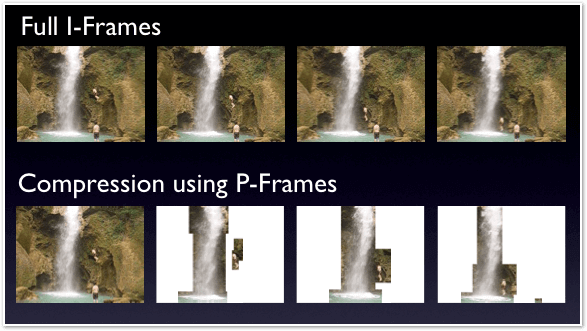
This technique is used because it compresses the video and therefore makes the file smaller. When you do data moshing you remove, replace or duplicate these frames. As a result your video will become corrupted and frames will start to blend in with each other.
StoryBlocks
This video was supported by Storyblocks, an easy to use site full of stock footage, vector images, stock photos, music, sound effects and more.
Jordy Vandeput
Founder of Cinecom · 2.75M+ subscribers on YouTube
Jordy Vandeput is a Belgian filmmaker who has taught practical filmmaking to millions through Cinecom. He breaks professional techniques down into clear, repeatable steps you can use on your very next project.








0 comments