SKY TRANSITION by Travis Scott – Stop Trying To Be God (Premiere Pro)
 Jordy Vandeput
243K views
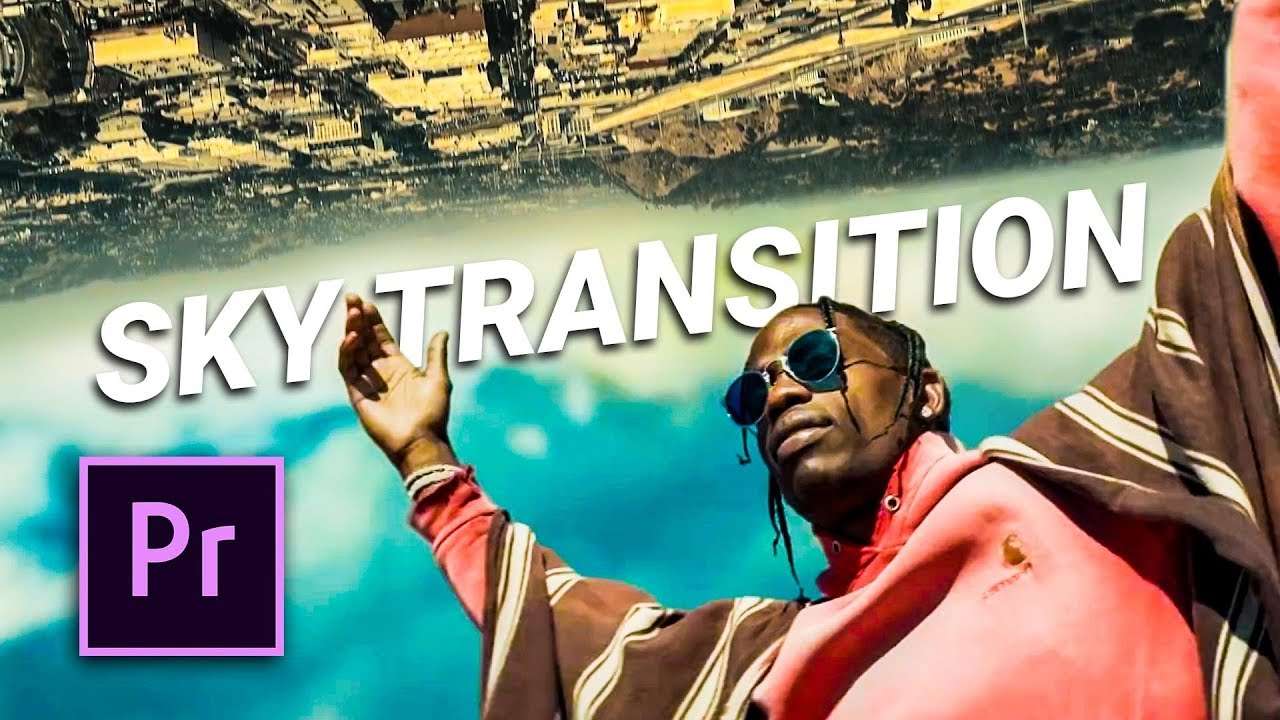
Learn how to create a parallel sky transition from Travis Scott (Stop Trying to be God) music video in this Adobe Premiere Pro tutorial.
Weekend is coming close guys, but what is even closer is the new Copy Cat Friday. And we again listened to your requests, because there were a lot of them. Apparently you all are Travis Scott fans and love his videos. And we have to admit, his music isn't our thing. But he has some cool effects in his latest music clip and that's something we really like, from dragons to transitions. Unfortunately we don't have the budget to create a dragon and fly around with it. Which I find really sad, because who doesn't like to burn entire cities on his pet dragon like Travis Scott. Lucky we still have our creativity, that we used to create the awesome Sky transitions. In this video we explain how you can easily string together two shots with just the sky. And masking and keyframing of course!
Like I already mentioned, there are a lot of effects in the music video. We really want to explain them all, but we had to choose for our video. Otherwise the tutorial would become to long, but we can still explain them right here. One of the effects that you can see in the clip is the one where Travis Scott is on fire and then it transitions to a new scene. This effect is quite simple. They filmed the shot with Travis, he acted to be on fire and then they added the fire in post production. This is easily done with After Effects and his super handy tracking tool. And for the transition they used a second shot where there was fire on the left side of the screen. Then blend it all and make it wipe in from the right.

The last effect that I'm going to explain here, which you can see immediately after the fire transition, is the glowing lady. This is partially practical effects with a touch of post production. The Glowing lady in completely painted gold, because this would be to hard to do in post production. And would also be illogical to do, because just painting her is so much easier. In post production you then mask her out and throw a glow effect on it. With the lumetri color effect you can then also mask her out and make the rest much darker so that she will pop against the rest. Easy as that!

If you want to learn more about After Effects, check out our basics of After Effects or 3D tracking in After Effects.
VideoBlocks
This video was supported by Videoblocks, an easy to use site full of stock footage, vector images, stock photos, music, sound effects and more.
Learn Masking Course
Check out our Skillshare course on the basics of masking in Premiere Pro
Jordy Vandeput
Founder of Cinecom · 2.75M+ subscribers on YouTube
Jordy Vandeput is a Belgian filmmaker who has taught practical filmmaking to millions through Cinecom. He breaks professional techniques down into clear, repeatable steps you can use on your very next project.








1 comment
Thanks Cinecon for another great tutorial. i am soon making a big impact impact here in Zambia. I am the Next BIG Thing