10 Unreal Engine 5 Plugins I can’t live without! Part 2
 Jordy Vandeput
67K views
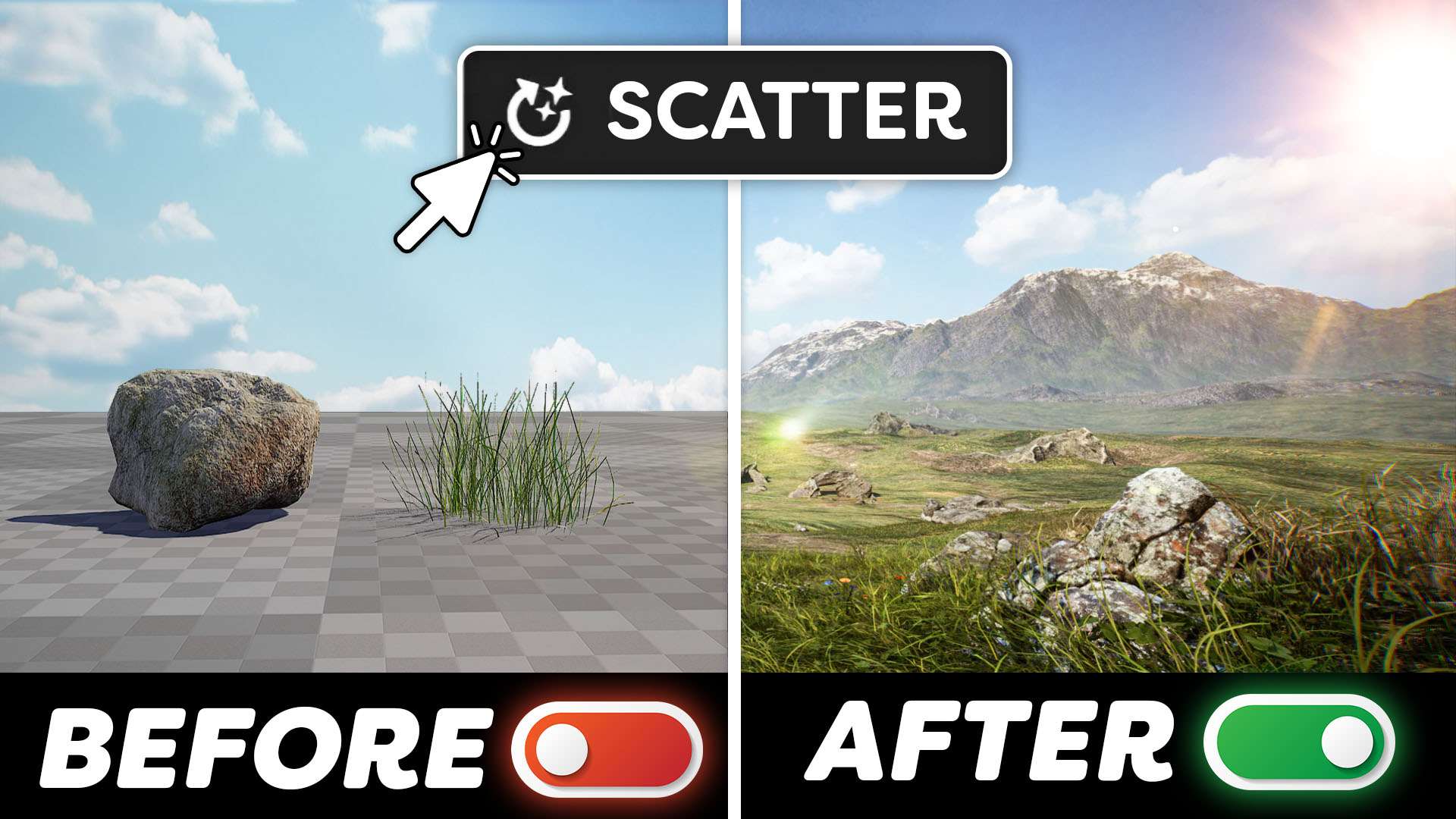
Learn about the top 10 unreal engine 5 plugins that every creative should know about in this tutorial video.
Plugins are more than fancy generators
Unreal Engine stands as a powerhouse, and its arsenal of plugins is proving to be a game-changer. Beyond merely facilitating the creation of visually stunning and innovative projects, Unreal Engine plugins emerge as time-saving superheroes, enabling developers to amplify their productivity and undertake more ambitious endeavors. Let's explore how these plugins contribute to crafting cool experiences and act as catalysts for efficiently producing bigger and better work.
Time is of the essence
At its core, the purpose of plugins is to extend the capabilities of Unreal Engine seamlessly. Importantly, this is achieved without any alteration to the core code. Instead, plugins introduce additional features and tools that users can seamlessly integrate into their existing workflow. This flexibility allows creators to enhance their Unreal Engine without the need for extensive modifications.
Automation lies at the heart of many plugins, allowing users to streamline their processes and save valuable time and effort. Whether through simple scripts or complex algorithms, automation plugins handle repetitive tasks efficiently. This not only boosts productivity but also allows users to focus on more creative and complex aspects of their work.
Plugins also often cater to specific user needs by providing specialized functionality. For instance, plugins may offer tools for tasks like world-building. This targeted functionality ensures users have the precise tools they need for their projects.

In the fast-paced world, time is a precious commodity. Unreal Engine plugins act as time-saving tools, automating repetitive tasks and optimizing workflows. From asset importing to code optimization, these plugins alleviate the burden of manual labor, allowing creators to focus more on the creative aspects of their projects. This time efficiency not only speeds up development cycles but also lays the foundation for more intricate and polished works.
Industrial Lights Pack
We created a collection of 10 photorealistic industrial light fixtures for Unreal Engine 5. We used photogrammetry to scan physical lights to achieve the best result possible. You can control the light color, temperature, and intensity or enable flickering. This speeds up your workflow tremendously when creating environments. You can check it out right here!

MSI Creator Z17 HX Studio
Big thanks to MSI for sponsoring this video. If you’re looking for a beautiful workstation laptop that can take the most out of Creative software. Then check out the MSI Creator Z-seventeen H-X Studio, with the Nvidia RTX 4070 GPU, Intel Core i-nine CPU, and a stunning display it’s a dream for any creator.
Jordy Vandeput
Founder of Cinecom · 2.75M+ subscribers on YouTube
Jordy Vandeput is a Belgian filmmaker who has taught practical filmmaking to millions through Cinecom. He breaks professional techniques down into clear, repeatable steps you can use on your very next project.







0 comments