Build your own 4K Video Editing Computer
 Jordy Vandeput
622K views
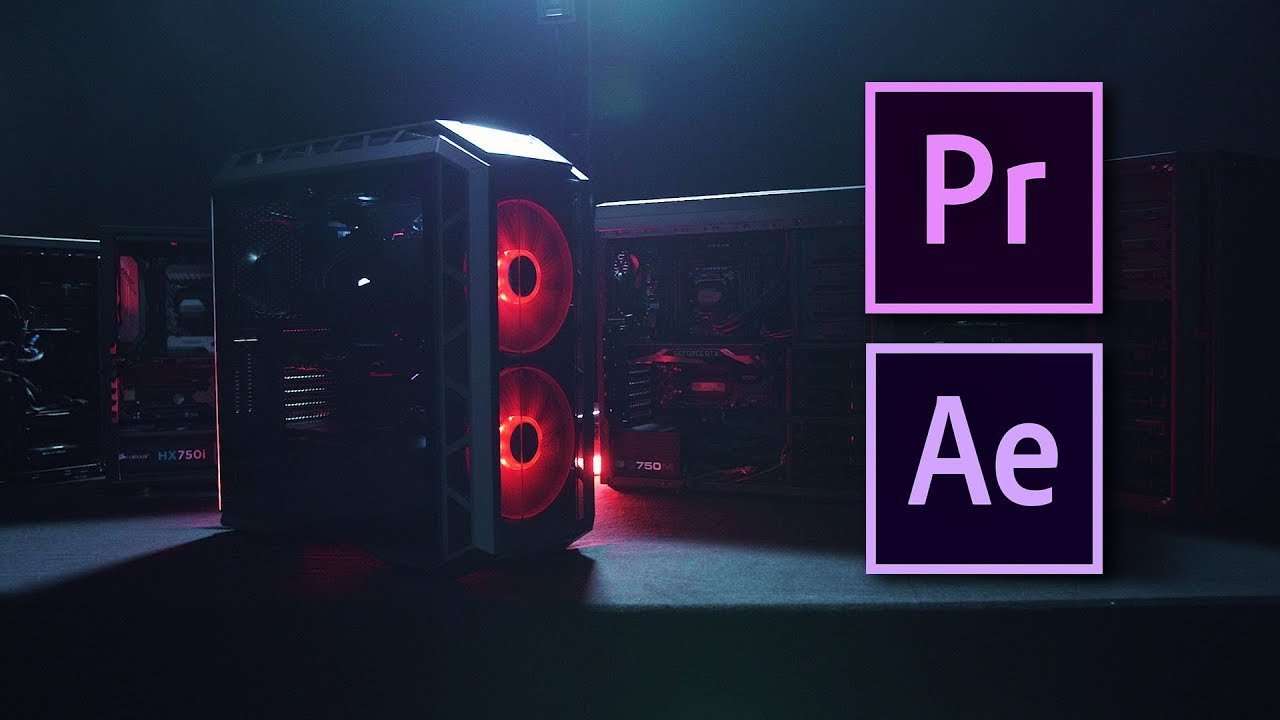
Learn the basics of computer hardware to build your own PC for video editing in 4K resolutions. See how to get the best performance for your budget in Adobe Premiere Pro, After Effects, resolve, Sony Vegas and more.
Last year we did a similar video on how to build you own computer for video editing. We had great responses on it and learned a bunch from making it. Since hardware evolves to fast, that video was already outdated. Not a problem for us as we loved to make a part 2!
Video editing is a specific task, whether you use Adobe Premiere Pro / After Effects, Resolve, Sony Vegas or any other editing application. The task itself uses hardware is a specific way, which is why you cannot just buy a gaming PC or any workstation. We have to understand how our programs utilize the computer hardware, then we can make the right choices and spread out budget.
In this video we'll have a look at every computer component and explain what you need to look for in the different hardware.
Click here to watch Max Yuryev's video about memory for video editing.
MSI Computer Hardware
MSI was very kind to help us out on this video. They sponsored us a system and provided us a bunch of information. This information can also be found back on MSI for Video Editors.
Like mentioned in the video, every manufacturer does their best to bring out quality hardware. I can only say that the MSI system has been running perfect for us. But if you would personally prefer a different brand, you can use the information from the video to make your own choices.
In fact, the system that was provided to us lays around $2500, which is for most considered as a high-end workstation. That's why I've listed 3 different budget builds down below.
High End Computer Build
This is the build that MSI has provided to us and it has a value of around $2700. You can find the full list with prices here.
- Motherboard: MSI X299 SLI PLUS
- CPU: Intel i9-7900x
- Memory: HyperX PREDATOR DDR4 - 3200Mhz 4x8GB
- Graphic Card: MSI GTX 1080 GAMING X 8GB
- SSD: Intel 600P - 265GB
- Hard Drive: Seagate BarraCuda Pro 10TB
- CPU Cooling: Cooler Master MASTERLIQUID 240
- Case: Cooler Master H500P
- Power Supply: Cooler Master V750
Mid Budget Computer Build
Fast start-up and great performance in mind. This setup is valued at around $1500, the full price list can be found here.
- Motherboard: MSI - Z370 SLI PLUS
- CPU: Intel i7-8700K
- Memory: Corsair - Vengeance DDR4 - 2666 Mhz 2 x 8GB
- Graphic Card: MSI GTX 1060 3GB
- SSD: Samsung 850 EVO 250GB
- Hard Drive: Seagate BarraCuda Pro 2TB
- CPU Cooling: Corsair H60
- Case: Phanteks - ECLIPSE P400
- Power Supply: Corsair - RMx 750W 80+ Gold
Low Budget Computer Build
Ready to edit 4K video by taking the maximum performance out of the budget, which lays around $780. You can find individual prices right here.
- Motherboard: MSI - Z370-A PRO
- CPU: Intel Core i3-8350K
- Memory: GeIL POTENZA DDR4-2400 2 x 8GB
- Graphic Card: MSI GeForce GTX 1050 2GB
- Hard Drive: Seagate BarraCuda Pro 2TB
- CPU Cooling: Cooler Master - Hyper 212 EVO
- Case: DIYPC - Solo-T1-R
- Power Supply: EVGA - 500W 80+ Bronze
Jordy Vandeput
Founder of Cinecom · 2.75M+ subscribers on YouTube
Jordy Vandeput is a Belgian filmmaker who has taught practical filmmaking to millions through Cinecom. He breaks professional techniques down into clear, repeatable steps you can use on your very next project.





23 comments
Thanks for this information sir! The most common question I get asko when talking about this is how much storage do I need for 4K video editing. My response is always like this: The quantity of SSD or HDD storage you'll need for 4K video editing is determined by the codecs you'll be using. Surprisingly, 4K footage can be compressed into extremely little files. In reality, HD video can be larger than 4K video. The most important aspect is determining the file's bitrate. By glancing at the file's properties on any Mac or Windows workstation, you can do this. Once you know the bitrate, you can use the formula below to calculate how many GB per minute you require, which I believe is the most important piece of information for determining how much storage you require.
Hey there ! Love the article, I wanted to know how do I contact you to find a build that I can look at for my video/ photo editing work flow around the 3000-4000$ mark. Thanks !
HEY I am abdul ahad from bangladesh! I am very interested on video editing. and I want to be a propositional video editor. please tell me how to I start my this journey?
can anyone recommend me the best product from the list mentioned in this site. https://latestmusicalinstrument.com/best-delay-pedal/
I'll be building an editing PC in Shenzhen - the hardware capital of the world. Now that would make an interesting video for you guys! Namely the Huaqiang Bei market allows you to purchase all the needed pieces face-to-face within walking distance. Obviously there are some risks...
what are your thoughts on using an ssd for speed??
Hi can you suggest the compatible components with Asus Sabertooth Z87.
I have a potato PC which cant even run Vegas pro properly :( Can u donato me a decent pc for editing jordy :(
Hi, I have a Dell laptop with intel i3 Is it efficient for editing ?
depends on how much RAM you have i had a 2nd gen i3 with 8 gigs of ram and the igpu but i was still able to edit on it no problem as long as its mid teir editing meaning no Element 3d or Cinema 4D
Do you think that the second version would be good for the Sony FS7 footage? i dont need lightning speed i just want to be able to edit fairly quickly!