Facebook Template: Overflow Header Design (Fan Page)
 Jordy Vandeput
33K views
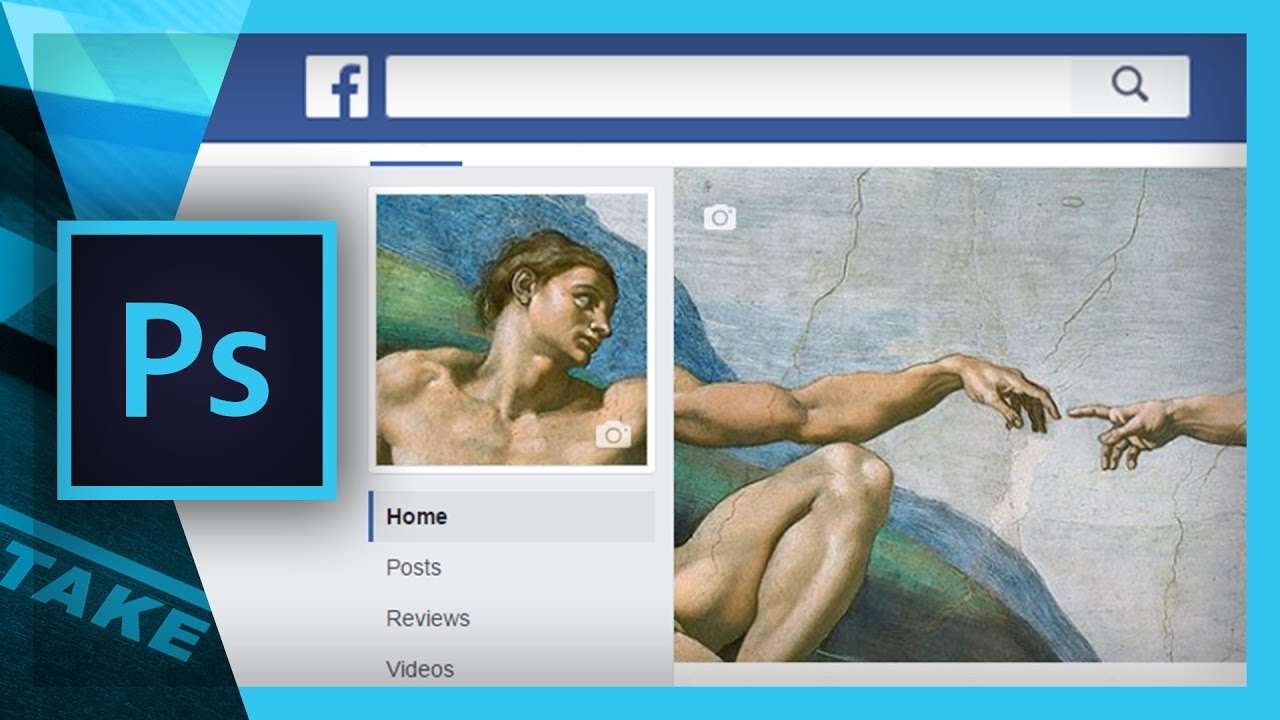
Adobe Photoshop Template to create a seamless overflow for your creative Facebook Fan page header and profile picture.
NOTE: The template no longer available as it's no longer compatible with the current layout of Facebook.
Being original and sticking out with your brand page on Facebook is not easy these days. With so much competition you need to be creative to get your page out there and get those likes. With this template you can design a creative header and make a first step in getting likes for your page.
Having a good first impression is very important to attract people, but having a cool header and profile picture isn't enough. When you want to succeed in growing your fan page, interaction is a very good tool for building your brand. Ask relevant questions to drive engagement levels, reply on comments and personal messages, like every answer to acknowledge you read and so on. With these small things you build an interaction, a band between your followers and yourself. These followers will be more likely to come back for further interaction.
Another way to lead people to your page is to Cross Promote between your social media. Direct followers from Twitter and Instagram to your Facebook and vice versa. This allows you to expand your touch points and interaction with your fans. For example when posting a picture on Instagram, hit the "Share to Facebook" button. Not only will it give your picture two chances to get noticed, Facebook also promotes Instagram pictures more then pictures posted directly.
When you post something, try to use a picture with it. Pictures will get much more attention from the viewer and will stick out more between the chaos of someone's timeline. Also mind your timing when posting. A perfect timing is crucial because not every topic will work on a specific time of the day. For example try to avoid posting business related posts after midnight (except if your target audience are night people). Posting late afternoon and early evening on weekdays and mid afternoon on weekends will assure more success, due to the fact more people are on Facebook in this time span.
But most important of all keep posting and be creative and interesting with your topics.
Premium Beat
This video was supported by Premium Beat, a curated royalty free music website that provides exclusive, high-quality tracks and sound effects. Which can used in new and traditional media projects, including videos, films, apps, games, and television programming.
Get the song from the video via this link: PremiumBeat - Gatekeepers
Jordy Vandeput
Founder of Cinecom · 2.75M+ subscribers on YouTube
Jordy Vandeput is a Belgian filmmaker who has taught practical filmmaking to millions through Cinecom. He breaks professional techniques down into clear, repeatable steps you can use on your very next project.





3 comments
Thanks JORDY VANDEPUT
the template is missing guys
I just want to say hi to you guys ... I love you content on youtube and I like editing, shooting videos, and I have learned much from you thanks