3 Easy Tricks to get CINEMATIC AUDIO in Premiere Pro
 Jordy Vandeput
88K views
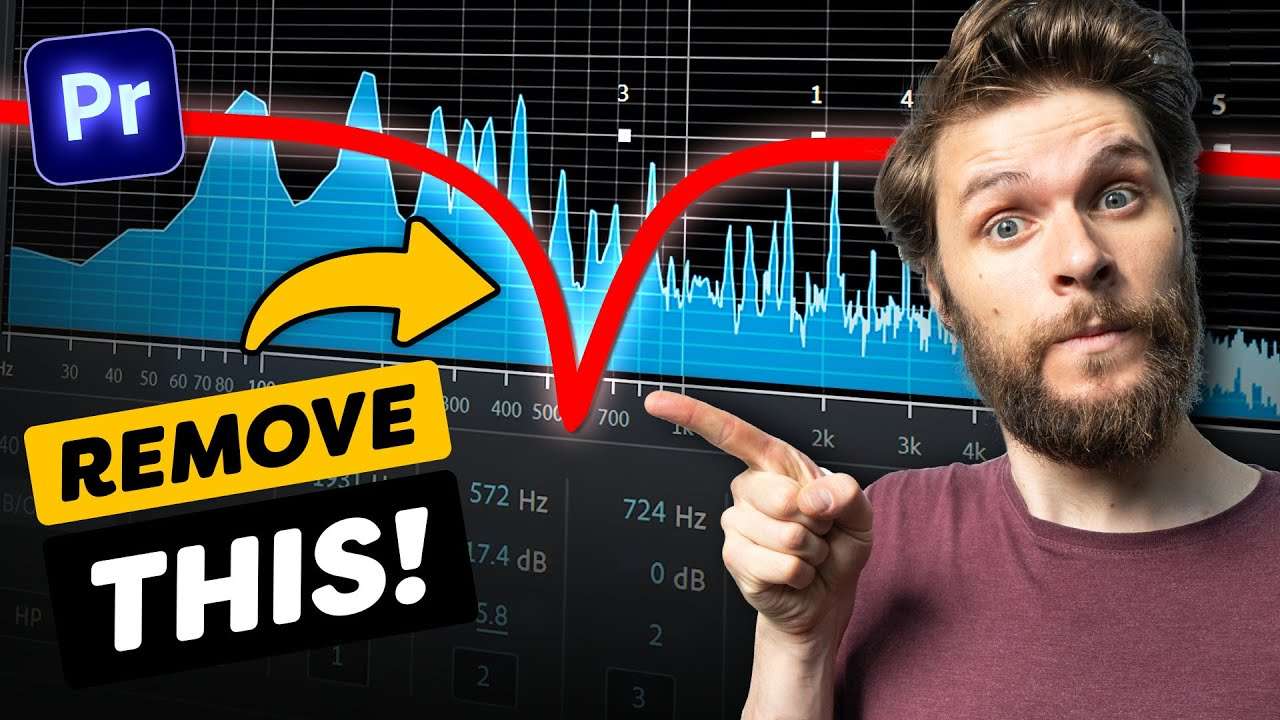
Learn how to make your voice sound incredible using the parametric equalizer, compressor and a gate in this Adobe Premiere Pro tutorial video.
Vocal enhancer in Premiere
One of the awesome things about the Parametric Equalizer in Premiere Pro is that it contains a bunch of presets. The vocal enhancer is a really great fundemental preset which you can use to enchance your vocal quality and the presence.
What you can see here is the frequency spectrum of Jordy's voice. But what does the preset actually do? Well, as you can see, it removes the super low frequencies. We're doing this because all it produces is rumble, which will make your voice sound muddy.
Another thing this preset does is increasing the high frequencies. They are responsible for the clearance and crispiness of your voice.
Using a Stereo expander in premiere
By using the stereo expander effect in Adobe Premiere Pro you can create some awesome sounding effects for your voice. Or perhaps for enhancing your sound design.
The effect basically spreads out your audio to the left and the right and makes it move aroun a little bit. And if you want you can automate the panning effect which will make it even more spacial.
Storyblocks
Big thanks to Storyblocks for sponsoring this video. Download over a million stock assets on Storyblocks.com/PremiereBasics
Jordy Vandeput
Founder of Cinecom · 2.75M+ subscribers on YouTube
Jordy Vandeput is a Belgian filmmaker who has taught practical filmmaking to millions through Cinecom. He breaks professional techniques down into clear, repeatable steps you can use on your very next project.





0 comments