STOP Making These 5 MISTAKES in Premiere Pro
 Jordy Vandeput
86K views
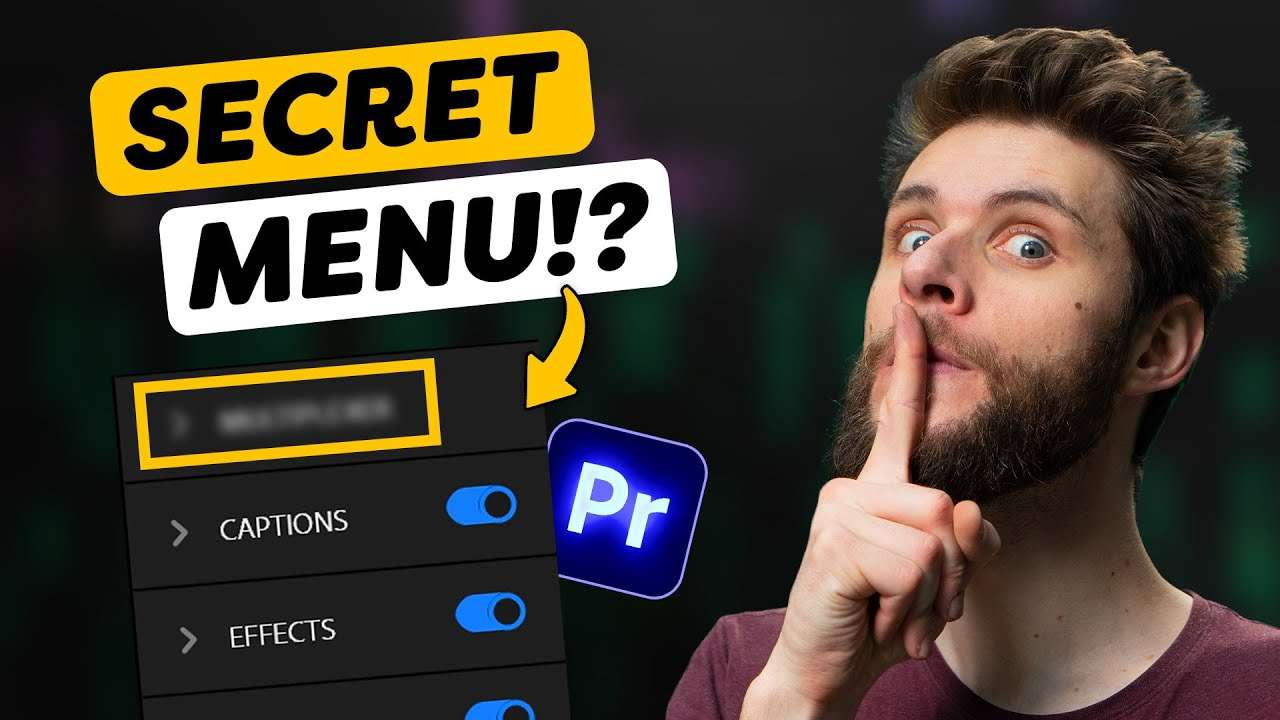
Learn how to avoid making these five common mistakes most beginner video editors make in this Adobe Premiere Pro tutorial video.
So many TEXT LAYERS!
Let's say you're working on a big project and you have tons of text layers, and you want to check for spelling mistakes or maybe even change a few words. It wouldn't be user friendly if you had to go through every text layer individually on your timeline, wouldn't it?
Good news! Adobe has a feature called the text window. You can basically see all the text layers you've ever placed inside your project. You can add changes to your text inside that window. Isn't that delightful?
SPLIT SCREENS!
What if you wanted to make a triple splitscreen? Don't just guess the position of your videos, instead use the rulers in Premiere! With the rulers you can decide the exact position where your clips need to come.
The width of your video is always 1920 pixels in the program monitor. This means you need to devide it by three thus you need to create a ruler at 640 pixels. The next ruler needs to be 2/3th of 1920 pixels which will be 1280 pixels. It's simple math! :)
Learn Adobe premiere pro
If you want to learn more about Adobe Premiere Pro, defenitely check out our advanced class! Click here to check it out!
Jordy Vandeput
Founder of Cinecom · 2.75M+ subscribers on YouTube
Jordy Vandeput is a Belgian filmmaker who has taught practical filmmaking to millions through Cinecom. He breaks professional techniques down into clear, repeatable steps you can use on your very next project.





0 comments