Start Using These 2023 Editing Trends (It’s Not Too Late)
 Jordy Vandeput
248K views
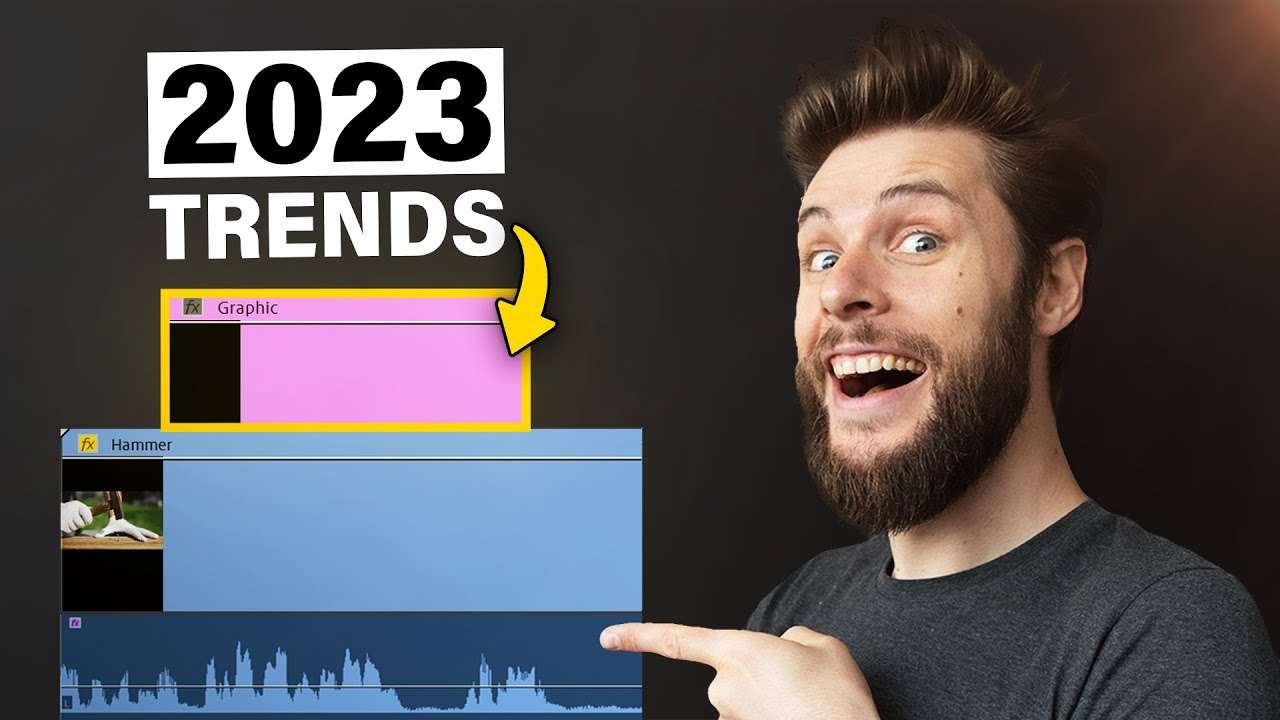
Learn these trending editing tricks to help you step up your game as a video editor in 2023 with this Adobe Premiere Pro Tutorial video.
Visual sound design in Adobe Premiere Pro
Visual sound design has nothing to do with audio! When you're looking at a video without audio, you're most likely to swipe away. That is because the video is less interesting without audio.
You can use something called visual sound design to replace the audio, for when people have their audio disabled. That way they won't just swipe away and you will get more views!
One way to implement this trick is by finding a word that looks like the sound. For example everytime the hammer hits, you add the word 'pok' or 'smash' to the image. Trim it so that it's only a few frames long.
Add a little drama!
When you're looking at this gif, you can hear the ground shaking, right? No! Gifs don't contain audio, silly! But you can implement this trick in your content. People watch videos everywhere, also in public places. Most people then turn of their audio.
This is why you can use this trick, this will keep the viewer hooked because they have a better idea of what's going on. The camera shake replaces a punching sound effect.
This effect will make it look like the impact is much harder then it actually is. You can use the transform effect to create this from scratch, or you can download our free earthquake pack from here! All you need to do now is drag your favourite preset on your video clip.
Skillshare
If you want to sharpen your skills and learn more about Adobe Premiere Pro, definitely check out our advanced editing class!
Jordy Vandeput
Founder of Cinecom · 2.75M+ subscribers on YouTube
Jordy Vandeput is a Belgian filmmaker who has taught practical filmmaking to millions through Cinecom. He breaks professional techniques down into clear, repeatable steps you can use on your very next project.








1 comment
is good