3 Music Video Effects in Premiere Pro
 Jordy Vandeput
45K views
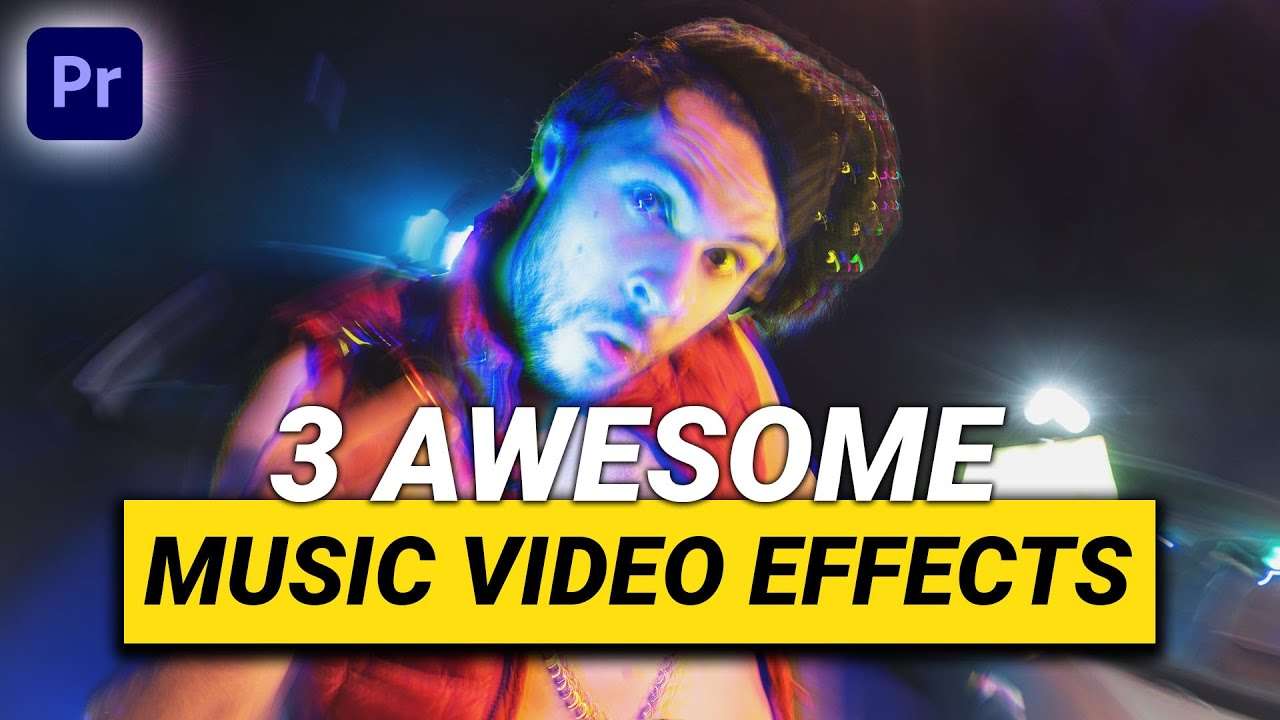
Learn how to create 3 visual effects for music videos, like chromatic aberration, picture in picture and rewinding in this beginner tutorial in Premiere Pro.
3 Video Effects for music videos in adobe Premiere Pro
Who doesn't love a cool music video filled with visual effects, right? I sure do. So for this week I decided to create 3 simple effects in Premiere Pro that you can use for music videos and other projects.
Chromatic Aberration
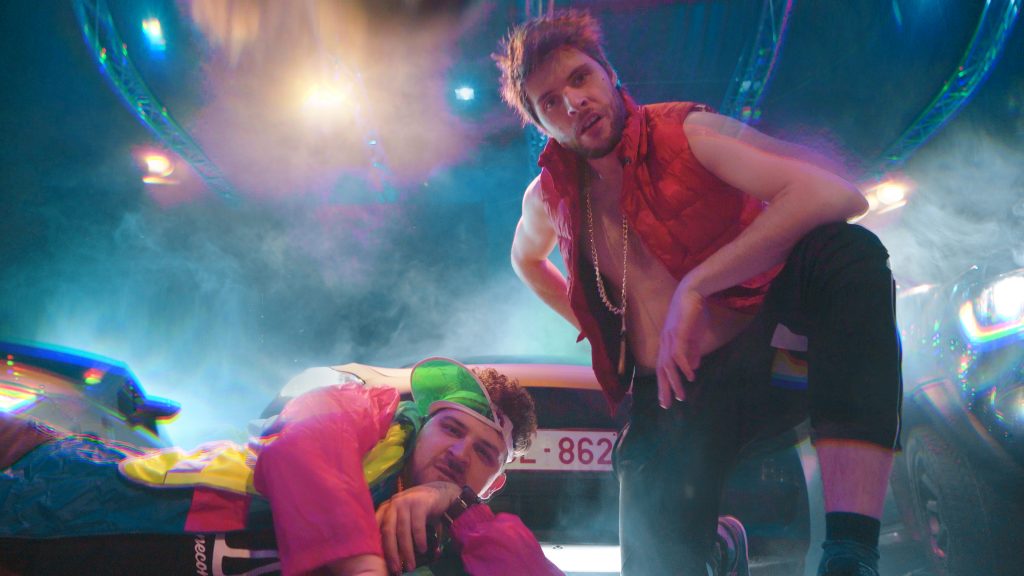
A first effect is the VR chromatic aberration effect which you can find in the effects library. Together with the lens distortion effect this can create a cool effect which creates kind of a 3D looking visual. When you animate the curvature of the lens distortion together with the offset of the red, green and blue channels of the effect you can create a dynamic shot. If you go all out you can even make it super trippy.
Rewinding / Fast Forwarding
Rewinding a clip or fast forwarding a clip is super simple. When you first play the clip, then add a frame hold - which you can give a small animation or even add a graphical element to enhance it- and then rewind or fast forward you create a bit more depth to it. Making it look like someone is actually controlling the image and pausing it and then playing it back. It's a nice way to create a transition or repeat a specific scene of your edit.
Picture in Picture
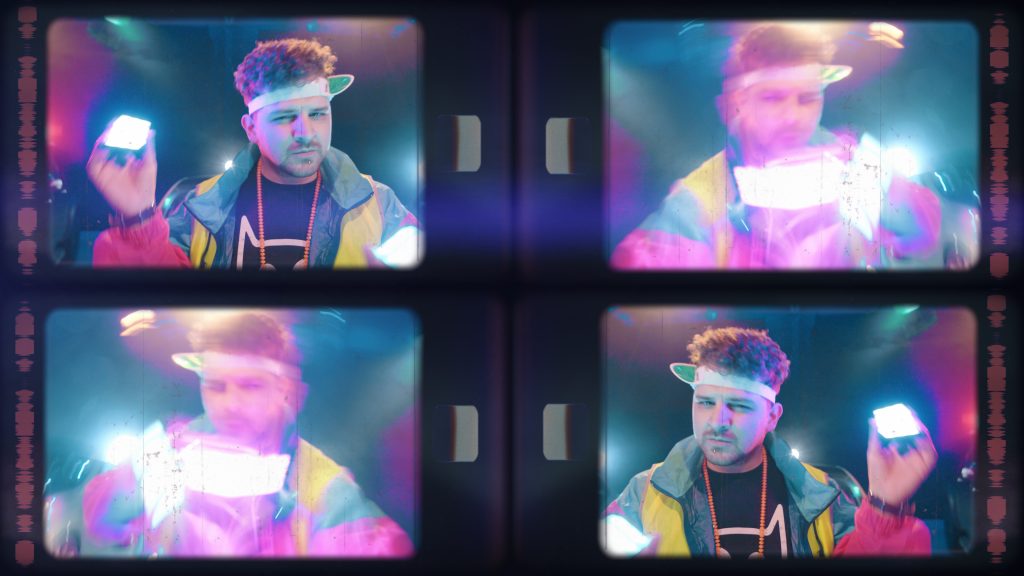
When you're editing a scene and you don't know how to spice it up you can use picture in picture, which is a technique where we use multiple clips together on screen but in different sizes. You can do this rough or you can use extra overlay effects (like for instance a television screen). I also love to use this technique whenever I can't choose which shot to use on a specific part of the edit, I can simply use multiple shots together and create a visual effect with them.
Skillshare
Making these effects in Premiere Pro is super simple but has some limitations, in After Effects there are even more possibilities! On that note, we have an amazing Adobe After Effects class on Skillshare, which covers all the basics so definitely worth watching if you haven't got any experience with it yet. The first two months on Skillshare are completely free and you get access to not only our classes but thousands of others as well.
Jordy Vandeput
Founder of Cinecom · 2.75M+ subscribers on YouTube
Jordy Vandeput is a Belgian filmmaker who has taught practical filmmaking to millions through Cinecom. He breaks professional techniques down into clear, repeatable steps you can use on your very next project.








0 comments