The 4 SECRETS to Amazing TRANSITIONS in Premiere Pro
 Jordy Vandeput
54K views
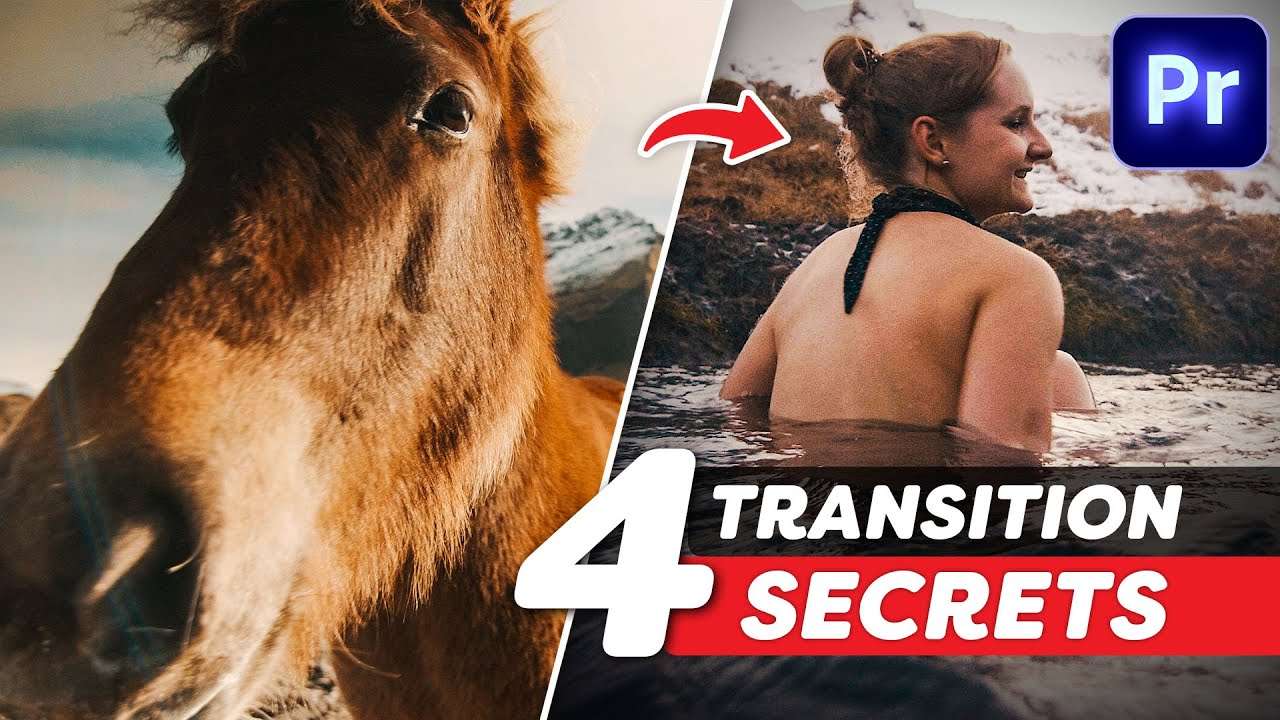
Learn about the 4 secrets that make a video transition look professional and amazing in this Adobe Premiere Pro tutorial.
Adobe Premiere Pro Transitions
Creating transitions in Adobe Premiere Pro is fun to do. But you need to be careful not to overdo it. They say; when an audience doesn't notice a video has been edited, you know it's been edited very good!
The same goes with transitions. Heavy rotations, zooms or whip pans have their place. But not in every video. Most transitions are a simple cut, definitely when making a short film or documentary.
You might think a simple cut is boring, but there're a thousand different ways you could connect two clips together with a simple cut. In this video tutorial we're cover 4 of those secrets.
What Makes a Great Transition?
A great transition could be a creative effect that you've made, but it could also be a creative cut. Often times these transition cuts work subconscious in the mind of the audience. They get drawn into the next scene. As a filmmaker, I always notice these cleaver cuts.
The series 'Breaking Bad' is a great example of such transitions. We can see these everywhere, but one example is where we cut from a tire hitting the camera to Walter White taking some stuff out of a box.
The transition is so seamless, yet a simple cut. This is what sets the better transitions apart from the rest. Being able to make something that great with a cut.
Jordy Vandeput
Founder of Cinecom · 2.75M+ subscribers on YouTube
Jordy Vandeput is a Belgian filmmaker who has taught practical filmmaking to millions through Cinecom. He breaks professional techniques down into clear, repeatable steps you can use on your very next project.








0 comments