This effect can do SO MUCH! (Premiere Pro)
 Jordy Vandeput
36K views
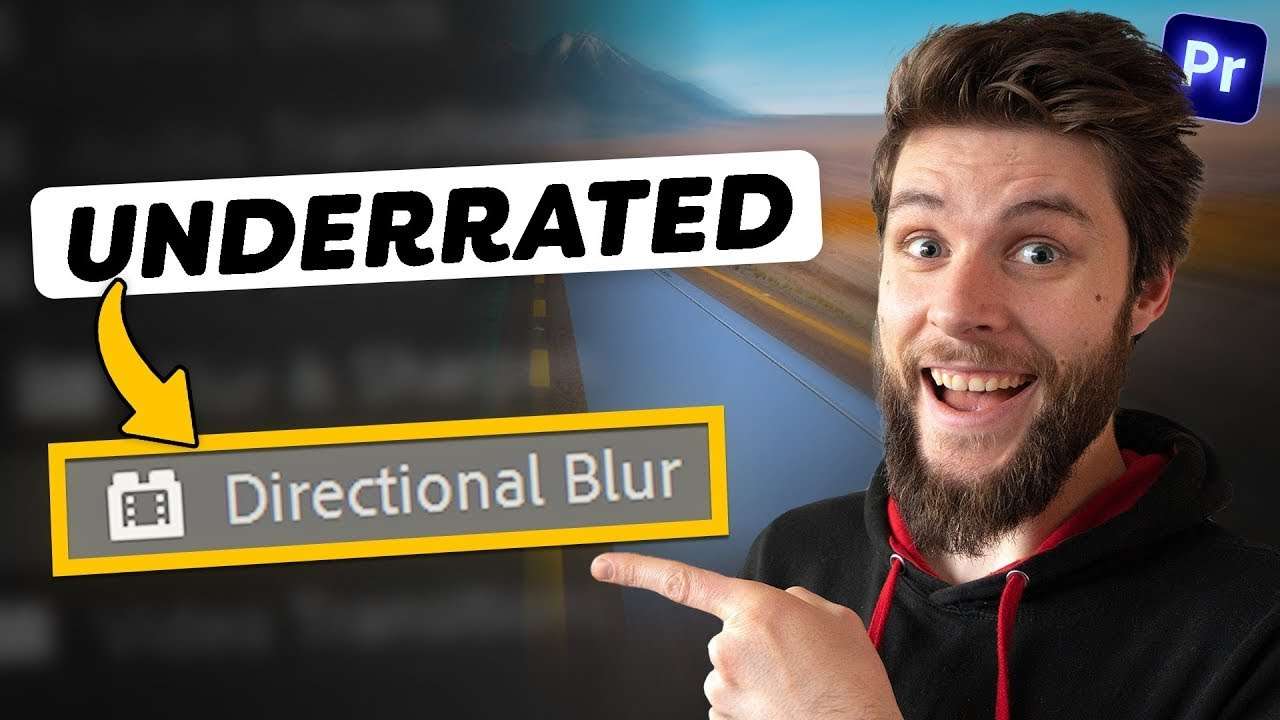
Learn 3 mind blowing effects you can create with a simple gaussian blur or directional blur in this Adobe Premiere Pro tutorial video
Using Premiere Pro Effects to your advantage
You can do more with some effects than you think. Let's take a look at the directional blur for example. You can use it to create transitions and other awesome things, but that's not all. As you might know, we don't have a radial blur in Premiere.
Don't worry. The directional blur effect can be used for that in combination with some other minor tweaks. Let's say you wanna create motion blur of a moving car. Add four directional blur effects to the clip and set the direction to where the car is going.
Then mask out the corners so the middle becomes visible and feather the masks. Find the lens distortion and decrease the curvature. Now you created your own radial blur.

Forgot to open your aperture? No worries
So you made a beautiful video of yourself outside but you forgot to open the aperture. This means you have no background blur which is kinda sad. Did you know that you can actually create that effect inside premiere?
It's not that difficult. Mask out the subject and track it using premieres tracking feature. Then put a gaussian blur effect on the background and that's it. If you wanna put even more work in it, mask out objects closer to the lens such as these oil barrels and add a smaller amount of blur to them. That way the blur is looking exactly like in real life.

Luminar Neo
Big thanks to Luminar Neo for sponsering this video. Luminar Neo is an easy-to-use photo editing software that empowers photography lovers to express the beauty they imagined using innovative AI-driven tools. Get Luminar Neo with the best deal before the price rises.
Jordy Vandeput
Founder of Cinecom · 2.75M+ subscribers on YouTube
Jordy Vandeput is a Belgian filmmaker who has taught practical filmmaking to millions through Cinecom. He breaks professional techniques down into clear, repeatable steps you can use on your very next project.








0 comments