How to Create a Camera Shake (Premiere Pro Tutorial)
 Jordy Vandeput
338K views
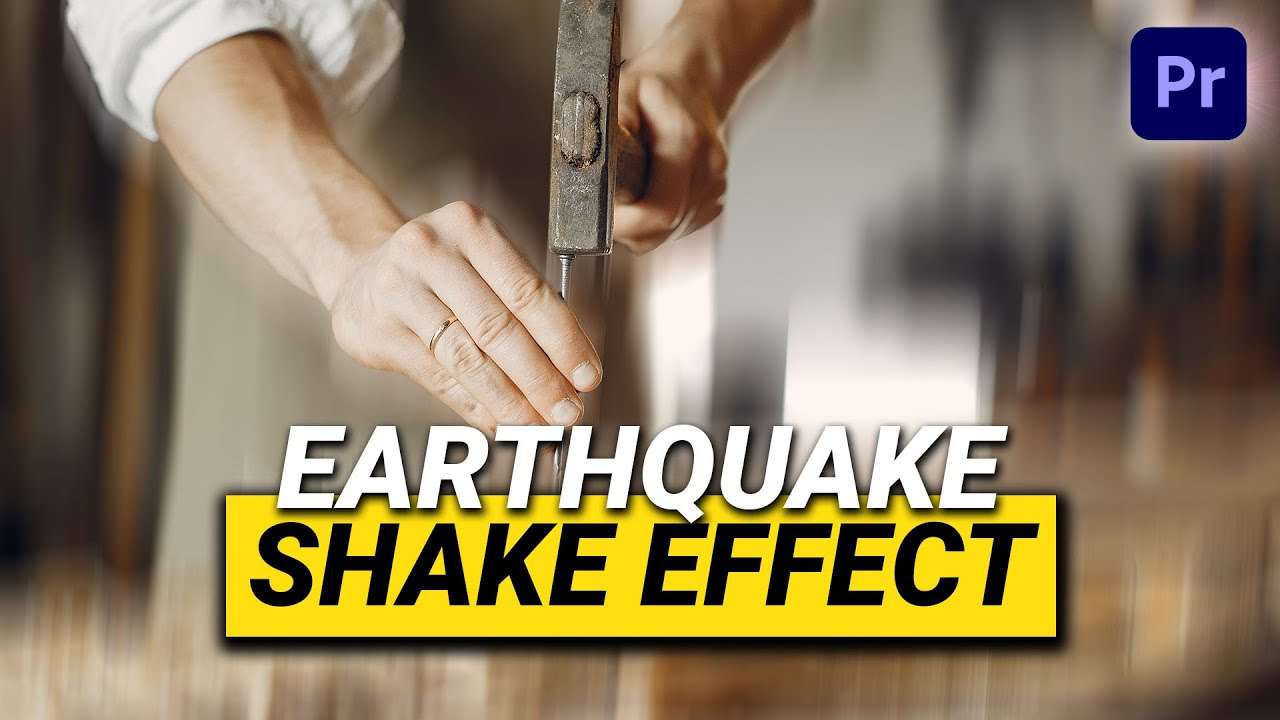
Learn how to create a camera shake effect with the directional blur and transform effect in Adobe Premiere Pro in this beginner tutorial.
Creating a camera shake in adobe premiere pro
If you're a fan of the Cinecom channel you've probably seen our Earthquake tutorial where we created presets that you can use in Adobe Premiere Pro to get a camera shake effect. Or to create a shaky cam effect. This is useful when you've filmed on a tripod but want a handheld look.
If you want to create a camera shake effect yourself you can easily do that by playing around with the directional blur effect or the transform effect. You can animate the properties and get a desired look. This can be a soft shake or a hard shake.
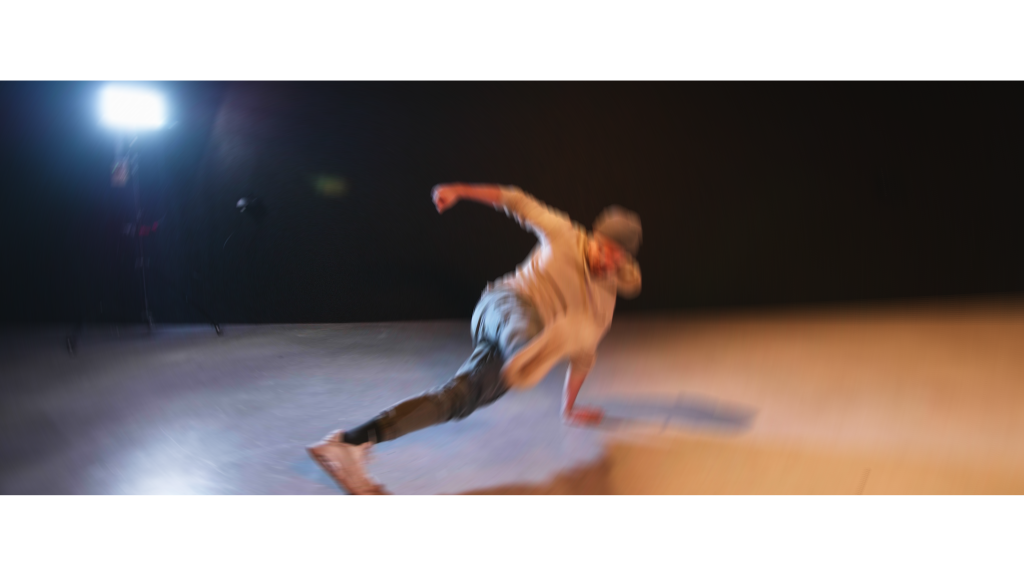
Why are camera shakes useful?
You can use camera shakes to enhance movements on screen. When you see someone or something falling on the ground, stomping or exploding a camera shake can make the visual impact way more effective. It can also be used to enhance the beat of a music video for example. And even as a transition!
Skillshare
If you want to learn more about Adobe Premiere Pro, Adobe After Effects, color grading or film making I recommend having a look at our Skillshare classes. The first two weeks are completely for free and this will give you access to not only our classes but thousands of others as well. So the best start of 2021 is learning new skills!
Jordy Vandeput
Founder of Cinecom · 2.75M+ subscribers on YouTube
Jordy Vandeput is a Belgian filmmaker who has taught practical filmmaking to millions through Cinecom. He breaks professional techniques down into clear, repeatable steps you can use on your very next project.








0 comments