3 FAST & EASY Beginner Effects (Premiere Pro Tutorial)
 Jordy Vandeput
48K views
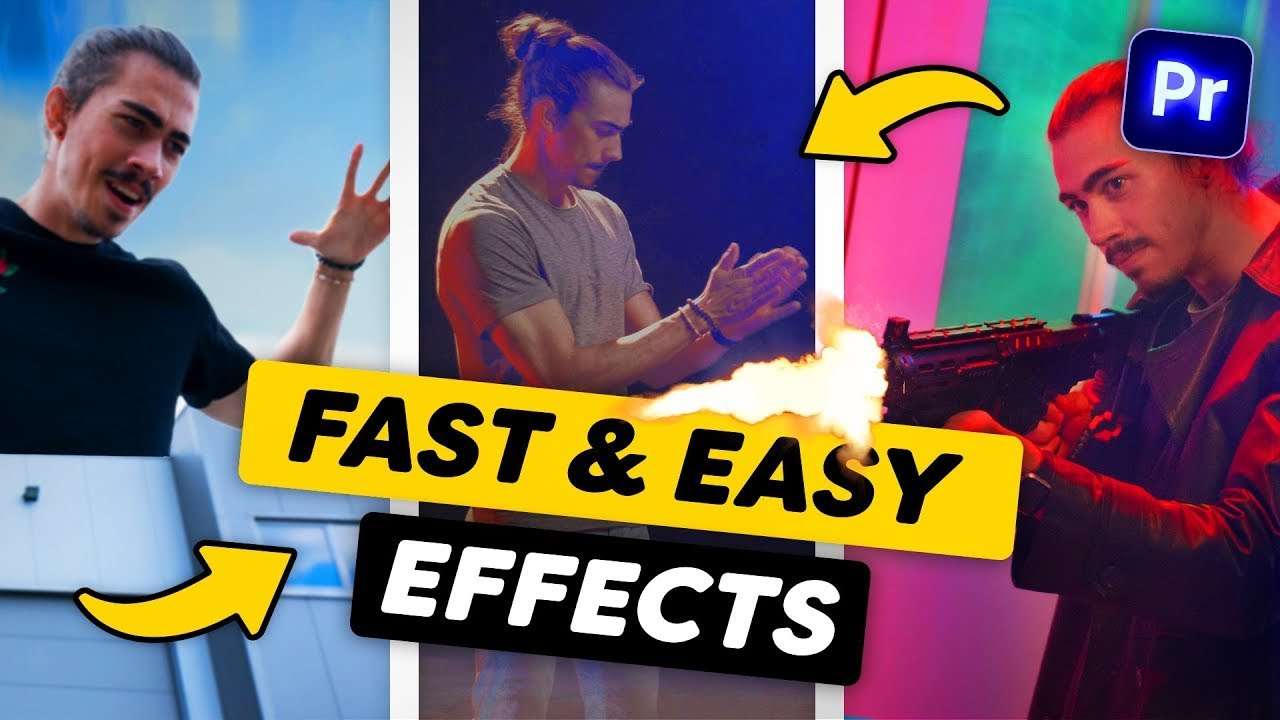
Learn how to become invisible, how to become giant and how to add a muzzle flash in this Adobe Premiere Pro tutorial video.
Watch out! There's a giant!
Do you want to know how to make yourself a giant in Premiere Pro? Good thing you're here because that effect is actually the easiest one on the list. Start by making two shots on a tripod. The first shot is one of a building, the other one of a talent walking in front of it.
Then simply mask out the building in the first shot and drag it on top. That's it! Now you know how to make yourself giant in Premiere Pro!
Shooting a gun in Premiere Pro
Another easy and fast effect you can try is faking a gunshot in Premiere. Make a shot of someone acting like they're shooting a gun and drag it in Premiere. Now find a muzzle flash online or check out our Action Elements pack by clicking here.
Allign your muzzle flash with your gun and there you go!
Storyblocks
Big thanks to Storyblocks for sponsoring this video. Download over a million stock assets on Storyblocks.com/PremiereBasics
Jordy Vandeput
Founder of Cinecom · 2.75M+ subscribers on YouTube
Jordy Vandeput is a Belgian filmmaker who has taught practical filmmaking to millions through Cinecom. He breaks professional techniques down into clear, repeatable steps you can use on your very next project.








0 comments