How to FAKE a TELEVISION SCREEN (Premiere Pro Tutorial)
 Jordy Vandeput
121K views
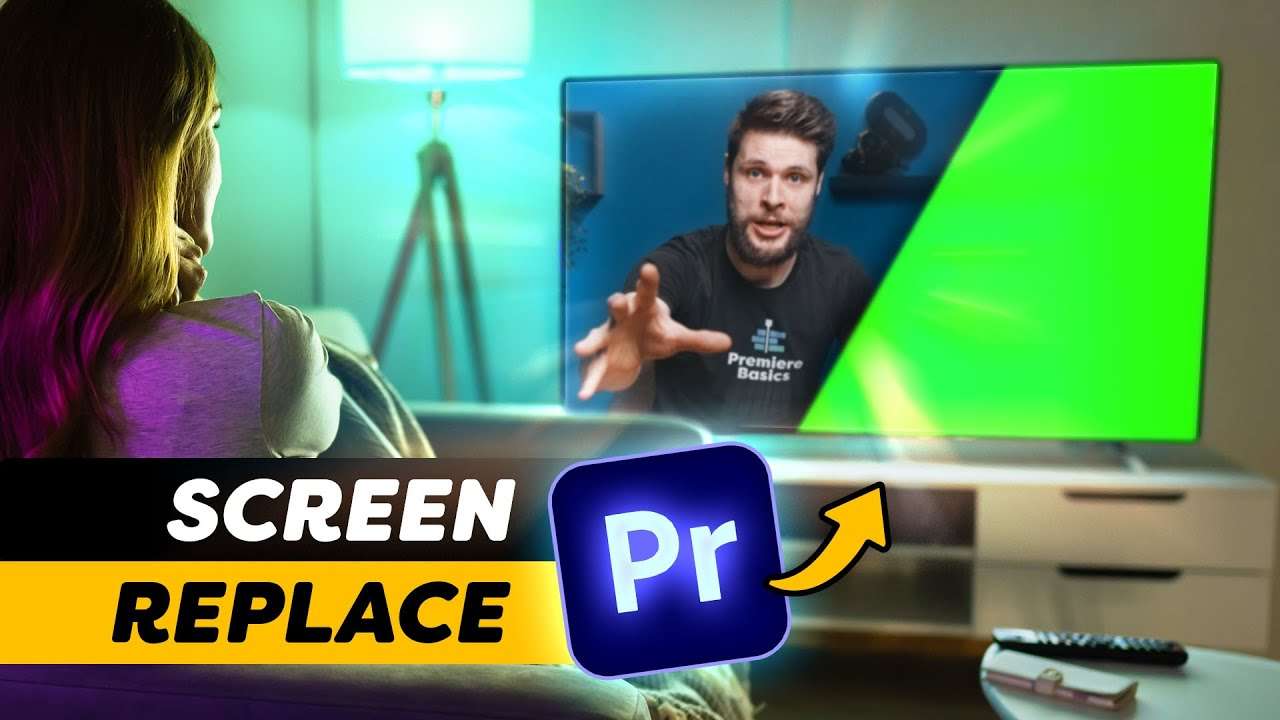
Learn how to add a video on your television to create a realistic fake TV effect with reflections using Adobe Premiere Pro in this tutorial.
Changing the TV Video
It's very common that you'll find stock clips of TV's with a greenscreen to change the video. The only advantage it has is to key out anything that comes in front of the TV. But it also comes with some problems, such as green spill. Definitely in dark rooms, it's gonna be really hard to get rid of the green light.
So when your actor does not come in front of the TV, it's best to just keep it turned off. We can now go ahead and change the TV video and create natural reflections across the room.
The Corner Pin Effect
Using the corner pin effect we can easily position the new video on top of the TV panel. Using the four anchor points, it creates a perspective that can match up with the angle of the television.
Reflections and Detail
To really sell the effect, it's important to create reflections and pay attention to detail. There're two reflections we have to create; The light of the television that reflects on a table or the cabinet that the TV is standing on. And practical lights in the room that reflect onto the TV panel. During the day, this is usually gonna be a window.
We can make such reflections by simply moving the dedicated picture in place. You can use the corner pin for that again. Then mask out the video to make it fit on the surface and finally blend it using the screen mode.
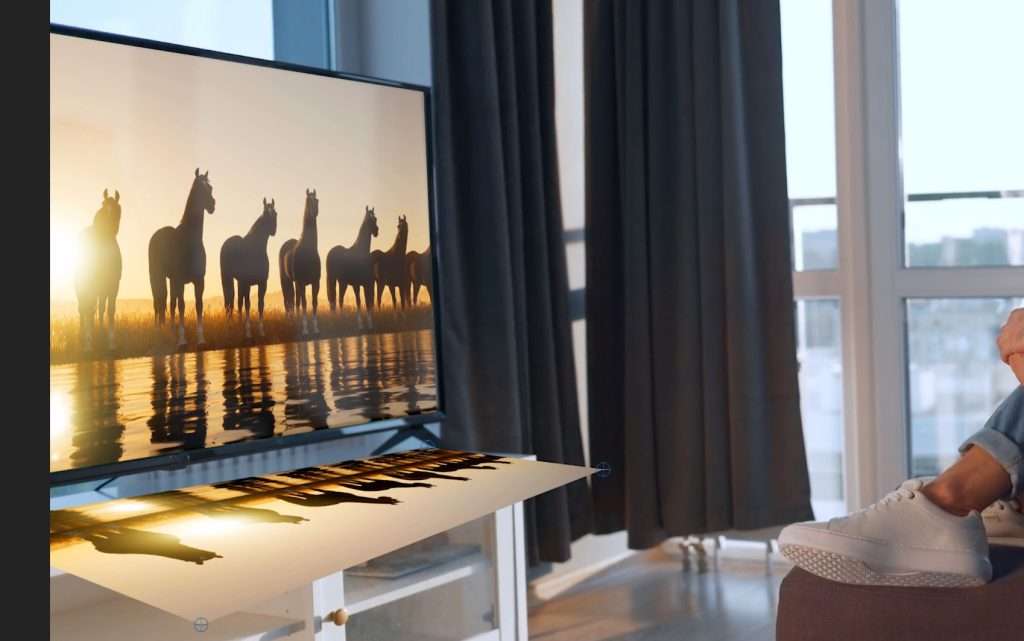
Depending on the surface, you might want to add some gaussian blur. Don't forget to also decrease the opacity. Reflections should always be subtle.
Jordy Vandeput
Founder of Cinecom · 2.75M+ subscribers on YouTube
Jordy Vandeput is a Belgian filmmaker who has taught practical filmmaking to millions through Cinecom. He breaks professional techniques down into clear, repeatable steps you can use on your very next project.








0 comments