Use THIS effect for CINEMATIC Results
 Jordy Vandeput
387K views
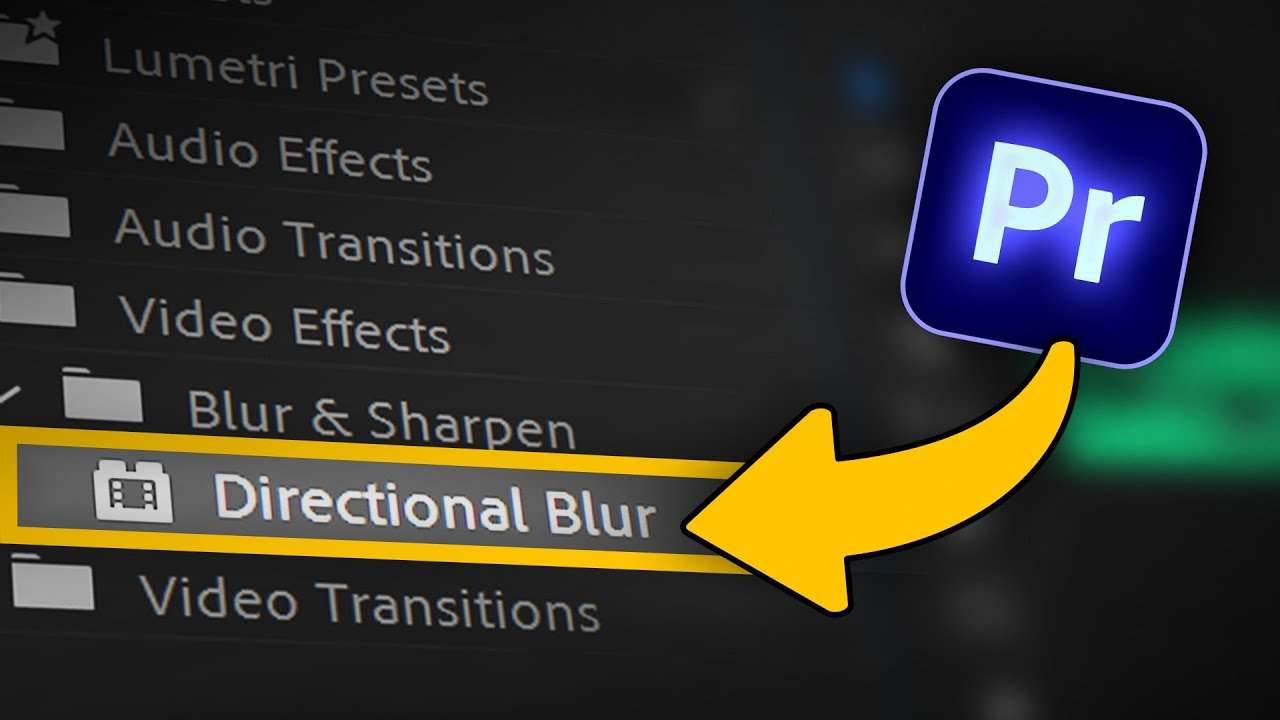
Learn how to make realistic and amazing looking God rays in Adobe Premiere Pro using this new tutorial video.
Cinematic God rays in premiere pro
God rays are beautiful, aren't they? They naturally occur when light shines through an object. What if there's a way to make your own god rays even after shooting your video? Well, there is! You can easily make them shine using Adobe Premiere Pro!
There is a lot of masking involved but if you're willing to do that, you can achieve some good looking god rays inside Premiere.
Falling dust.
One thing that I think is really beautiful about the god rays is when you can litterally see the dust flying in the air when you're looking into the beams. And of course we found a way to recreate that to! We found a stock clip on storyblocks which we could easily blend with our video!
Storyblocks
Big thanks to Storyblocks for sponsoring this video. Download over a million stock assets on Storyblocks.com/PremiereBasics
Jordy Vandeput
Founder of Cinecom · 2.75M+ subscribers on YouTube
Jordy Vandeput is a Belgian filmmaker who has taught practical filmmaking to millions through Cinecom. He breaks professional techniques down into clear, repeatable steps you can use on your very next project.








0 comments