How to Create a LIGHTSABER In Premiere Pro (Tutorial)
 Jordy Vandeput
54K views
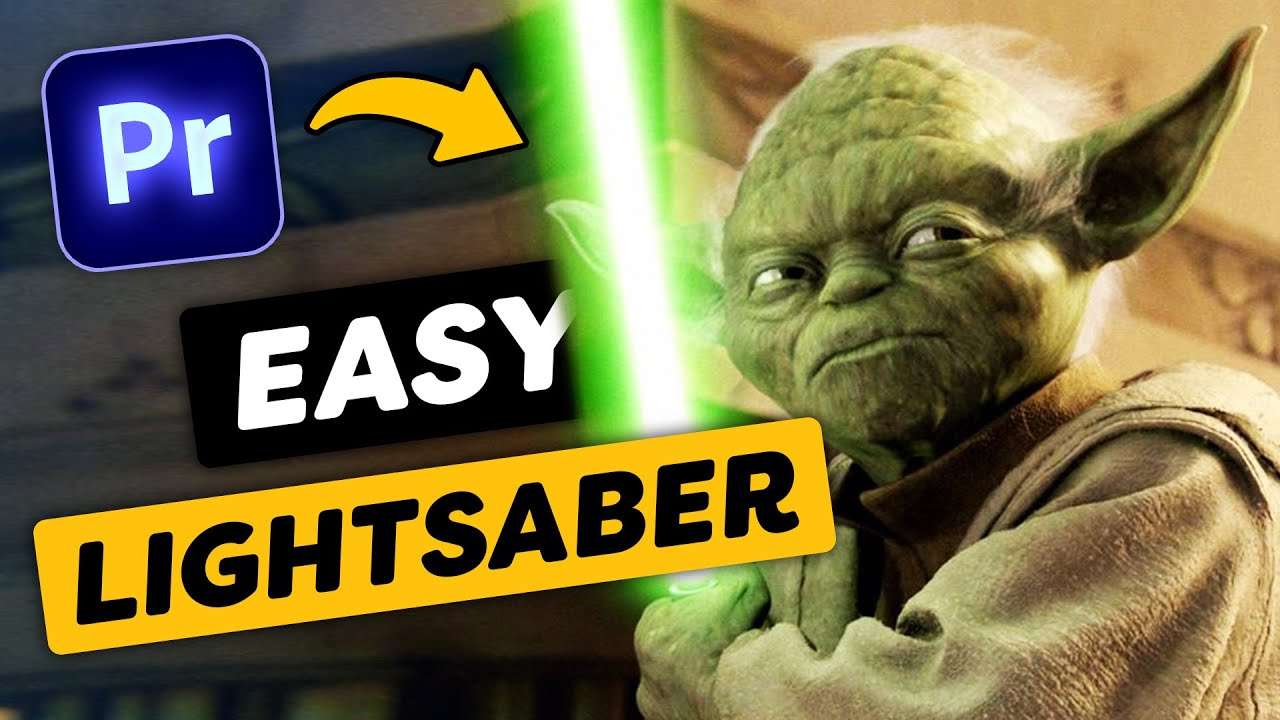
Learn how to make your own star wars lightsaber in adobe premiere pro with this easy follow along tutorial video.
A lightsaber, how awesome is that?
Yes, it's possible to turn yourself into a Jedi (or a Sith) inside Premiere Pro! All you need is a stick and a camera. Simply make a shot of you swirling around with a stick or something else that could reference a lightsaber, and you're good to go!
To create this effect in Premiere we're actually using the build-in lightning effect. But how can you create a steady lightsaber from a lightning bold? Easy. You can do that by turning down all the controls and changing the colors to white. You can change the thickness of your lightsaber with the width control. It's that easy!
Animating in Premiere Pro
To animate the lightsaber we used the transform effect from Premiere. That way we could add motion blur to the movements without the need of other effects. Animate the lightsaber frame per frame and you're good to go!
In our tutorial video above we go in depth about how to do this, but also how to give your lightsaber a color and that awesome glow effect you see in the movies. So don't hesitate to check it out yourself!
Learn Adobe After Effects
In this tutorial we're creating a lightsaber in Adobe Premiere Pro but you can also learn how to do this in Adobe After Effects. Click here to Learn Adobe After Effect for beginners.
Jordy Vandeput
Founder of Cinecom · 2.75M+ subscribers on YouTube
Jordy Vandeput is a Belgian filmmaker who has taught practical filmmaking to millions through Cinecom. He breaks professional techniques down into clear, repeatable steps you can use on your very next project.








0 comments