How to Create a Motion Graphics Loading Bar (Premiere Pro Tutorial)
 Jordy Vandeput
19K views
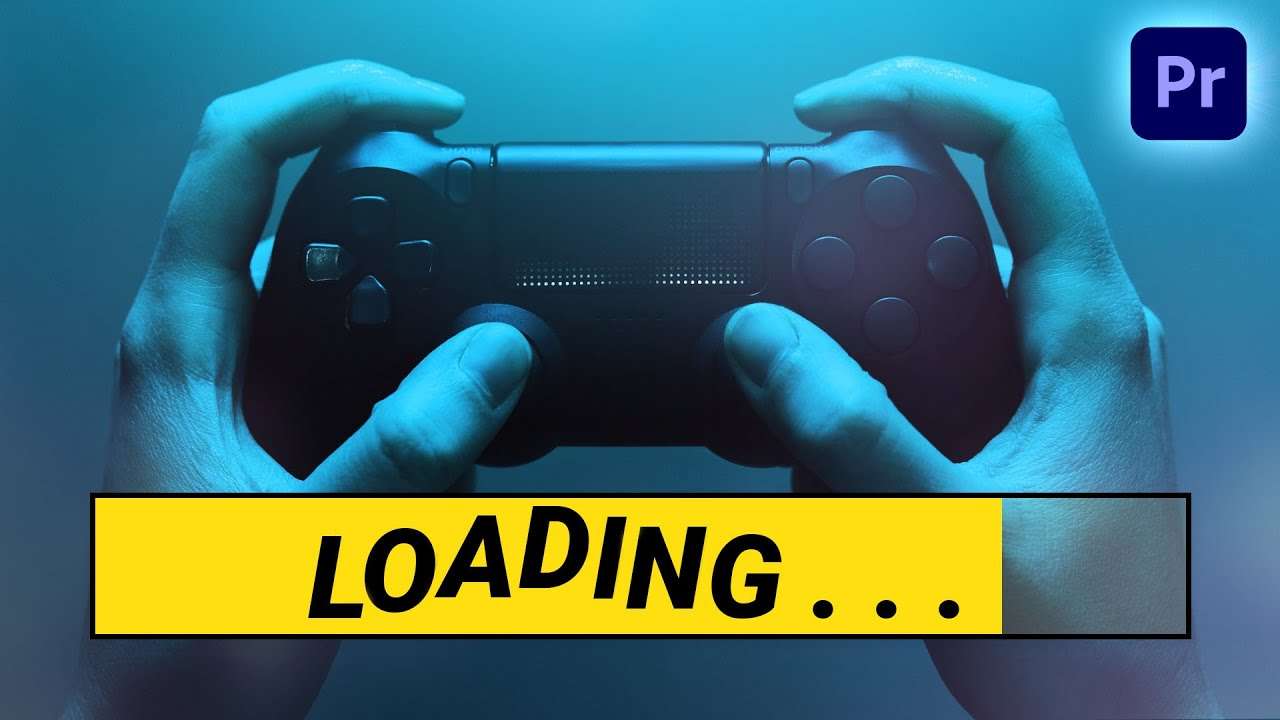
Learn how to create a loading bar with motion graphics animations in this Adobe Premiere Pro beginner tutorial.
How to create a Loading Bar in Adobe Premiere Pro
I know there a lot of gamers on YouTube who want to showcase their amazing gaming skills to everyone. And often times they want to make cool edits of their game sessions. Since a lot of these gamers edit these gameplay videos in Adobe Premiere Pro I thought it would be cool to create a loading bar as a motion graphics asset. In Premiere Pro of course.
How to create motion graphics
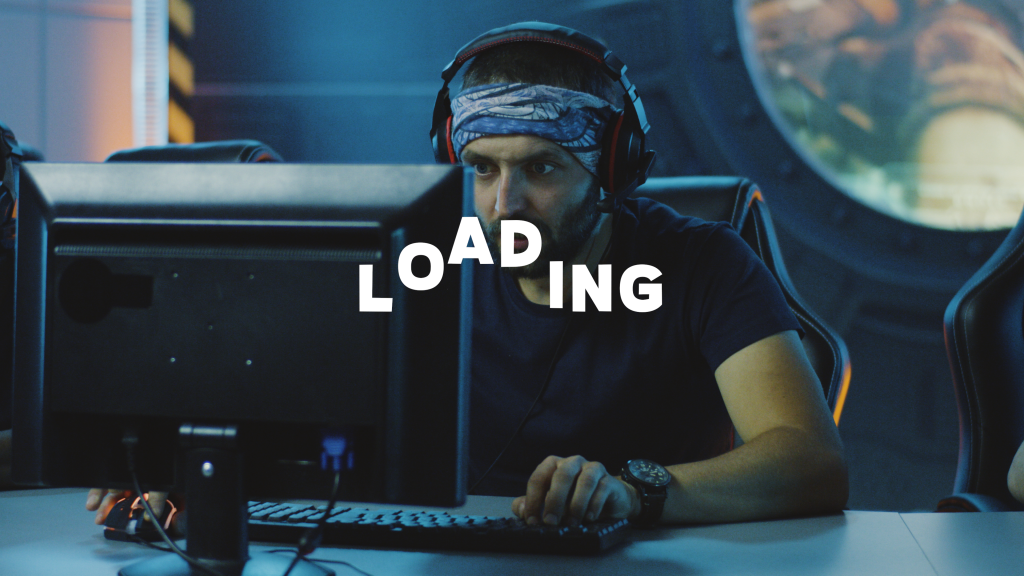
Let's start with the basics, creating a simple text that we can animate. From the 'essential graphics' panel we can add texts and shapes. Of course you can create your own custom look for all of this. You can then animate this with the crop and transform effect for example.
Creating loops in Premiere pro
You've created an animation with your motion graphics but you want to loop it... Is that possible? Sure! Simply duplicate you clips in the timeline and place it behind eachother, you can do that for as many times as you want. Then you can select all those clips and nest them. This way you can still reposition, resize or shorten the loop.
Learn adobe after effects
If you want to learn about motion graphics and how you can create stunning visuals with them I highly recommend learning Adobe After Effects. With our dedicated class on Skillshare you can learn all the basics. The first two weeks are completely for free so it's the ideal way to learn the basics of After Effects without any costs.
Jordy Vandeput
Founder of Cinecom · 2.75M+ subscribers on YouTube
Jordy Vandeput is a Belgian filmmaker who has taught practical filmmaking to millions through Cinecom. He breaks professional techniques down into clear, repeatable steps you can use on your very next project.








0 comments