How To Make INSANE Logo Animations (Premiere Pro)
 Jordy Vandeput
553K views
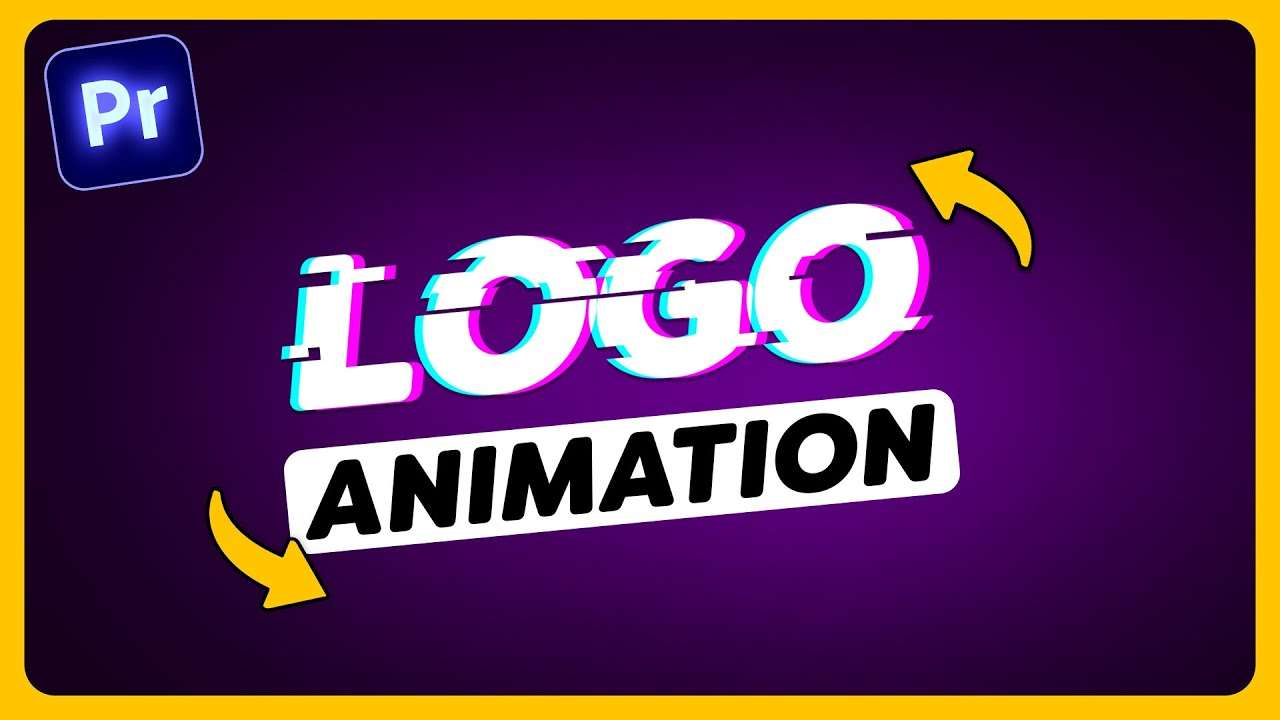
Learn how to create super professional logo and text animations in this Adobe Premiere Pro tutorial video.
Creating a background
Creating an animated background in Adobe Premiere Pro is super easy. First create a black color matte and drag it in the timeline. Now we have a black background and to add some movement to it, we're gonna use some effects.
Find the noise effect in the effect browser and drag it on the color matte. Then play with the settings until you have the amount of noise you like.
To make the background even more unique, find the lens distortion effect and drag it on the color matte. Decrease the curvature until you get a distorted image.

Create animations in premiere pro
All you need to use are shapes and a logo of course. Combined with some of Premiere's effects you can achieve super clean animations. Just like in Adobe After Effects.
All the movement is created with the transform effect. The secret is easing your keyframes, but also adjusting the curve to the animation. If you increase the shutter angle, you will give motion blur to the animation, which is super cool.
The VR Digital Glitch and the VR Cromatic Abberations effects will give you the glitchy effects in the animation. Just drag them on the clip and adjust the settings to your liking. This is different for every animation. Definitely check out the tutorial above for the full in depth tutorial of this logo animation.
Audiio
Thank you Audiio for sponsoring this video! Audiio has an entire music and sound effects library for creators and filmmakers. Check out Audiio!
Jordy Vandeput
Founder of Cinecom · 2.75M+ subscribers on YouTube
Jordy Vandeput is a Belgian filmmaker who has taught practical filmmaking to millions through Cinecom. He breaks professional techniques down into clear, repeatable steps you can use on your very next project.








0 comments