IGNORING These COLOR Grading Tricks Will Ruin Your Edits
 Jordy Vandeput
59K views
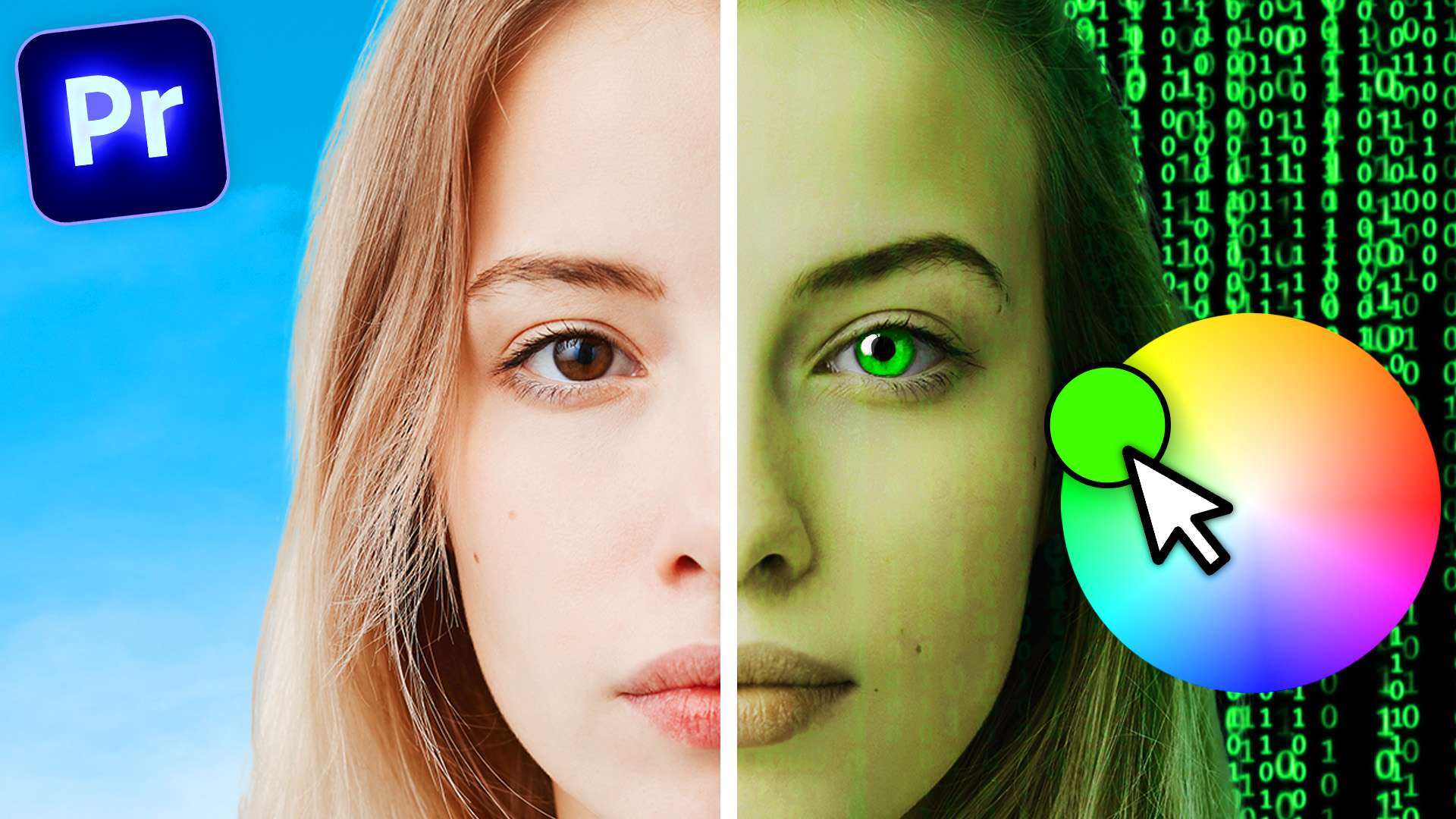
Learn how to use Premiere's color grading tools like Lumetri to level up your editing skills in this Adobe Premiere Pro tutorial video.
Make Bad camera's look cinematic
One of the colors that most digital camera's are often very sensitive to, is the color green. When shooting in a location with lots of grass and trees, your shot may look 'flashy' and the greens will look very very saturated. Luckily there's an easy fix for that using Lumetri Color in Premiere Pro.
In the curves tab, find the Hue VS Saturation curve. Then with the color picker, select the greens of your video. With the middle point you can simply drag it down and that will result in a beautiful balanced color grade.

Muzzle Flash reflections with Lumetri
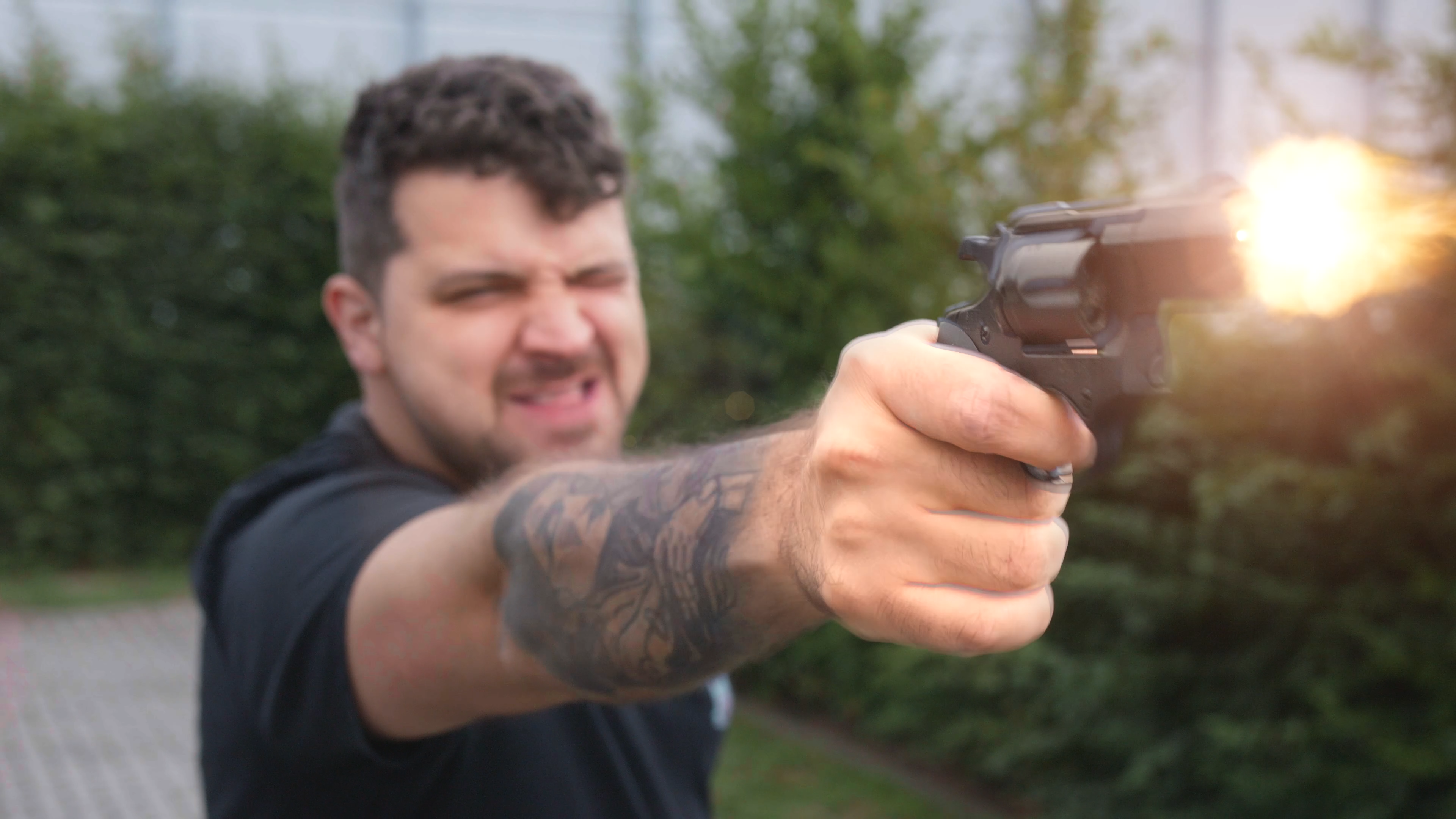
Guns also leave behind a source of light when pulling the trigger. The muzzle flash is actually 'fire' and reflects light on the gun and on the body parts close to it. In darker rooms, the gunshot will be even brighter and might reflect on a wall. To recreate this effect with lumetri, increase the exposure of the video your working on.
Fire also leaves behind a warm color, so don't forget to add a little warmth with the temperature slider. Next step is creating a mask on the lumetri effect. Just draw a simple mask around the hand, gun, arm and face. Now all that's left to do is animate the mask opacity so that the light reflection will be visible for only one frame.

Become a color grading MASTER!
Learn the complete ins and outs of Lumetri Color in Adobe Premiere Pro, in just two hours! Click the link here!
Jordy Vandeput
Founder of Cinecom · 2.75M+ subscribers on YouTube
Jordy Vandeput is a Belgian filmmaker who has taught practical filmmaking to millions through Cinecom. He breaks professional techniques down into clear, repeatable steps you can use on your very next project.








0 comments