I Stole MrBeast’s Transitions (Premiere Pro Tutorial)
 Jordy Vandeput
130K views
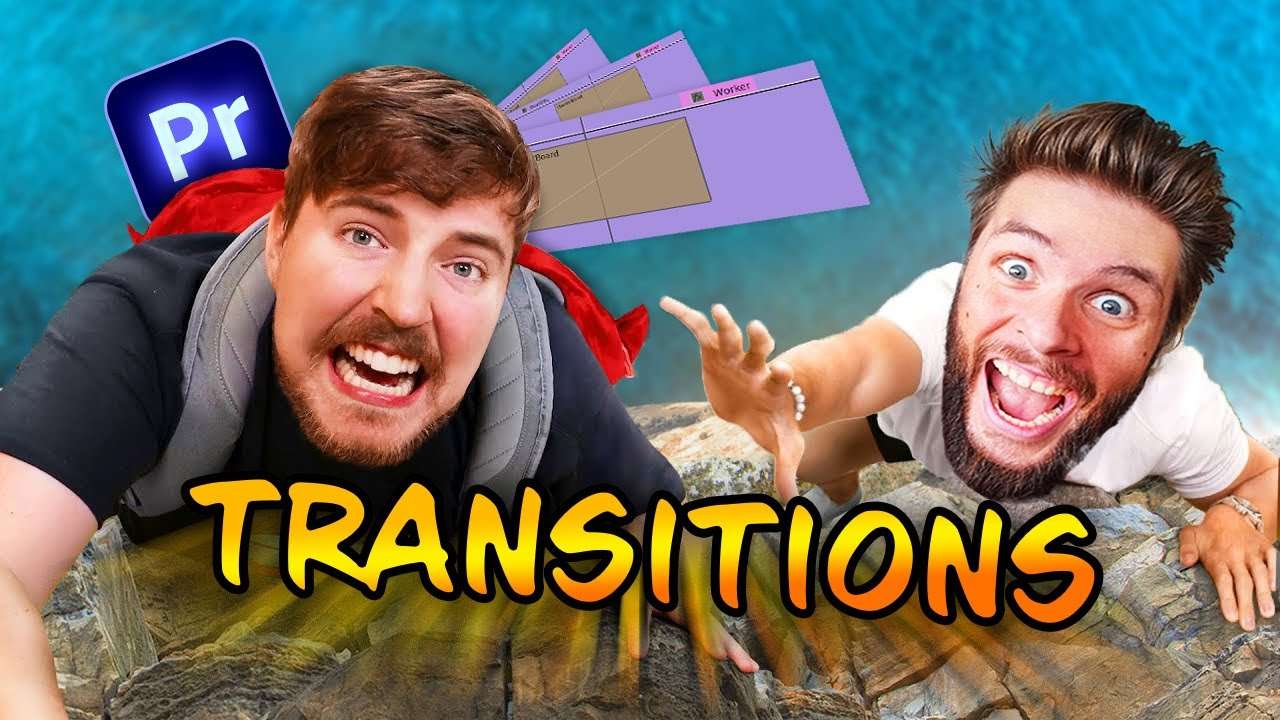
Learn how to create trending transitions from scratch by yourself just like mrbeast in this Adobe Premiere Pro tutorial video.
Starting with a catchy transition
MrBeast always starts of his videos with a catchy seamless zoom transition like this one. Did you know that you can create this animation in Adobe Premiere Pro? You only need to make this transition once, because once you have it, you can use it as a preset on every clip in the future. No need for CPU-heavy plugins that will cost you money!
The trick is finding a way to fill up the sides of the clip so that you can zoom in without having black bordes. This is actually super easy to do, check out the video above for an in depth instruction!
Glitchy Lens Distortion
This is one of my absolute favourite transitions of all time! And suprise suprise, you can make it really fast in Adobe Premiere Pro for free without any external plugins. The great thing is that the effects used to create this transition, are also GPU accelerated. This means that most computers or laptops won't have any issues playing it back.
You only need two effects for this transition. The VR Rotate Sphere effect, and the VR Chromatic Aberrations effect. The first one is used for the lens distortion and the second one for the glitchy color edge around the image.
Again, you only need to make this effect once and after that, you can just use it as a preset on your future projects. Super easy to create so check out the video above!
Storyblocks
Thanks Storyblocks for the support! Download unlimited assets here.
Jordy Vandeput
Founder of Cinecom · 2.75M+ subscribers on YouTube
Jordy Vandeput is a Belgian filmmaker who has taught practical filmmaking to millions through Cinecom. He breaks professional techniques down into clear, repeatable steps you can use on your very next project.








0 comments