How to get the PERFECT GREEN KEY in Adobe Premiere Pro
 Jordy Vandeput
353K views
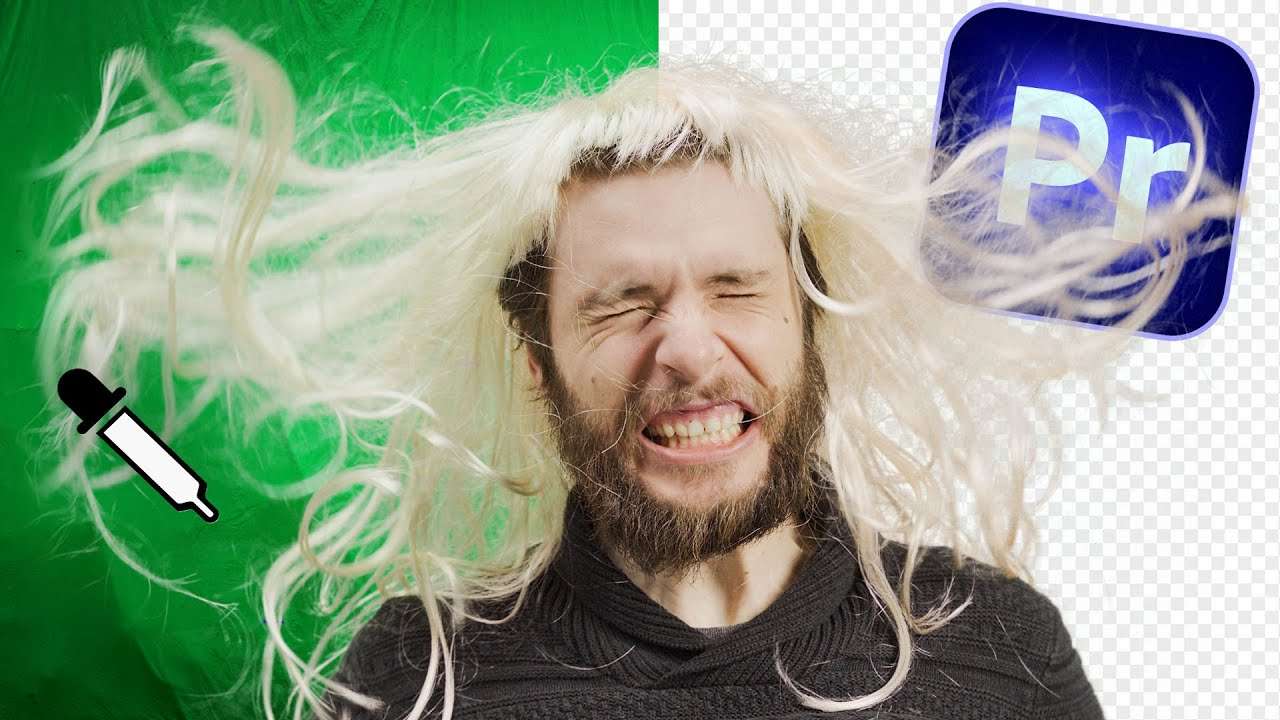
Learn how to easily pull the perfect green key using the ultra key effect in this Adobe Premiere Pro tutorial for beginners.
How to Setup a Green Screen
Pulling a green key sadly isn't as easy as a simple click on our mouse. It takes some time to get that perfect key. Being able to pull a good key doesn't only depend on how good you are able to drag around controls.
It's what happens before you press that record button what makes the difference between 30 minutes of work versus 5 hours of work.
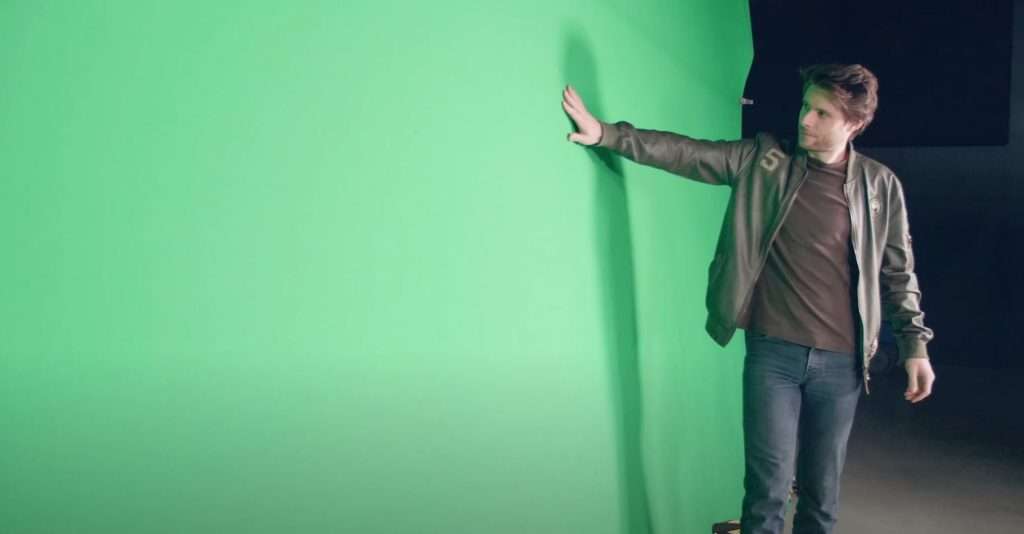
How to get a perfect greenscreen
First of all tighten the greenscreen. Wrinkles create shadows or in other words different kind of greens. Which is exactly something we don't want.
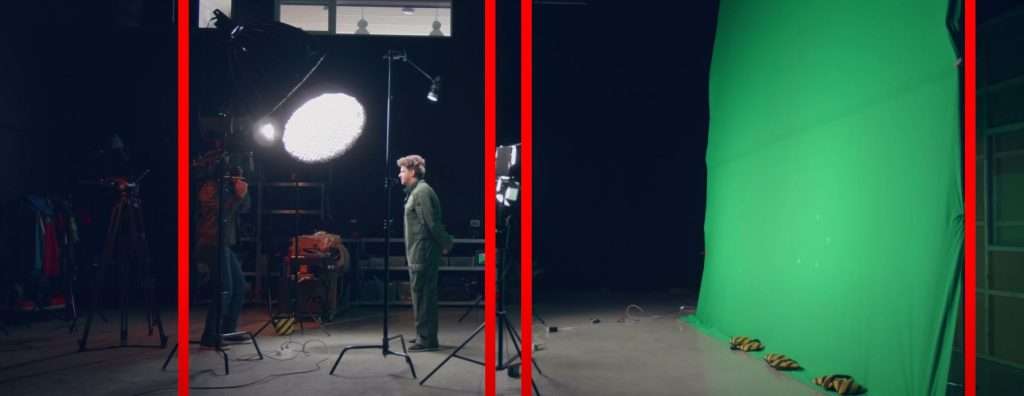
Pay attention the your light. Ideally you have 2 lamps, 1 on each side which light it up evenly. Avoid hot spots and a vignette look on your greenscreen from your shadows.
Another big tip for as little spill as possible is to take enough distance from your greenscreen. Since your shining light onto it, it reflect green light back onto your subject. Again something we don't want.
The last tip are camera settings. Try to have as little noise as possible so don't shoot too dark or with a high iso. Try to avoid a lot of motion blur. Motion blur is transparent so you will see the screen behind it, making the key more difficult. So increase that shutter speed if needed.
Following these tips will make the key in post production way faster and easier.
Storyblocks
Big thanks to Storyblocks for sponsoring this video. Download over a million stock assets on Storyblocks.com/PremiereBasics
Jordy Vandeput
Founder of Cinecom · 2.75M+ subscribers on YouTube
Jordy Vandeput is a Belgian filmmaker who has taught practical filmmaking to millions through Cinecom. He breaks professional techniques down into clear, repeatable steps you can use on your very next project.








0 comments